




YiYahhh
BenLotus Member
-
Joined
-
Last visited
Everything posted by YiYahhh
-
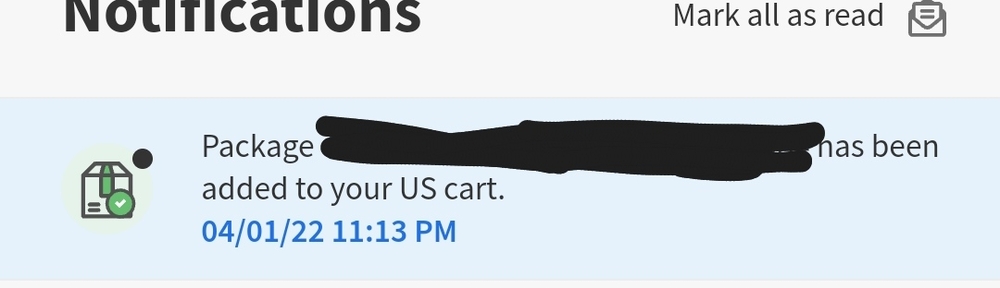
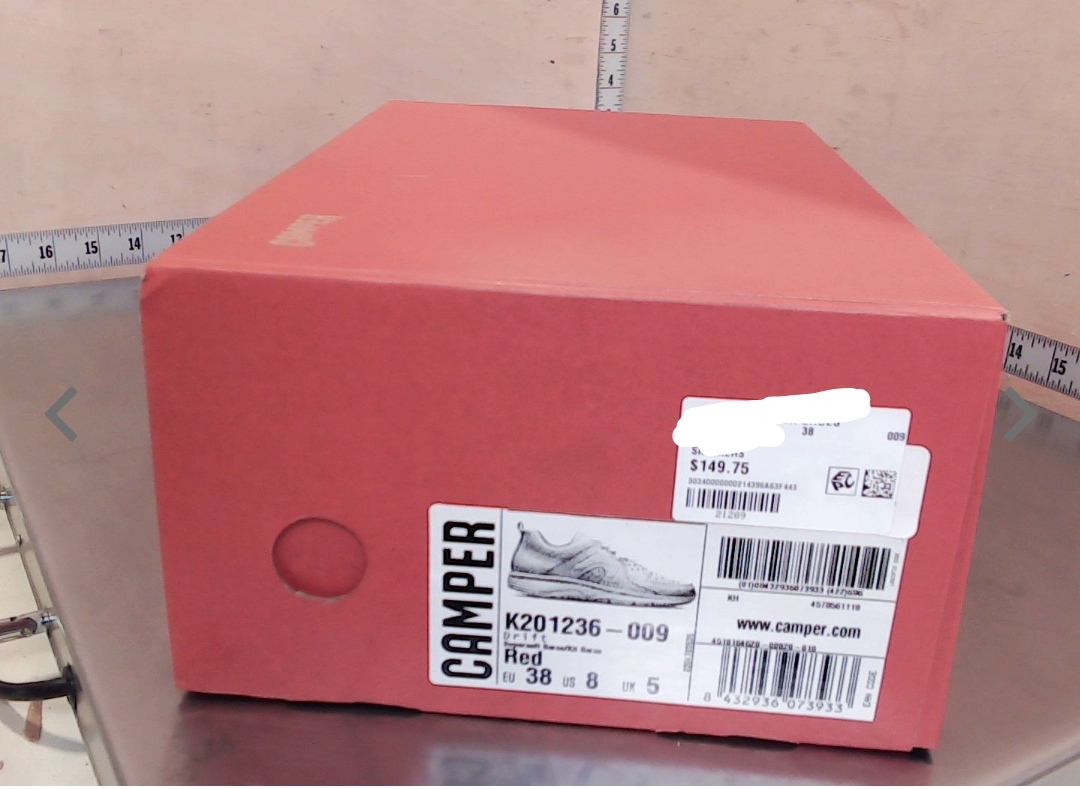
update ko lang po kakadating lang nung kinuha ko kanina
-
verified na po? pa send ng xrp address pati dest. tag ng abra click nyo lang po yung Add Money sa Abra tapos Deposit cryptocurrency tas search XRP at click XRP lalabas na address tsaka dest. taglegit po yan pwede nyo check sa yt or sa ibang group.wala pong Darwin A. meron lang po Darwin D.may gumagana pa ba?Hindi ko pa nakikita alam ko na agad yan? kala ko tama nasa isip ko HAHAthanks!kasali na po ako sa mga game yung iba hinihintay ko nalang kung mapipili ako yung iba talo:(





Account
Navigation
Search
Configure browser push notifications
Chrome (Android)
- Tap the lock icon next to the address bar.
- Tap Permissions → Notifications.
- Adjust your preference.
Chrome (Desktop)
- Click the padlock icon in the address bar.
- Select Site settings.
- Find Notifications and adjust your preference.
Safari (iOS 16.4+)
- Ensure the site is installed via Add to Home Screen.
- Open Settings App → Notifications.
- Find your app name and adjust your preference.
Safari (macOS)
- Go to Safari → Preferences.
- Click the Websites tab.
- Select Notifications in the sidebar.
- Find this website and adjust your preference.
Edge (Android)
- Tap the lock icon next to the address bar.
- Tap Permissions.
- Find Notifications and adjust your preference.
Edge (Desktop)
- Click the padlock icon in the address bar.
- Click Permissions for this site.
- Find Notifications and adjust your preference.
Firefox (Android)
- Go to Settings → Site permissions.
- Tap Notifications.
- Find this site in the list and adjust your preference.
Firefox (Desktop)
- Open Firefox Settings.
- Search for Notifications.
- Find this site in the list and adjust your preference.