



Ples
MovieBox
-
Joined
-
Last visited
Everything posted by Ples
-
-
Hello. it seems like Bcash shop is missing? disable na po ba ito at hindi na makapanood ng benlotus movies?
-
-
meron bang free window application dito. ung full version
-
nakapgwithdraw na?
-
working perfectly fine! nice bro. Please keep us updated for the new and latest version
-
still working?
-
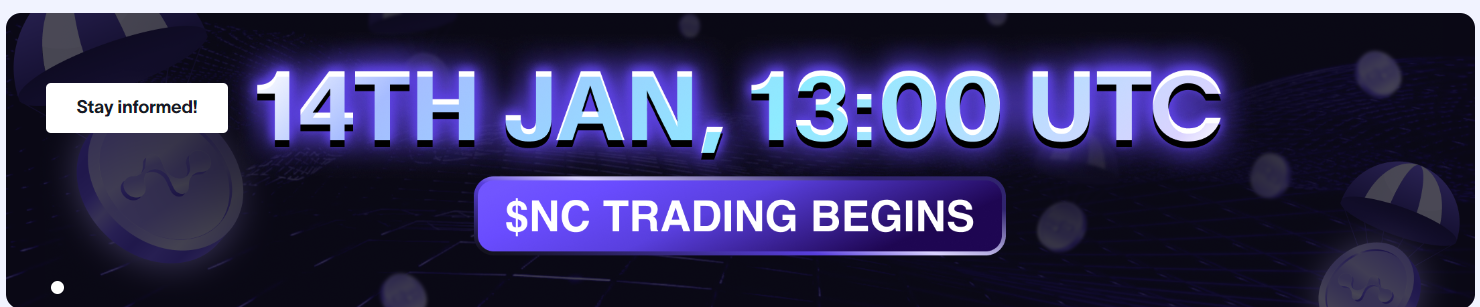
Ka-Bens!! kung wala kpa nitong nodepay. magregister kana dahil kakasimula palang ng season 3. first airdrop nila are season 0,1 and 2, so ineexpect natin na ung 2nd airdrop are season 3,4 and 5, kaya simulan munang mag-ipon ng nodepay mas-maraming nodepay point mas marami kang token na makukuha na pweding i convert to valuable assets!Money is waiting for you in 2025!Nodepay checker is live.
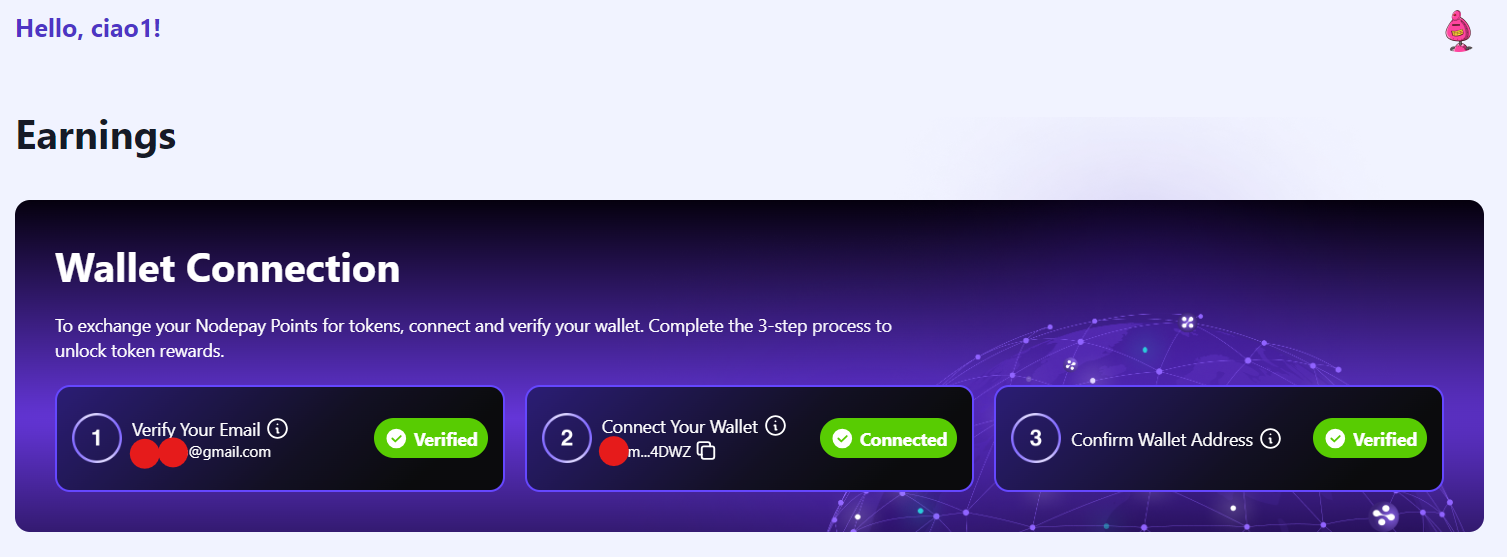
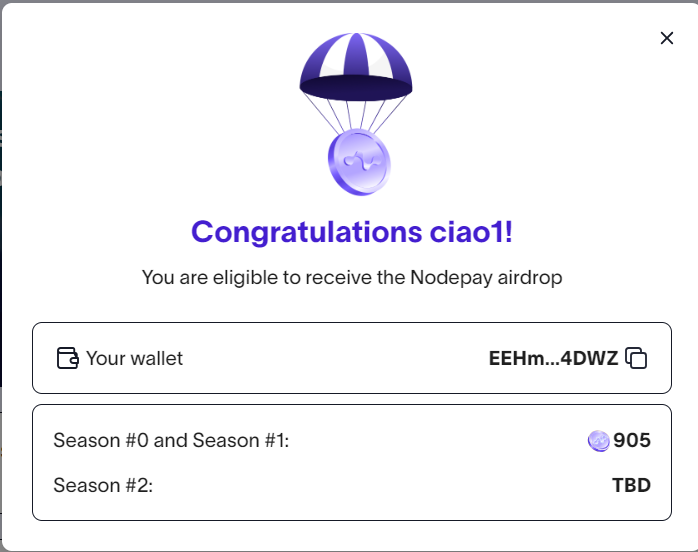 nodepay wallet connection is extended until Dec. 05. to be eligible on the upcoming airdrop. join na kayo mga ka-Bens, - Your points from Seasons 0 and 1 will be converted to tokens and airdropped soonpwedi po ba itong i play sa PC? or need na i burn sa CD?working p po ba? working p po ba?deadline of wallet connection today, else you will not be eligible for the upcoming airdrop. connect na!mga ka symb. naconnect nyo naba solana wallet nyo? big new is coming!
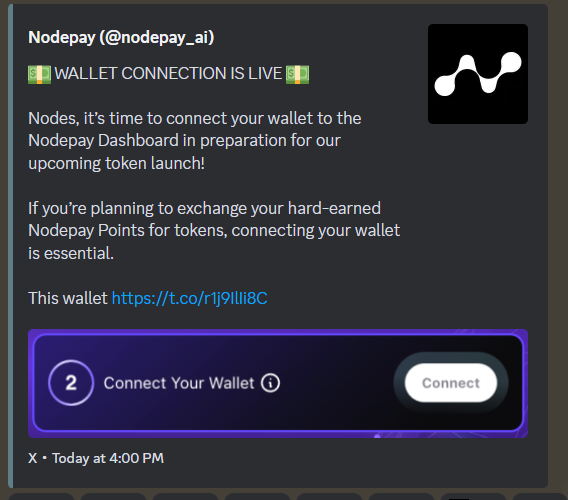 you can now connect your solana wallet on your nodepay dashboard
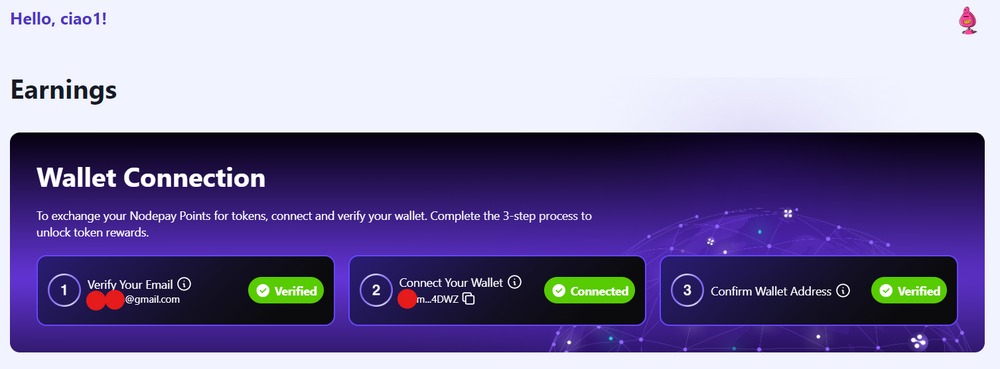 curiousIntroducing Mobile Earnings on Nodepay! You can now earn from anywhere, anytime—right from your pocket! With Nodepay's new mobile app, getting paid for your idle internet has never been this easy or accessible. How Do Mobile Earnings Work? Data is packaged into a block every hour. It uses under 1MB of idle bandwidth to create 8 blocks. Claim your rewards hourly or stack up to 8 hours of earnings. Important Tips: Only 1 Nodepay account is allowed per device. Emulators are not supported. Using the same IP address for both a desktop extension (on Wi-Fi) and the mobile app? No problem—both will work seamlessly. Creating multiple Nodepay accounts to "farm" is strictly against our rules and will result in a permanent ban. Be sure to check the app at least once every 8 hours to maximize your earnings! Links: :applee: : https://apps.apple.com/us/app/nodepay/id6689522455 :androide: : https://play.google.com/store/apps/details?id=ai.nodepay.mobileappIf you are using the same Network to connect your PCs then it's technically useless. Because earning is based on the strength/speed of your Network. (Same earning as 1 device) TIP 1 DEVICE - 1 NETWORK = Earning 2 DEVICE - 1 NETWORK = Same earnings above ~ 2 DEVICE - 2 NETWORK = Double earning And so on..You can now monitor your earning using your phone just download nodepay extension on your phone (android or IOS).


Account
Navigation
Search
Configure browser push notifications
Chrome (Android)
- Tap the lock icon next to the address bar.
- Tap Permissions → Notifications.
- Adjust your preference.
Chrome (Desktop)
- Click the padlock icon in the address bar.
- Select Site settings.
- Find Notifications and adjust your preference.
Safari (iOS 16.4+)
- Ensure the site is installed via Add to Home Screen.
- Open Settings App → Notifications.
- Find your app name and adjust your preference.
Safari (macOS)
- Go to Safari → Preferences.
- Click the Websites tab.
- Select Notifications in the sidebar.
- Find this website and adjust your preference.
Edge (Android)
- Tap the lock icon next to the address bar.
- Tap Permissions.
- Find Notifications and adjust your preference.
Edge (Desktop)
- Click the padlock icon in the address bar.
- Click Permissions for this site.
- Find Notifications and adjust your preference.
Firefox (Android)
- Go to Settings → Site permissions.
- Tap Notifications.
- Find this site in the list and adjust your preference.
Firefox (Desktop)
- Open Firefox Settings.
- Search for Notifications.
- Find this site in the list and adjust your preference.