Skip to content
View in the app

A better way to browse. Learn more.

BenLotus

A full-screen app on your home screen with push notifications, badges and more.

To install this app on iOS and iPadOS
  1. Tap the Share icon in Safari
  2. Scroll the menu and tap Add to Home Screen.
  3. Tap Add in the top-right corner.
To install this app on Android
  1. Tap the 3-dot menu (⋮) in the top-right corner of the browser.
  2. Tap Add to Home screen or Install app.
  3. Confirm by tapping Install.

Oranek

Forum Veteran
  • Joined

  • Last visited

Everything posted by Oranek

  1. eto po baka Kaya ? Song and the gifts of the frontiers
  2. wow try ko maraming salamat talaga dito
  3. try ko thanks
  4. 2. Can you count the number of circles that contain a black dot? My Answer: 12
  5. da best talaga to buti napadpad ako dito ?
  6. napakagaling nila dito ?
  7. try ko to Kung working pa
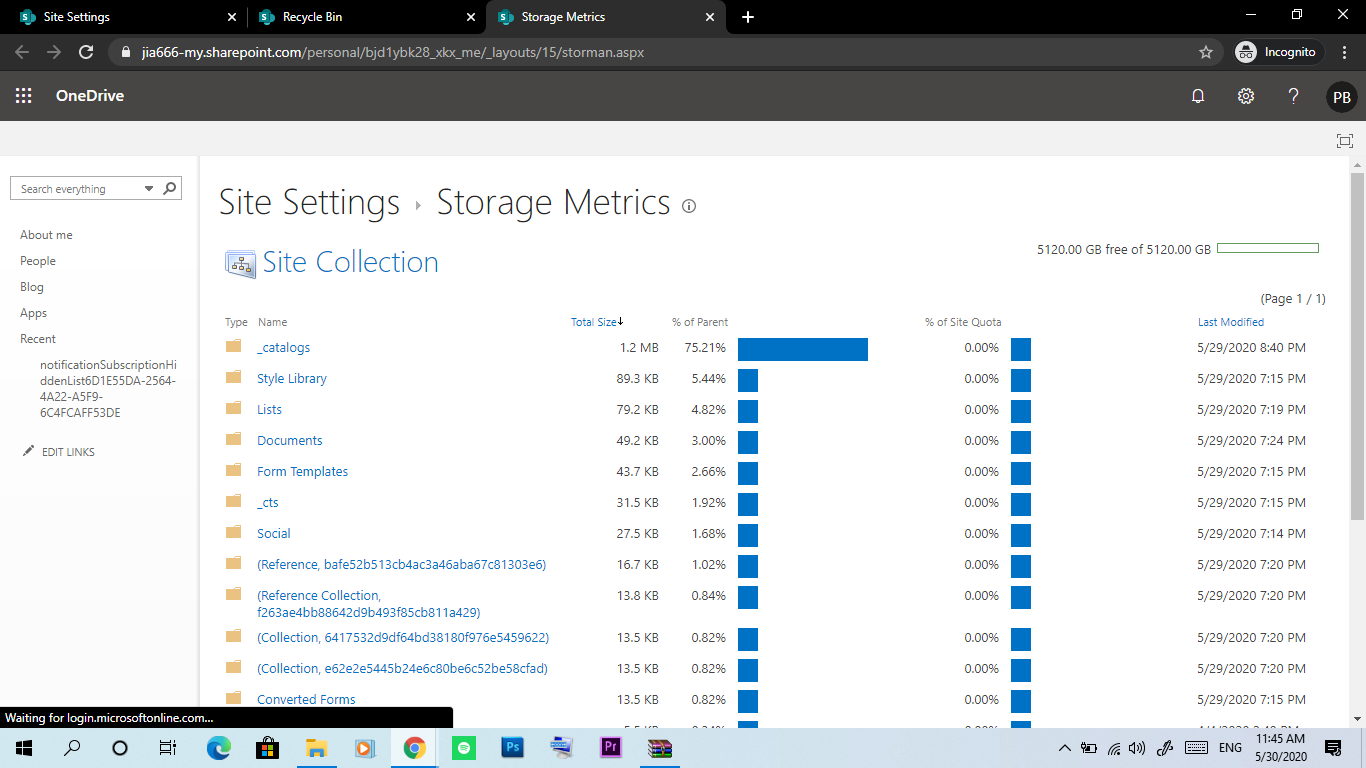
  8. Meron sakin nakagawa ako ng OneDrive 5TB kaso Baka Hindi tumagal... ginawa ko Lang Yung tutorials na nkita ko dito sa group ?

Account

Navigation

Search

Search

Configure browser push notifications

Chrome (Android)
  1. Tap the lock icon next to the address bar.
  2. Tap Permissions → Notifications.
  3. Adjust your preference.
Chrome (Desktop)
  1. Click the padlock icon in the address bar.
  2. Select Site settings.
  3. Find Notifications and adjust your preference.