Skip to content
View in the app

A better way to browse. Learn more.

BenLotus

A full-screen app on your home screen with push notifications, badges and more.

To install this app on iOS and iPadOS
  1. Tap the Share icon in Safari
  2. Scroll the menu and tap Add to Home Screen.
  3. Tap Add in the top-right corner.
To install this app on Android
  1. Tap the 3-dot menu (⋮) in the top-right corner of the browser.
  2. Tap Add to Home screen or Install app.
  3. Confirm by tapping Install.

Luffytaro

Elite Member
  • Joined

  • Last visited

Everything posted by Luffytaro

  1. oo nga ito gamit ko noon.. Legit yung text na function nito. Kaso may problem ako sa referral. Kasi niyaya ko mga kapatid ko na magsimula jan kaso d nadagdgan referrals ko kaya tinigil ko na
  2. paps saan ka nagcoconvert ng host to dns?
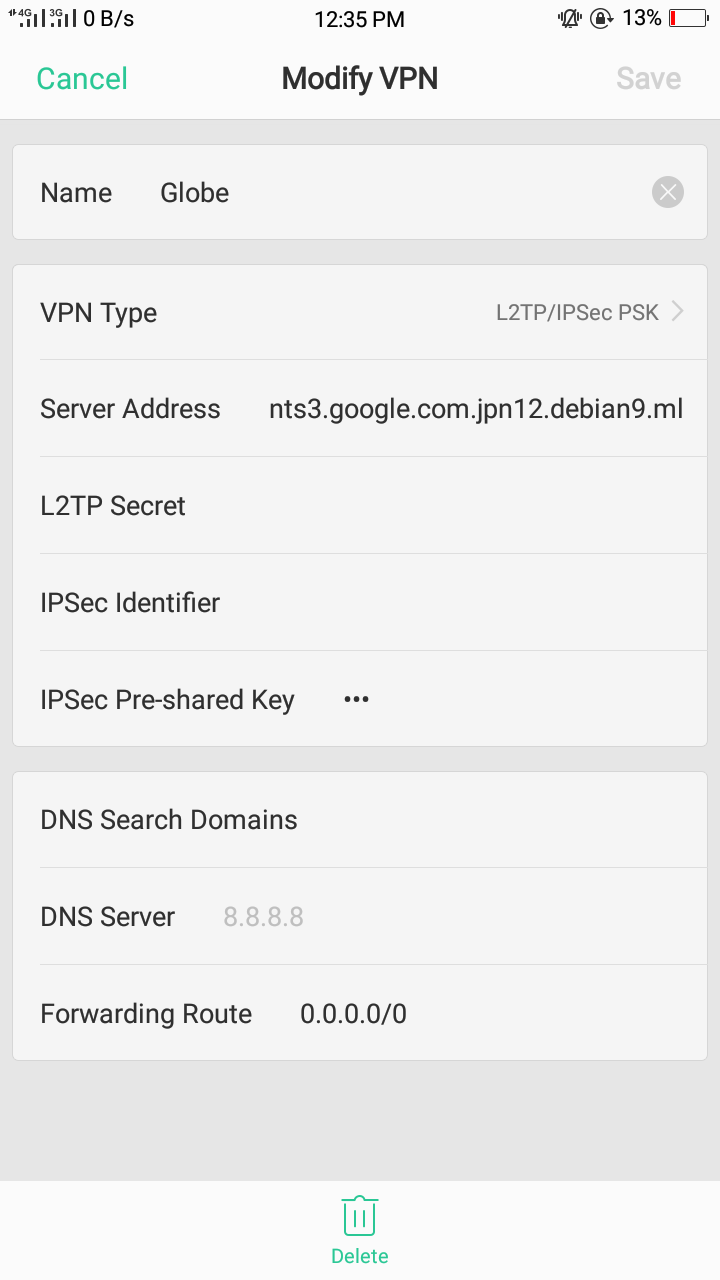
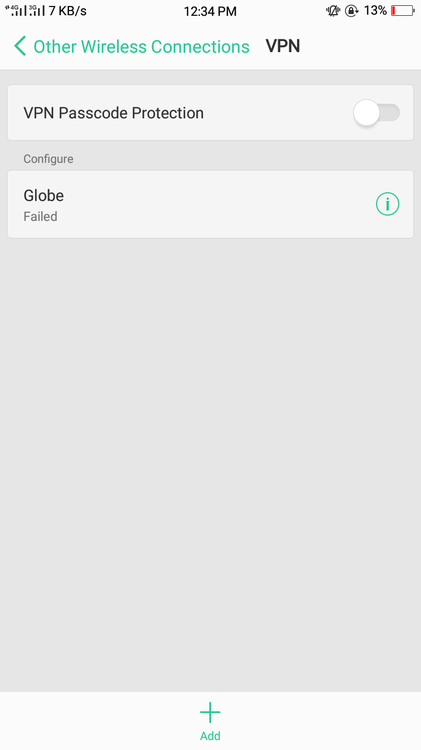
  3. Failed nalabas. Di ko alam kung tama setup ko. Help. Thanks
  4. Thanks. D ko pa natatry to. ?
  5. 1st entry: 101 2nd entry: --- 3rd entry: 199
  6. Hindi ata Working yung gamit ko na powers
  7. Feedback: di ako makahit HAHAHAHA
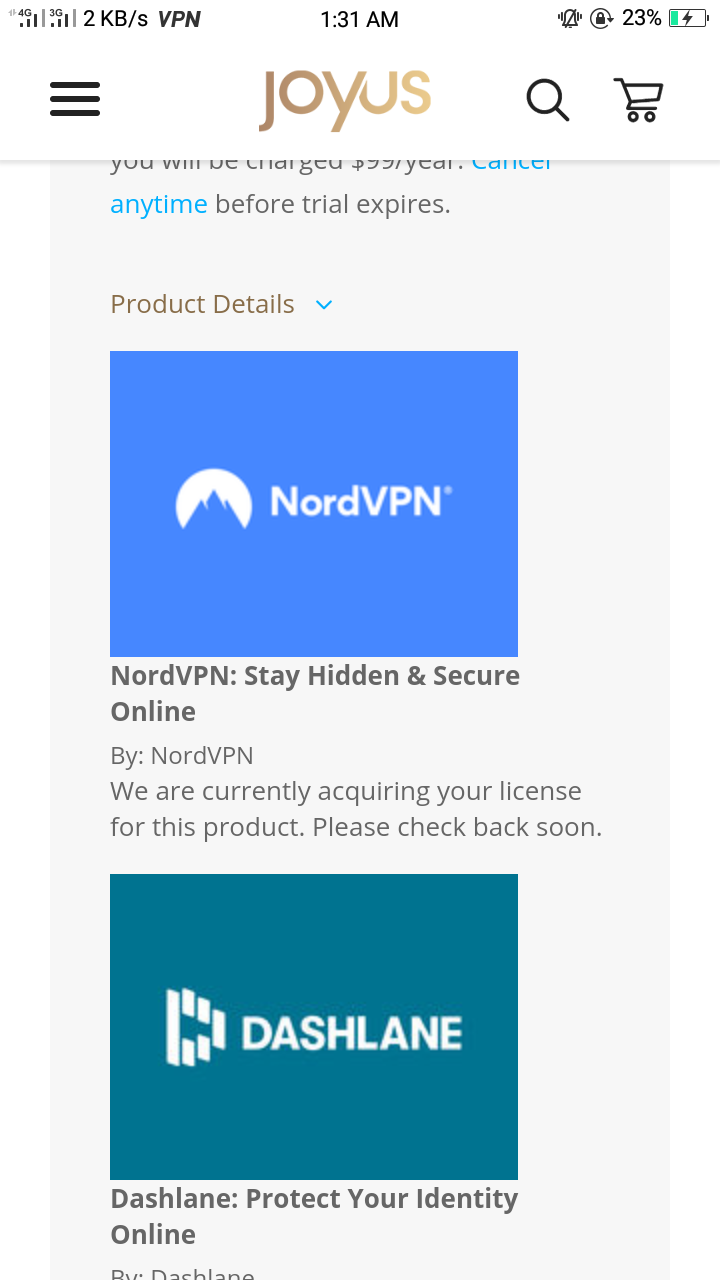
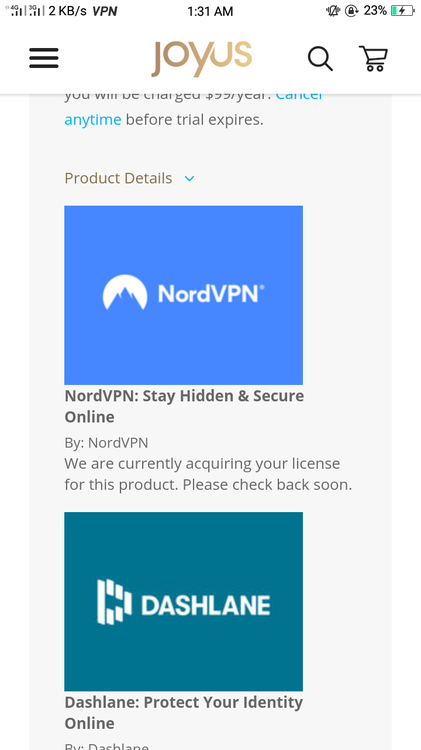
  8. acquiring license pa daw hahag antay ko nlng
  9. uy thanksss. susubukan ko to. ??
  10. thank you po dito. hindi ako naglalaro pero irerecommend ko ito sa mga tropa ko na mahilig sa ml. baka bumili sila?
  11. I'll try this.Thank you?
  12. ako globe hahaha. Pero di ko magawa. Nagikot ikot na ako sa injector kaso wala padin.
  13. matry nga yung pdfdrive.net... thanks
  14. Feedback: gumawa ako ulit ng bago and as of now d pa nmn nadidisable. 1:22 a.m.
  15. oks na paps, kaso disabled acc na
  16. acc disabled lol.. wala pa ako naiinvite
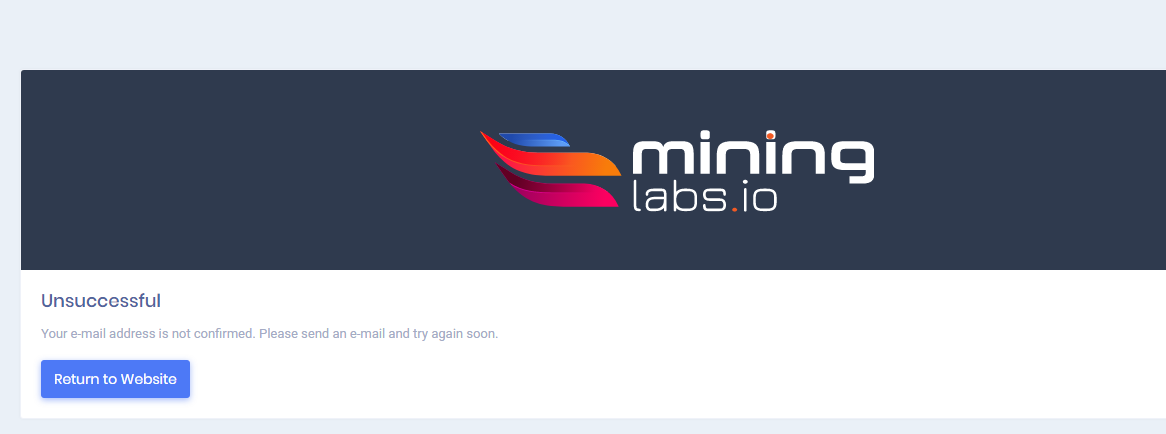
  17. i cant verify.. help
  18. okay okay Got it. Thank you sa trick
Account

Navigation

Search

Search

Configure browser push notifications

Chrome (Android)
  1. Tap the lock icon next to the address bar.
  2. Tap Permissions → Notifications.
  3. Adjust your preference.
Chrome (Desktop)
  1. Click the padlock icon in the address bar.
  2. Select Site settings.
  3. Find Notifications and adjust your preference.