Skip to content
View in the app

A better way to browse. Learn more.

BenLotus

A full-screen app on your home screen with push notifications, badges and more.

To install this app on iOS and iPadOS
  1. Tap the Share icon in Safari
  2. Scroll the menu and tap Add to Home Screen.
  3. Tap Add in the top-right corner.
To install this app on Android
  1. Tap the 3-dot menu (⋮) in the top-right corner of the browser.
  2. Tap Add to Home screen or Install app.
  3. Confirm by tapping Install.

Juan1

Elite Member
  • Joined

  • Last visited

Everything posted by Juan1

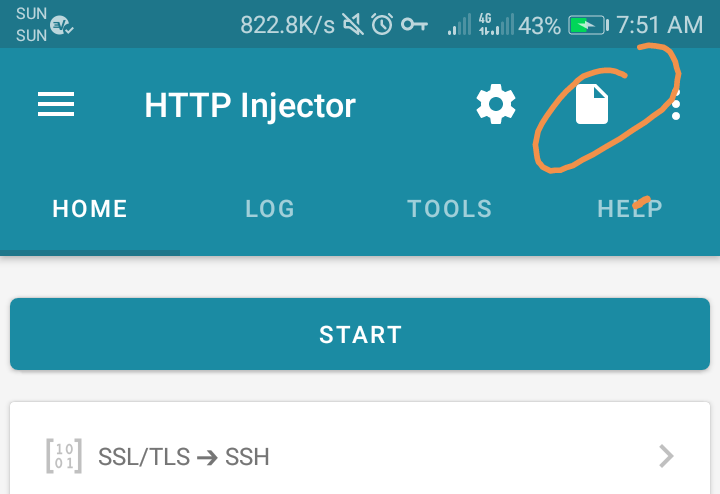
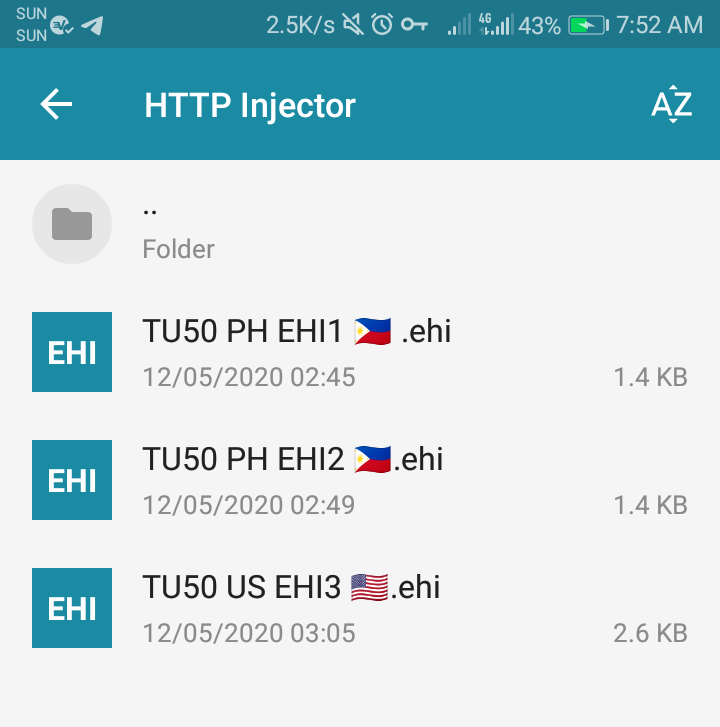
  1. Sun promo po yun 50 pesos good 10 days ginagamitan siya ng vpn para ma bypass yung promo
  2. Anada one, thanks idol!
  3. Ulan lang dapat walang kasamang hangin ?
  4. Baka gamit na yung 5 slot mag aantay ka na may mag disconnect sa kanila
  5. sige lang pag di makaconnect ibig sabihin may ibang gumagamit kaya puno yung slot
  6. Galin namn ?
  7. Bin idol pero di pwede dito kaya sa search ka na lang sa labas gaya ng tele
  8. ah parang sa dns method
  9. Para san to idol?
  10. keep sharing idol

Account

Navigation

Search

Search

Configure browser push notifications

Chrome (Android)
  1. Tap the lock icon next to the address bar.
  2. Tap Permissions → Notifications.
  3. Adjust your preference.
Chrome (Desktop)
  1. Click the padlock icon in the address bar.
  2. Select Site settings.
  3. Find Notifications and adjust your preference.