Skip to content
View in the app

A better way to browse. Learn more.

BenLotus

A full-screen app on your home screen with push notifications, badges and more.

To install this app on iOS and iPadOS
  1. Tap the Share icon in Safari
  2. Scroll the menu and tap Add to Home Screen.
  3. Tap Add in the top-right corner.
To install this app on Android
  1. Tap the 3-dot menu (⋮) in the top-right corner of the browser.
  2. Tap Add to Home screen or Install app.
  3. Confirm by tapping Install.

Juan1

Elite Member
  • Joined

  • Last visited

Everything posted by Juan1

  1. Si Gary Valenciano yan
  2. patingin nga
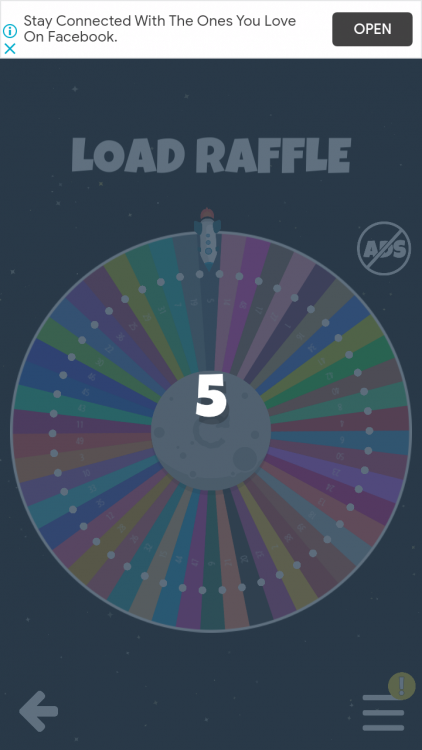
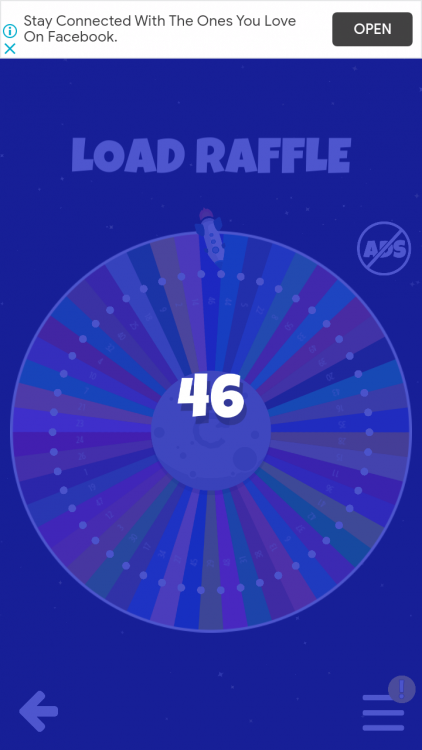
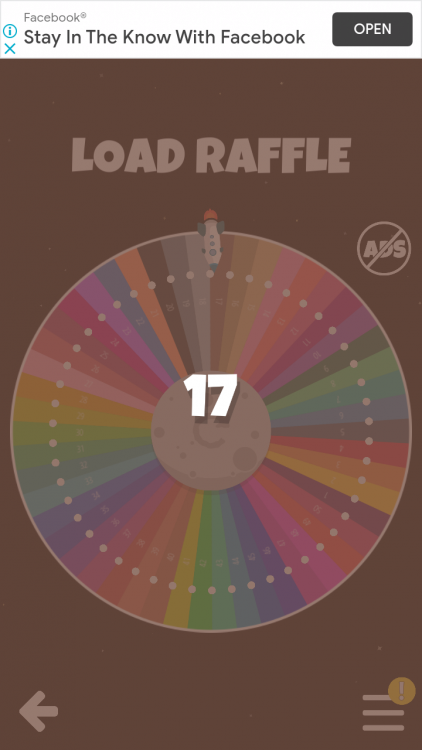
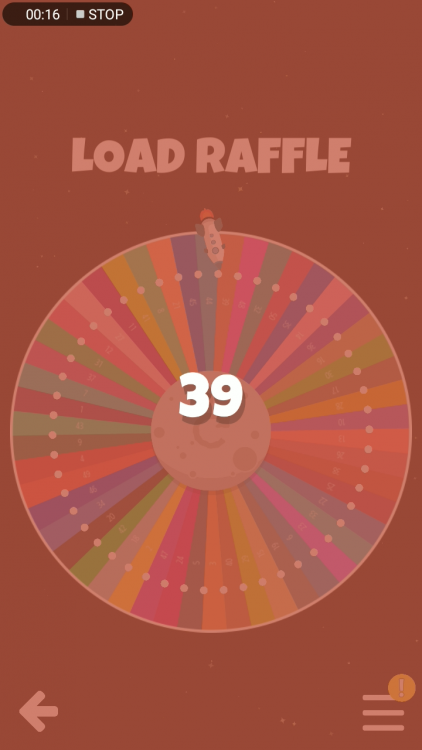
  3. Pasali di ako nakasali kahapon 12/43/65/73/22
  4. yung promo daw ni sun na 100 pesos unli for 3 days may capping na
  5. Ah yun siguro mga inaayos nila nung nakaraang maintenanance basta sakin tu50 sulit na
  6. Anong promo ?
  7. welcome paexpire na yan
  8. May pagames na rin thank you
  9. Tapos na idol join na lang po kayo sa ibang game ? @Maegan meron pa rin ?
  10. Hehe okay na opo mam wala na maliligaw ?
  11. Number 5 Si @Sanchez12unang comment ?
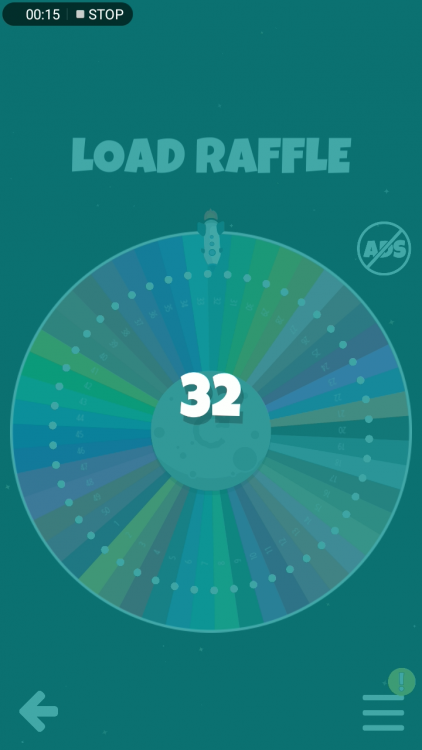
  12. Di ako makaupload laki kasi ng file kaya di iikot ang wheel of fortune iniscreenshot ko na lang Walang sumagot draw ulit
  13. magkano idol yung mi box?
  14. Juan1 replied to Cl4ude_'s topic in Android Apps
    Tested mo na ba to idol?
  15. Bibilis ah hahaha
  16. welcome @Persephone

Account

Navigation

Search

Search

Configure browser push notifications

Chrome (Android)
  1. Tap the lock icon next to the address bar.
  2. Tap Permissions → Notifications.
  3. Adjust your preference.
Chrome (Desktop)
  1. Click the padlock icon in the address bar.
  2. Select Site settings.
  3. Find Notifications and adjust your preference.