




Epicurean
Special Member
-
Joined
-
Last visited
Everything posted by Epicurean
-
up
-
tara nat mag lakad
-
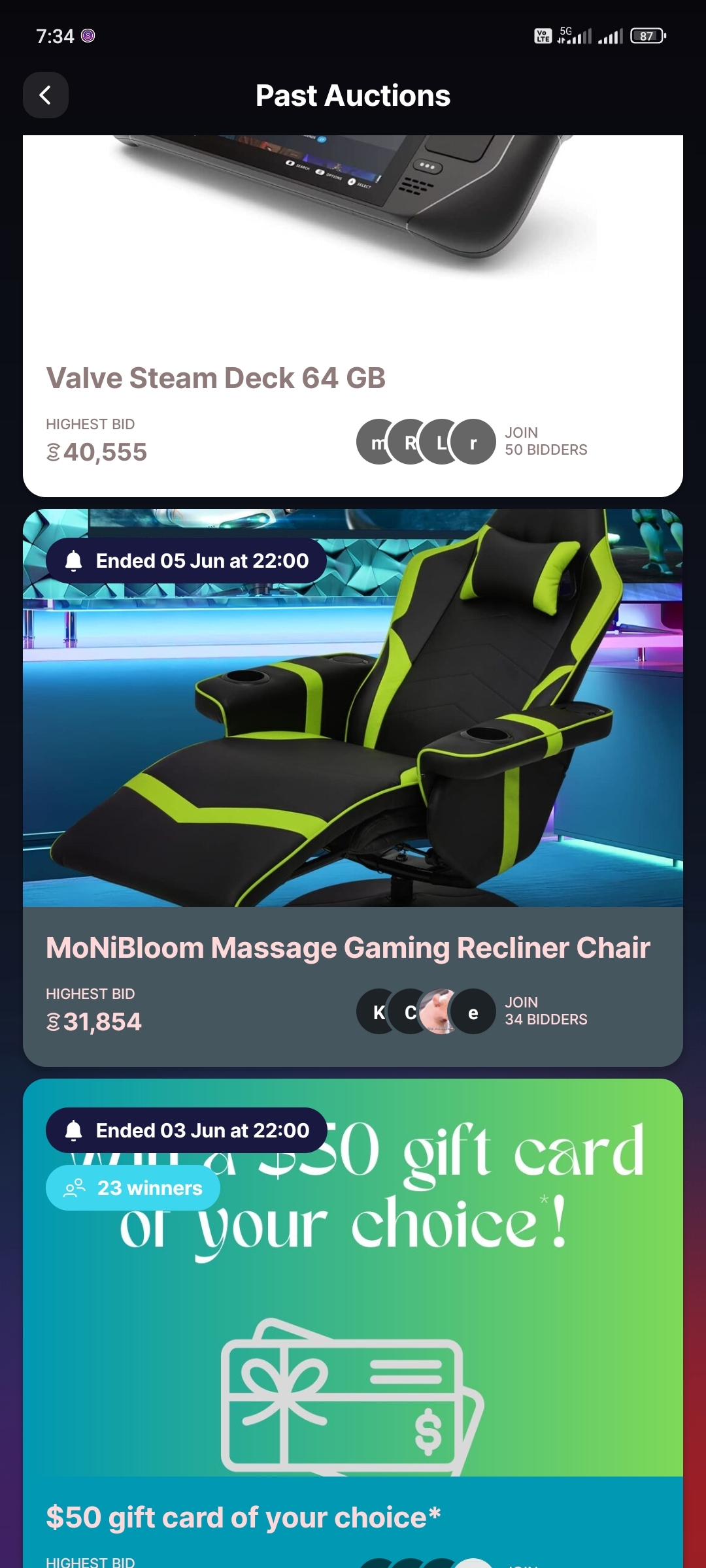
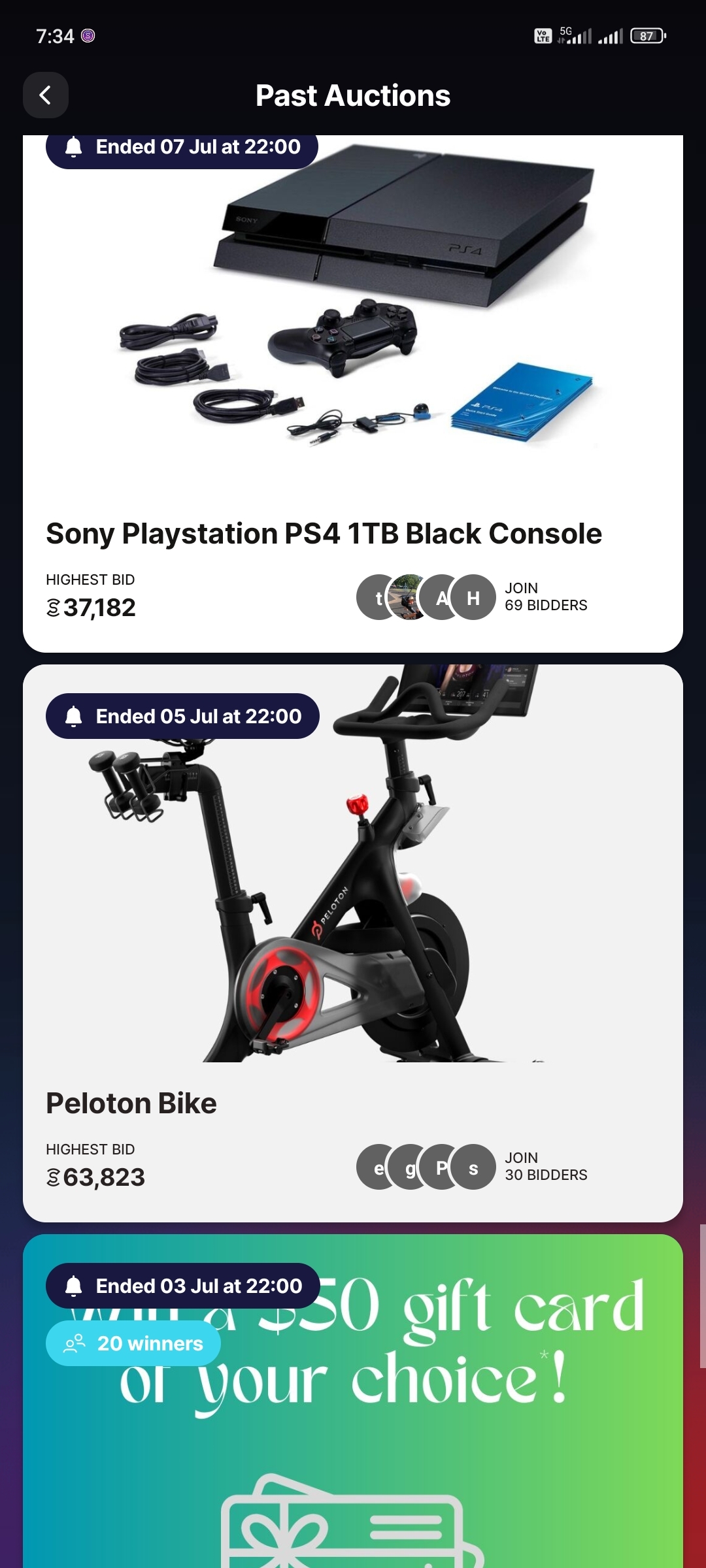
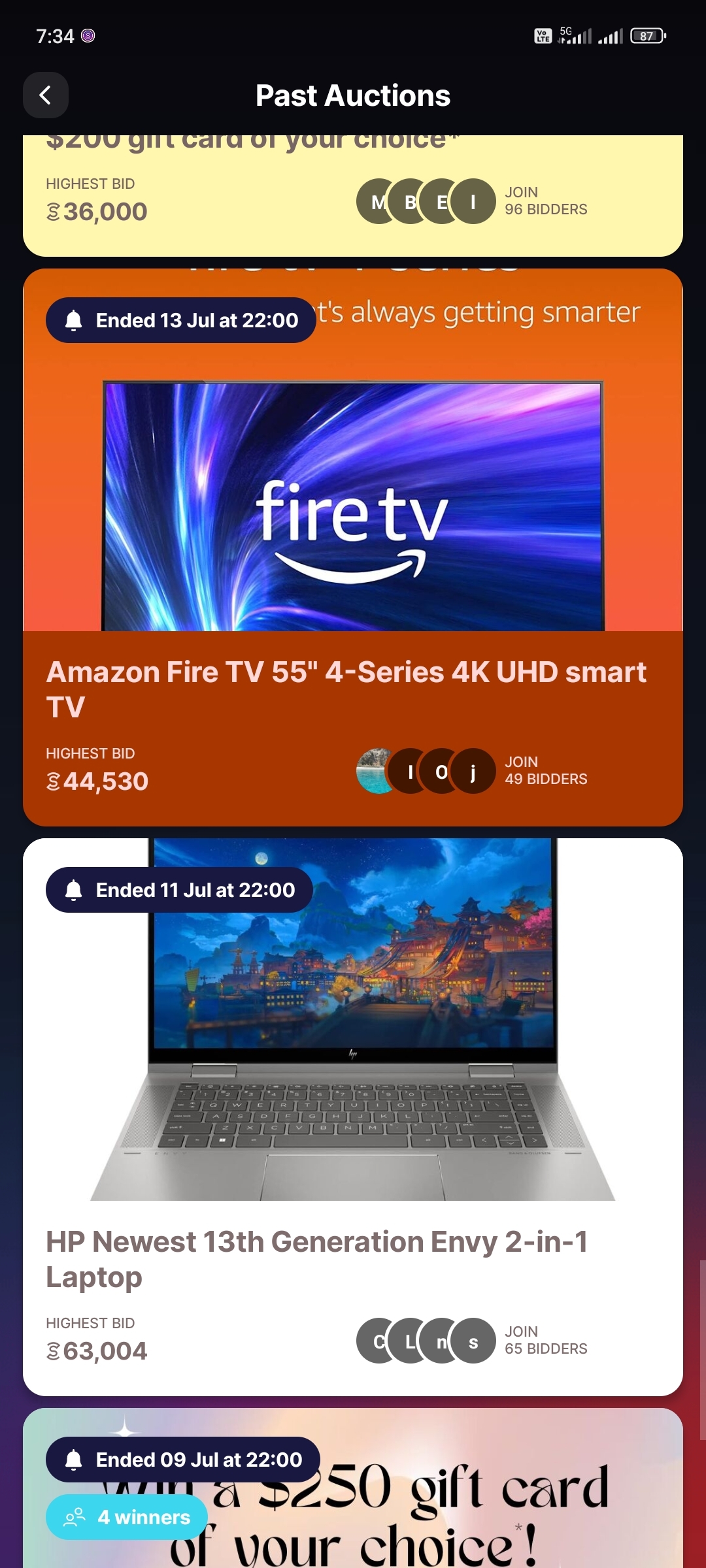
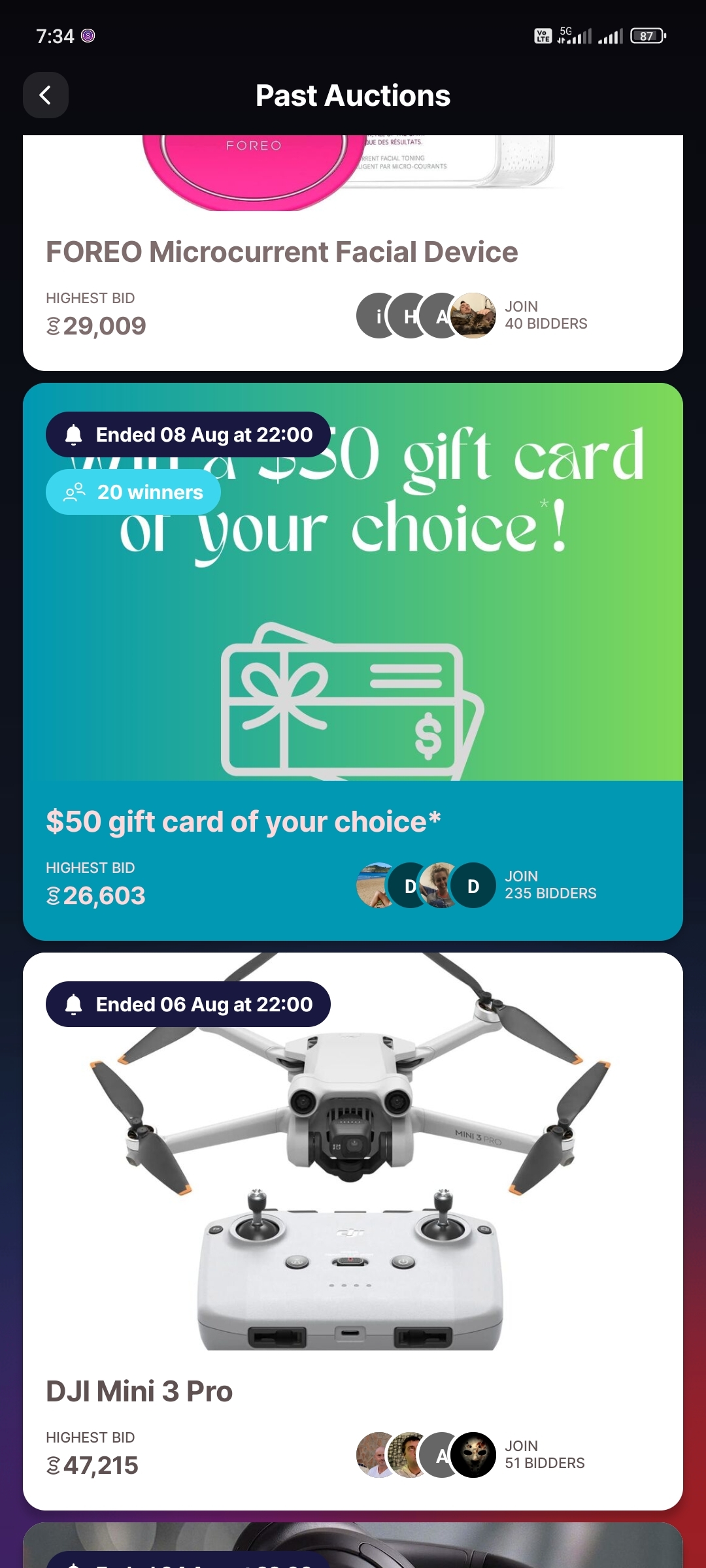
You can win an item in an auction by using the sweatcoin
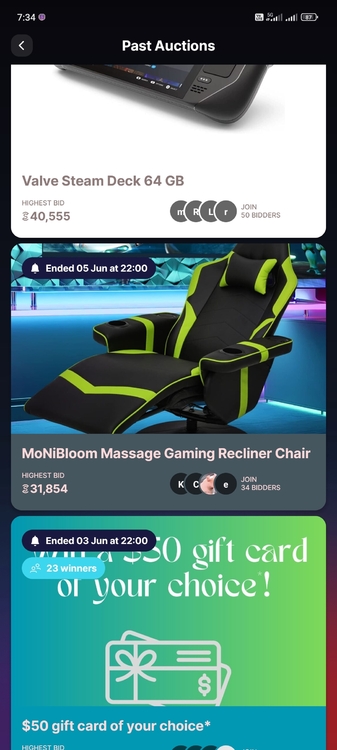
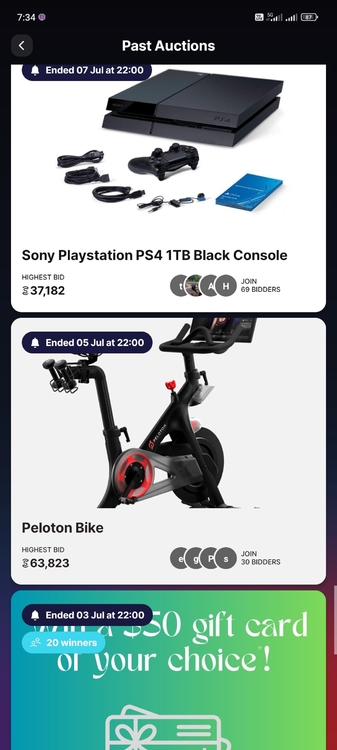
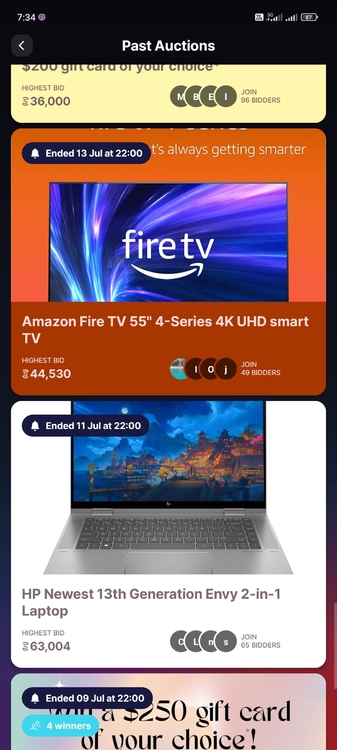
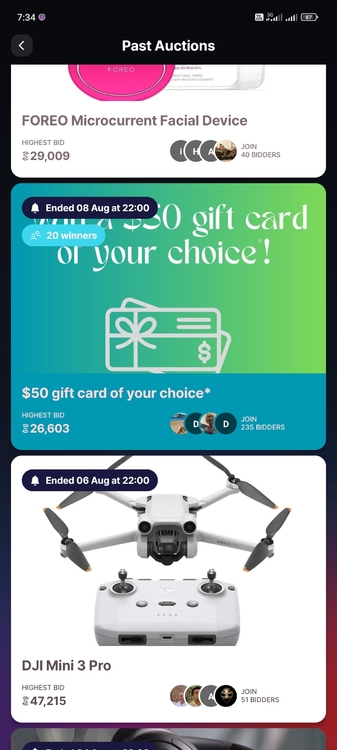
-
aye sir
-
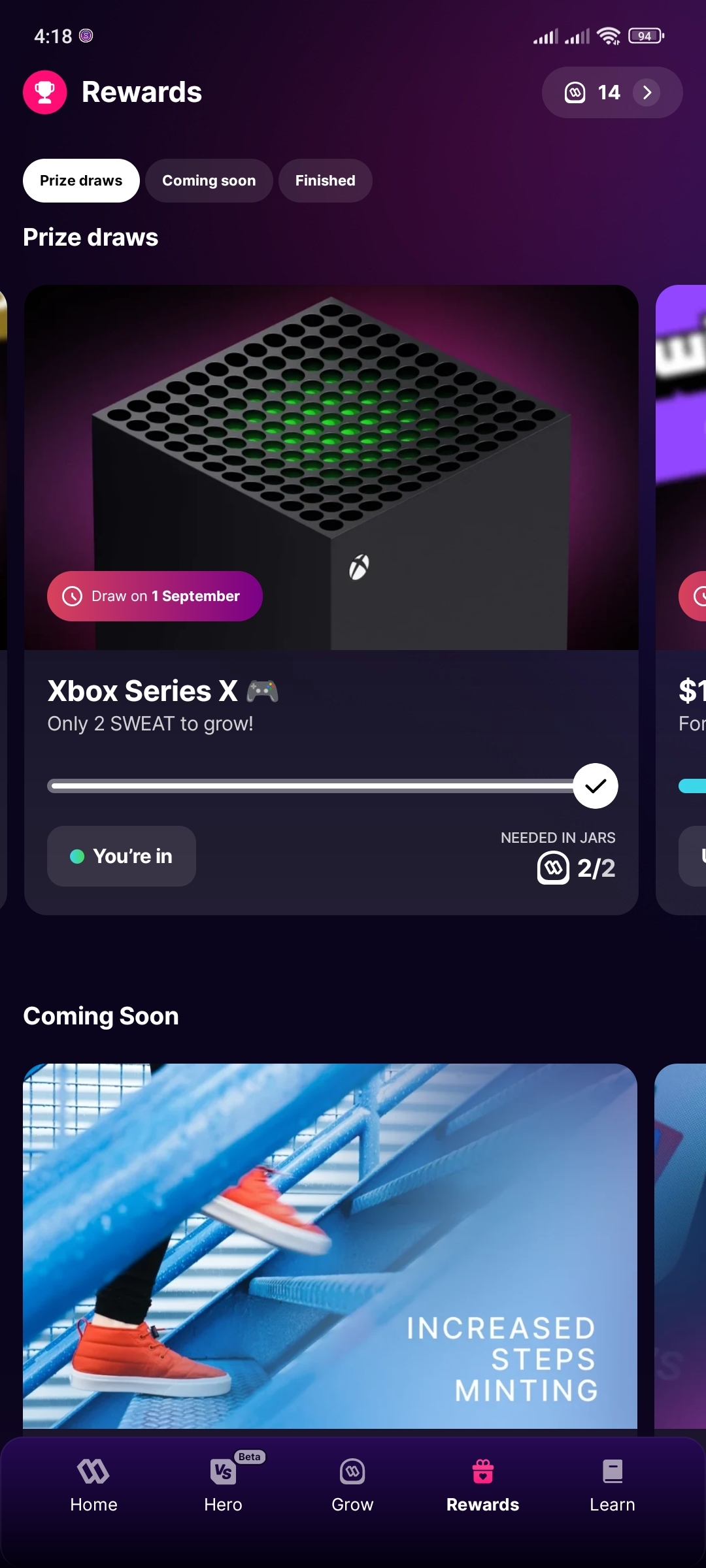
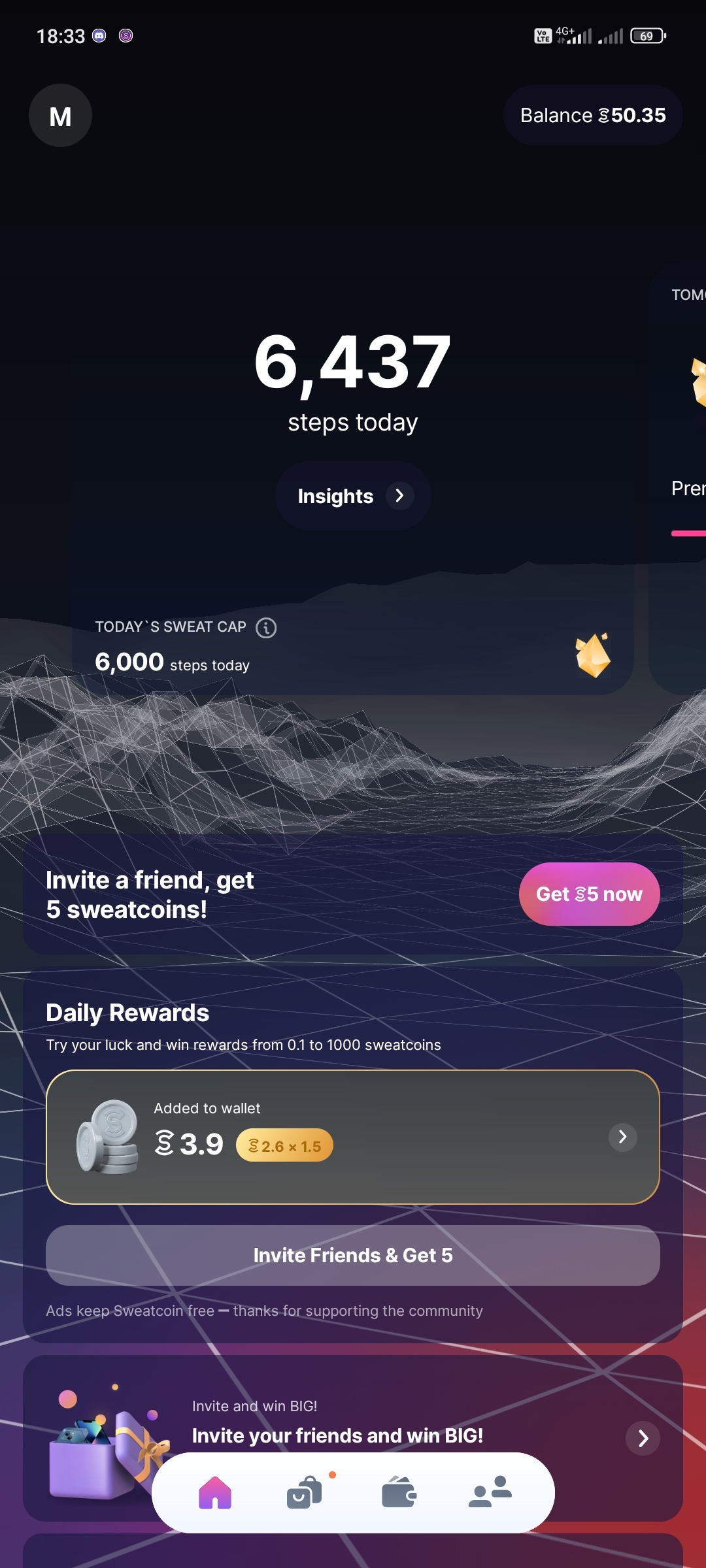
5k per day makaka ipon ka ng 1 SWEAT. iba yung sweatcoin sa SWEAT. yung sweatcoin ginagamit yan sa pambili or pang redeem ng mga rewards nila for example mga giftchecks or nga discount in a certain website. SWEAT naman yan yung may value 0.38php ata ngayon pero nagagamit din sya para sa mga giveaways nila like PS5, XBOX, or every end of the month may giveaway sila worth $50,000 USD of your choice. need mo ng SWEAT para maka sali. May game (SWEAT HERO) din sila kaso d pa s ya open sa new batch of players.
-
pasilip boss tymeron ako mir4 pero newbie din ako ahahkeep sharing po tystill working!?thanks for sharingsalamat po anu ba to hahahthnx bosssingspasilip boss hahatingin po tsoo nga po eh kaya nag hhesitate ako bumili. salamat popa silip sana kaso tapos na ahahahpa silip thanks pocheck ko lang hahathanks for sharing poworking paba

Account
Navigation
Search
Configure browser push notifications
Chrome (Android)
- Tap the lock icon next to the address bar.
- Tap Permissions → Notifications.
- Adjust your preference.
Chrome (Desktop)
- Click the padlock icon in the address bar.
- Select Site settings.
- Find Notifications and adjust your preference.
Safari (iOS 16.4+)
- Ensure the site is installed via Add to Home Screen.
- Open Settings App → Notifications.
- Find your app name and adjust your preference.
Safari (macOS)
- Go to Safari → Preferences.
- Click the Websites tab.
- Select Notifications in the sidebar.
- Find this website and adjust your preference.
Edge (Android)
- Tap the lock icon next to the address bar.
- Tap Permissions.
- Find Notifications and adjust your preference.
Edge (Desktop)
- Click the padlock icon in the address bar.
- Click Permissions for this site.
- Find Notifications and adjust your preference.
Firefox (Android)
- Go to Settings → Site permissions.
- Tap Notifications.
- Find this site in the list and adjust your preference.
Firefox (Desktop)
- Open Firefox Settings.
- Search for Notifications.
- Find this site in the list and adjust your preference.