




Cosmic
Moderator
-
Joined
-
Last visited
Everything posted by Cosmic
-
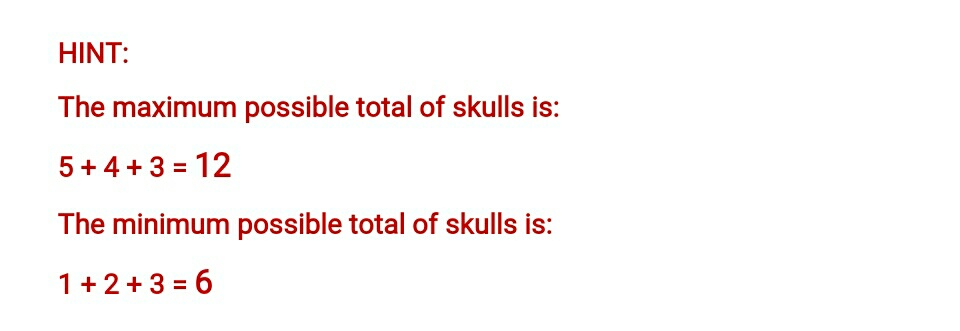
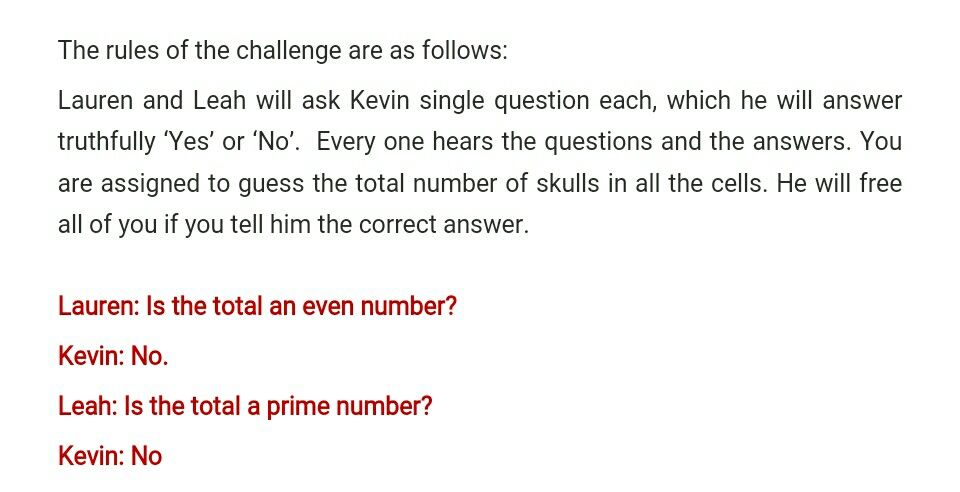
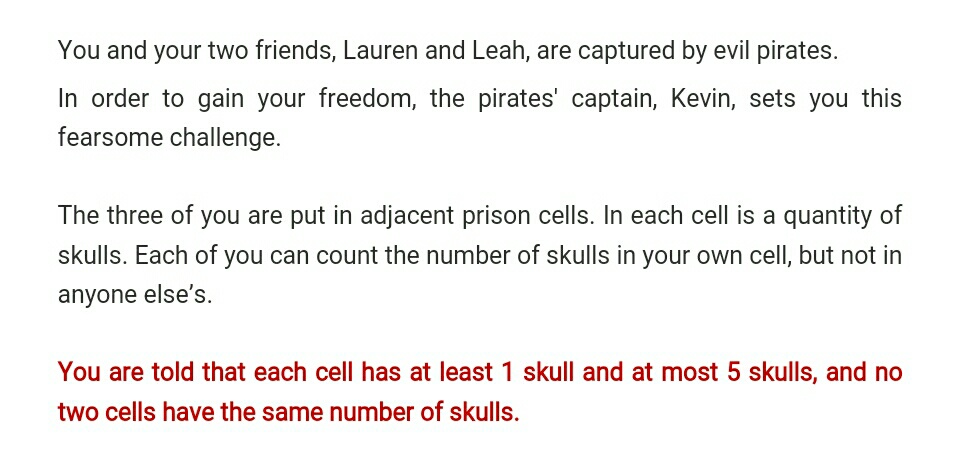
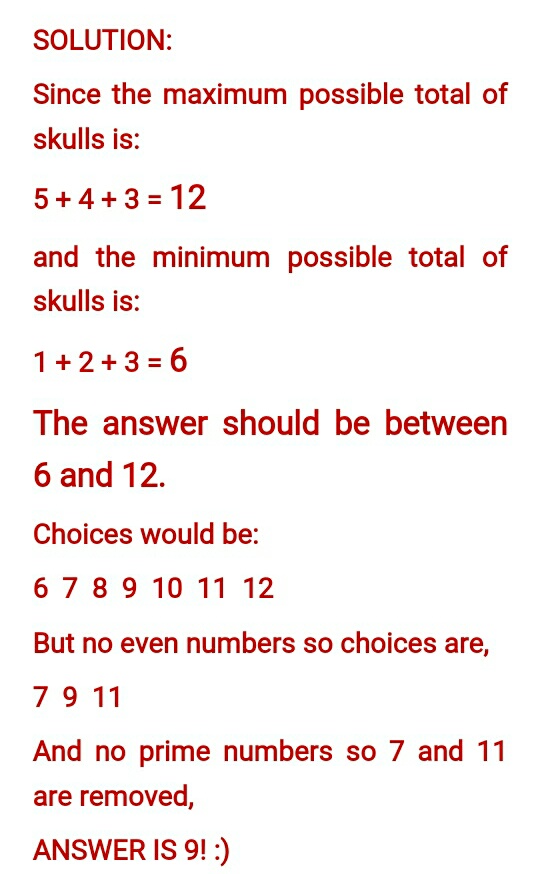
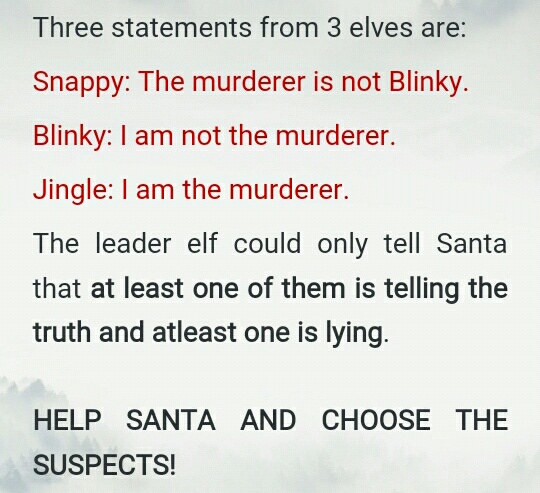
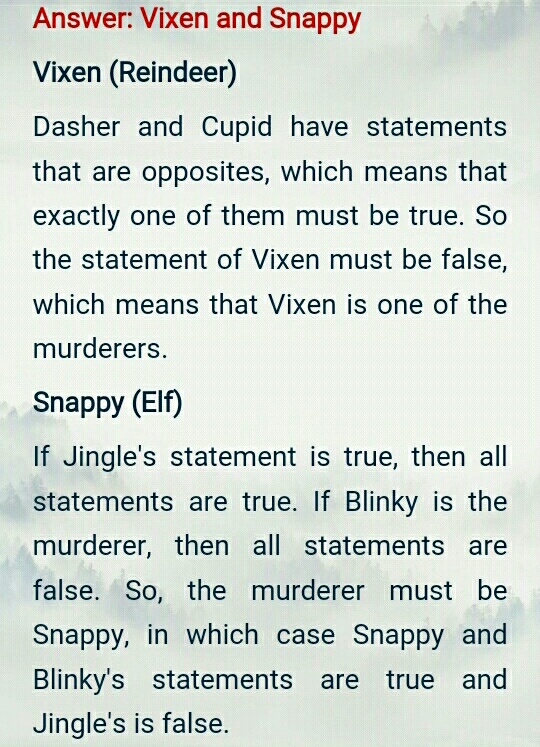
Wala pang winner. Huhu. HINT: (how to solve) Start from the given restrictions. For example sa reindeers, at most 1 is true, then assume statement 1 is true. Then go from there, if statement 1 is true, then 2 and 3 should be false. If hindi nagcocontradict with each other, tama yung pag assign mo. Tapos malalaman mo na kung sino.Wait ka nalang ng mga gustong sumali. HahaNice! Keep it up.Will try. Thanks!












Account
Navigation
Search
Configure browser push notifications
Chrome (Android)
- Tap the lock icon next to the address bar.
- Tap Permissions → Notifications.
- Adjust your preference.
Chrome (Desktop)
- Click the padlock icon in the address bar.
- Select Site settings.
- Find Notifications and adjust your preference.
Safari (iOS 16.4+)
- Ensure the site is installed via Add to Home Screen.
- Open Settings App → Notifications.
- Find your app name and adjust your preference.
Safari (macOS)
- Go to Safari → Preferences.
- Click the Websites tab.
- Select Notifications in the sidebar.
- Find this website and adjust your preference.
Edge (Android)
- Tap the lock icon next to the address bar.
- Tap Permissions.
- Find Notifications and adjust your preference.
Edge (Desktop)
- Click the padlock icon in the address bar.
- Click Permissions for this site.
- Find Notifications and adjust your preference.
Firefox (Android)
- Go to Settings → Site permissions.
- Tap Notifications.
- Find this site in the list and adjust your preference.
Firefox (Desktop)
- Open Firefox Settings.
- Search for Notifications.
- Find this site in the list and adjust your preference.