Skip to content
View in the app

A better way to browse. Learn more.

BenLotus

A full-screen app on your home screen with push notifications, badges and more.

To install this app on iOS and iPadOS
  1. Tap the Share icon in Safari
  2. Scroll the menu and tap Add to Home Screen.
  3. Tap Add in the top-right corner.
To install this app on Android
  1. Tap the 3-dot menu (⋮) in the top-right corner of the browser.
  2. Tap Add to Home screen or Install app.
  3. Confirm by tapping Install.

ephraimvm

BenLotus Member
  • Joined

  • Last visited

  1. pa download po salamat
  2. Hello po. pwede po ba sumali sa club na ito? salamat po.
  3. ephraimvm started following SadBoi
  4. Working pa ba to?>
  5. is the google drive space will only be activated once enrolled?
  6. wala na yung Vid =( sino may copy baka pwede pa reupload. salamat po.
  7. pa subok idol. sana makagawa ako
  8. pa try. medyo mahigpit dito sa amin ang torrent. kailangan naka VPN.
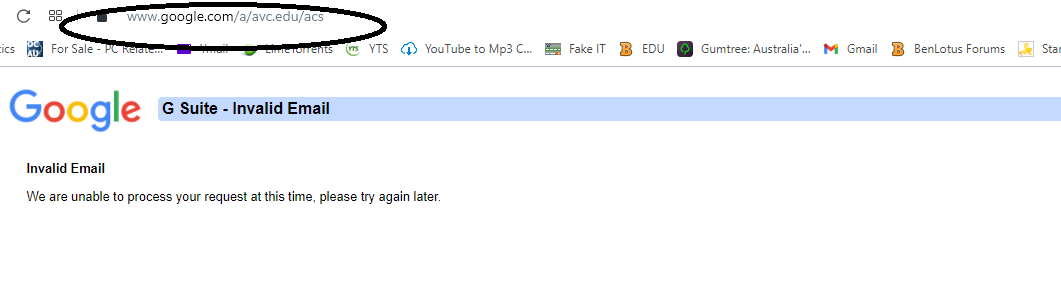
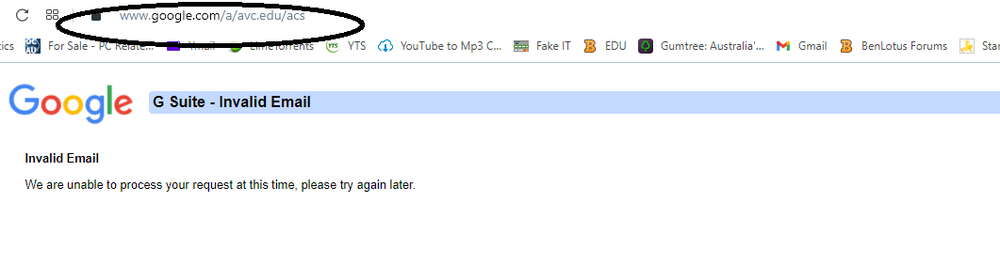
  9. Not working na Idol, naka Deactivated yung account unless meron enrollment? Tried Google Drive and Gmail nila ganyan lang po lumalabas.
  10. ito pa try sana working ito
  11. salamat dito bossing

Account

Navigation

Search

Search

Configure browser push notifications

Chrome (Android)
  1. Tap the lock icon next to the address bar.
  2. Tap Permissions → Notifications.
  3. Adjust your preference.
Chrome (Desktop)
  1. Click the padlock icon in the address bar.
  2. Select Site settings.
  3. Find Notifications and adjust your preference.