


TYRANT
Special Member
-
Joined
-
Last visited
Everything posted by TYRANT
-
Kung ano lang nanjan yun lang hehe
-
Pag nag comment alam na. Hahahahahaha
-
Normal lang kasi fb mahigpit gusto real account or baka my ng report ng fb namin.Hassle baka may chicks pa naman sa fb. Pag meron gawa ako fb hahatry ko yan forgotten thanksAko din na disable FB account ko. Hahahahahaha Need cp number ata then old fb. Need mag pasa id. HahaIto trip ko sa kmovie Along With the Gods: The Two Worlds parang bankai ni ichigo(bleach) may part 2 ito title Along with the Gods: The Last 49 Days?Genre mo ito suggestion ko sayo si TUH nakikinig din me sa kanya.
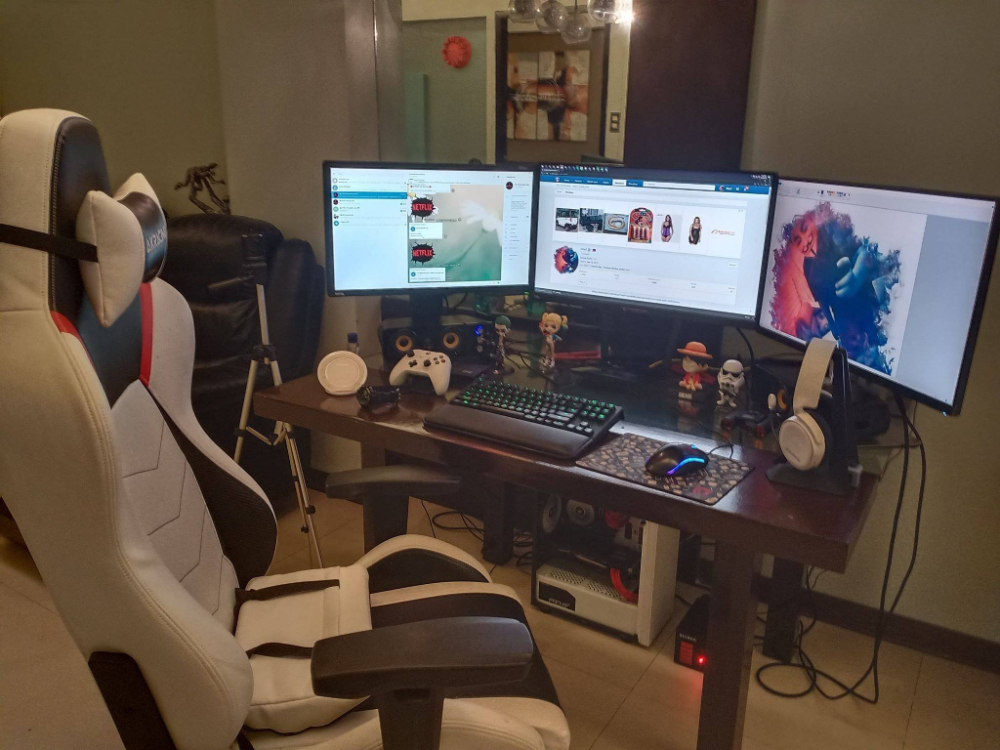
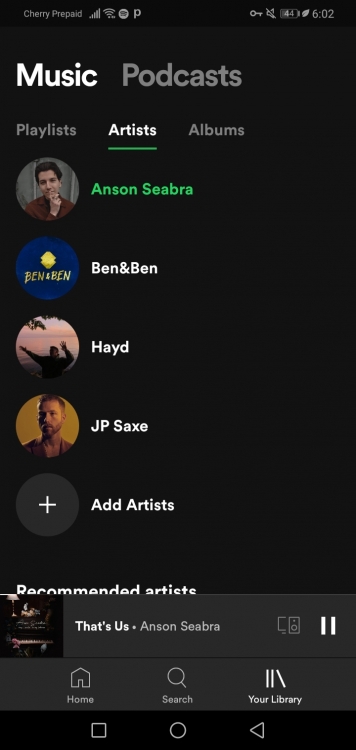
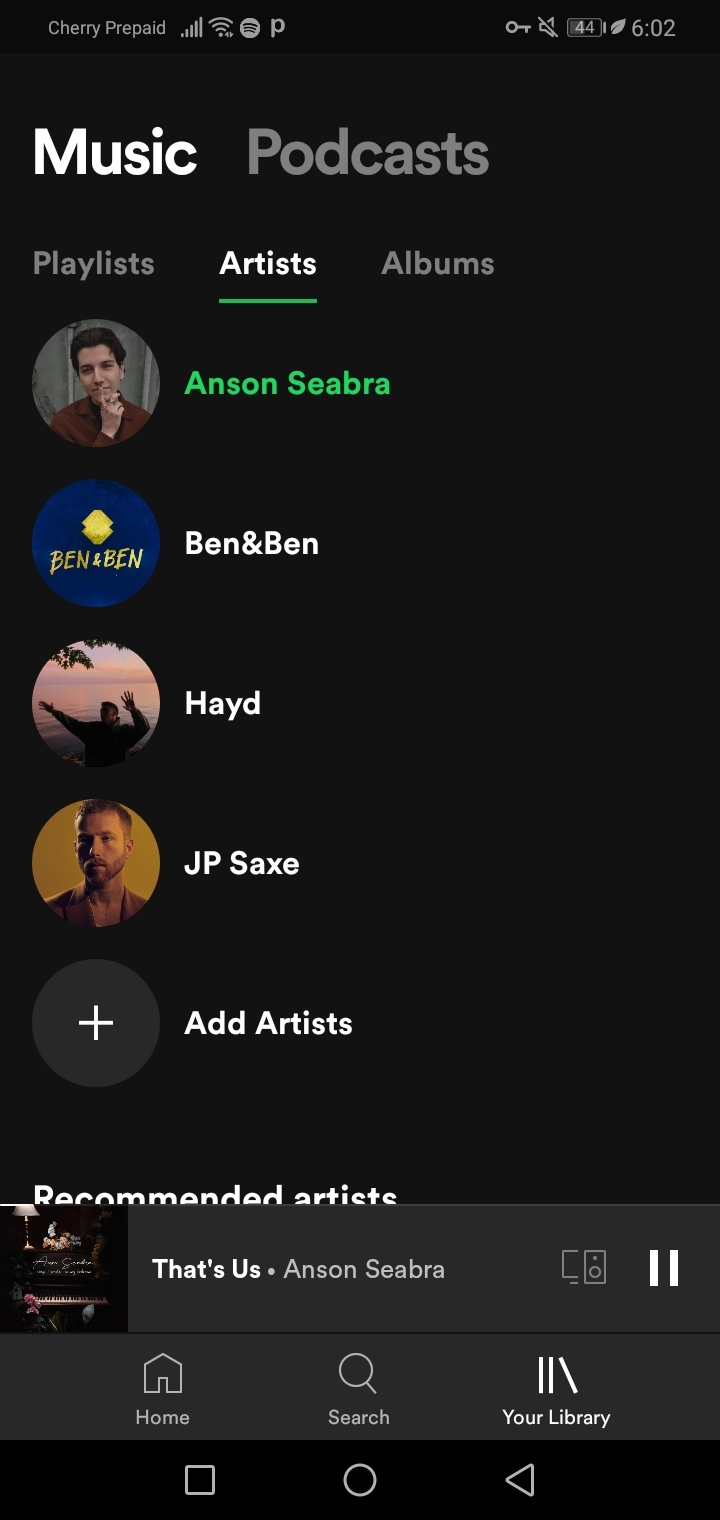
 My playlist
 Black Mirror Girl from NowhereOo, wala sa presidente ang problema.Patry thanksSayang mahina ako sa math, recess lang alam ko. HahajackorbateJackorbateI will try this tyNasa bahay lang kahit manila abot abo. dami alikabok parang sa taal lang.Church and GalaOo gamit ko din para di lag badtrip pag nag buff di pa tapos. Haha








Account
Navigation
Search
Configure browser push notifications
Chrome (Android)
- Tap the lock icon next to the address bar.
- Tap Permissions → Notifications.
- Adjust your preference.
Chrome (Desktop)
- Click the padlock icon in the address bar.
- Select Site settings.
- Find Notifications and adjust your preference.
Safari (iOS 16.4+)
- Ensure the site is installed via Add to Home Screen.
- Open Settings App → Notifications.
- Find your app name and adjust your preference.
Safari (macOS)
- Go to Safari → Preferences.
- Click the Websites tab.
- Select Notifications in the sidebar.
- Find this website and adjust your preference.
Edge (Android)
- Tap the lock icon next to the address bar.
- Tap Permissions.
- Find Notifications and adjust your preference.
Edge (Desktop)
- Click the padlock icon in the address bar.
- Click Permissions for this site.
- Find Notifications and adjust your preference.
Firefox (Android)
- Go to Settings → Site permissions.
- Tap Notifications.
- Find this site in the list and adjust your preference.
Firefox (Desktop)
- Open Firefox Settings.
- Search for Notifications.
- Find this site in the list and adjust your preference.