Everything posted by Cosmic
- Forum Game 2: Win 1x Netflix + 1x Deezer Account
-
Forum Game 2: Win 1x Netflix + 1x Deezer Account
- Forum Game: Win 1x Netflix + 1x Deezer Account
- Paano po mag join dun sa lifetime stream?
- Newbie
- Asking for a Netflix account
Courtesy naman of sir @Hero yung netflix accounts mostly. Tumutulong lang ako magmanage. Hehe.- Newbie
Hello! Welcome sa forum! As for the netflix account, check this forum section http://forums.benlotus.com/index.php?/forum/229-free-netflix/ And this post http://forums.benlotus.com/index.php?/topic/1107-netflix-account-read-here/- Asking for a Netflix account
Hello! Welcome sa forum! As for the netflix account, check this forum section http://forums.benlotus.com/index.php?/forum/229-free-netflix/ And this post http://forums.benlotus.com/index.php?/topic/1107-netflix-account-read-here/- Civil Service Exam 2019 Reviewer
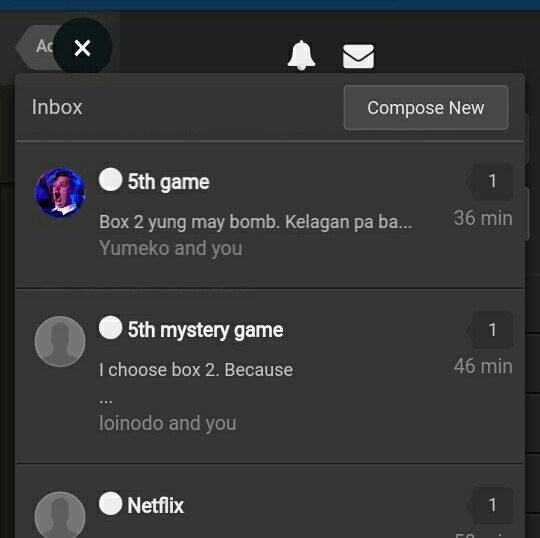
- Mystery Game #5: Christmas Party? (Win Netflix & Scribd Accounts + Load)
- [TACHIYOMI] Better than Mangarock Premium
Nice. Thanks for sharing!- Google Playstore 100 Pesos Code
- Google Playstore 100 Pesos Code
- Newbie here
- Google Playstore 100 Pesos Code
- SPOTIFY PREMIUM FOR FAMILY EXPERIMENT
Need mo pa ba ng emails? May extra emails ako. Kaso gagawan mo pa ng spotify accounts kasi tinatamad ako gumawa.- Mystery Game #3: Ho Ho Homicide? (Win Netflix & Scribd Accounts + Load + Freebies!)
- Mystery Game #3: Ho Ho Homicide? (Win Netflix & Scribd Accounts + Load + Freebies!)
- Forum Game: Win 1x Netflix + 1x Deezer Account
Account
Navigation
Search
Configure browser push notifications
Chrome (Android)
- Tap the lock icon next to the address bar.
- Tap Permissions → Notifications.
- Adjust your preference.
Chrome (Desktop)
- Click the padlock icon in the address bar.
- Select Site settings.
- Find Notifications and adjust your preference.
Safari (iOS 16.4+)
- Ensure the site is installed via Add to Home Screen.
- Open Settings App → Notifications.
- Find your app name and adjust your preference.
Safari (macOS)
- Go to Safari → Preferences.
- Click the Websites tab.
- Select Notifications in the sidebar.
- Find this website and adjust your preference.
Edge (Android)
- Tap the lock icon next to the address bar.
- Tap Permissions.
- Find Notifications and adjust your preference.
Edge (Desktop)
- Click the padlock icon in the address bar.
- Click Permissions for this site.
- Find Notifications and adjust your preference.
Firefox (Android)
- Go to Settings → Site permissions.
- Tap Notifications.
- Find this site in the list and adjust your preference.
Firefox (Desktop)
- Open Firefox Settings.
- Search for Notifications.
- Find this site in the list and adjust your preference.