Skip to content
View in the app

A better way to browse. Learn more.

BenLotus

A full-screen app on your home screen with push notifications, badges and more.

To install this app on iOS and iPadOS
  1. Tap the Share icon in Safari
  2. Scroll the menu and tap Add to Home Screen.
  3. Tap Add in the top-right corner.
To install this app on Android
  1. Tap the 3-dot menu (⋮) in the top-right corner of the browser.
  2. Tap Add to Home screen or Install app.
  3. Confirm by tapping Install.

Explicit

BenLotus Member
  • Joined

  • Last visited

  1. Makakaupo sila since tatlo lang sila. Si Lola, si Nanay, at si Apo. Anak ni Lola si 'Nanay', anak naman ni Nanay si 'Apo' so dalawang anak. Nanay ni apo si 'Nanay', Nanay naman ni 'Nanay' si Lola so dalawang Nanay. Haha tama ba?
  2. Am I allowed to join? I think alam ko yung number 1 hehe ?
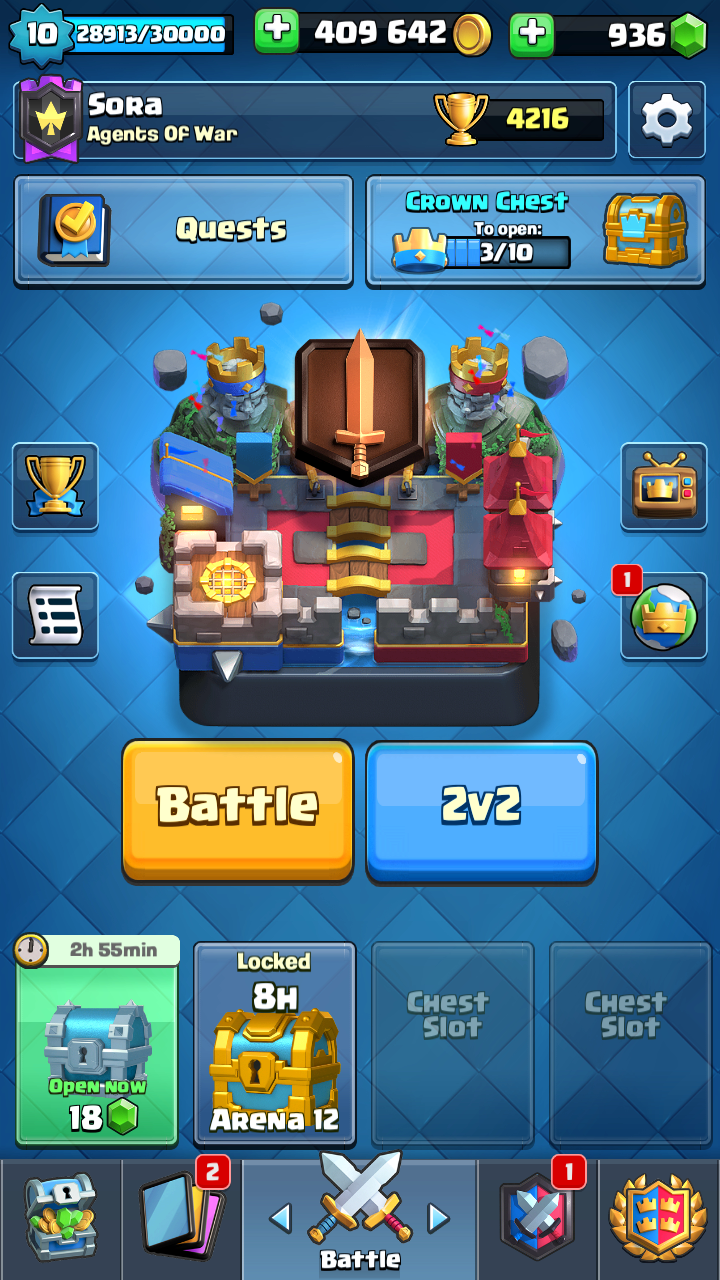
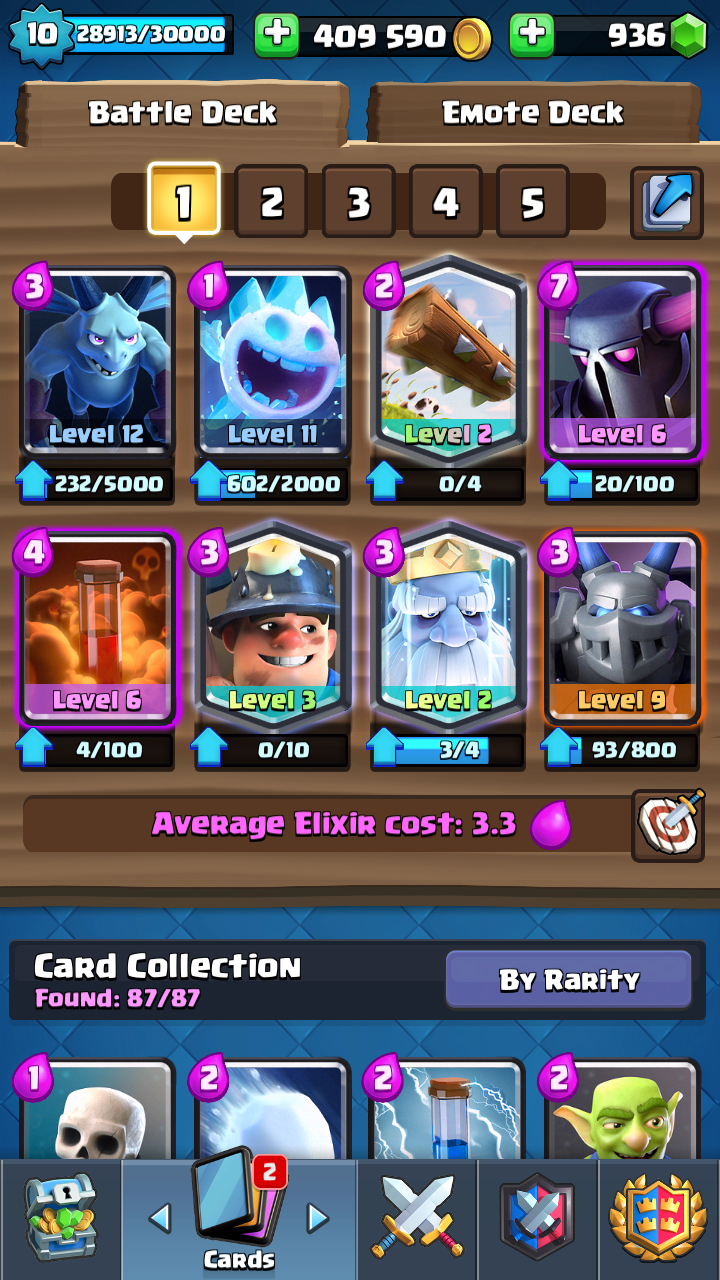
  3. More than 1 yr na po. Di ko sure exact date haha. Di na kasi malalaro kaya bebenta na lang
  4. Sir thank you nareceive ko na po load huhu thank youuuu kaso nasa keypad ko po yung sim di ko po mascreenshot pero legit po dumating na thank youuu
  5. Boss di ako pwede sumali? sayang lifetime pa naman to hahahah
  6. Even If It Breaks I'll Take The Chance With You, That's How I Love You.
  7. Even If I Break I'll Take The Chance With You, That's How I Love You. Naks english hahahah pwede ba to tagalog

Account

Navigation

Search

Search

Configure browser push notifications

Chrome (Android)
  1. Tap the lock icon next to the address bar.
  2. Tap Permissions → Notifications.
  3. Adjust your preference.
Chrome (Desktop)
  1. Click the padlock icon in the address bar.
  2. Select Site settings.
  3. Find Notifications and adjust your preference.