Skip to content
View in the app

A better way to browse. Learn more.

BenLotus

A full-screen app on your home screen with push notifications, badges and more.

To install this app on iOS and iPadOS
  1. Tap the Share icon in Safari
  2. Scroll the menu and tap Add to Home Screen.
  3. Tap Add in the top-right corner.
To install this app on Android
  1. Tap the 3-dot menu (⋮) in the top-right corner of the browser.
  2. Tap Add to Home screen or Install app.
  3. Confirm by tapping Install.

spolee

BenLotus Member
  • Joined

  • Last visited

Everything posted by spolee

  1. umay brave ko wala akong nakukuha
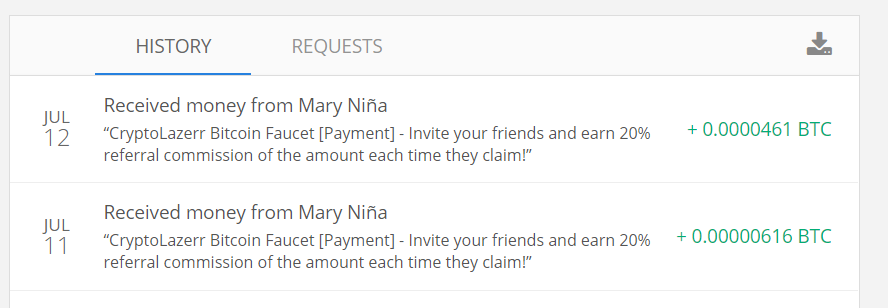
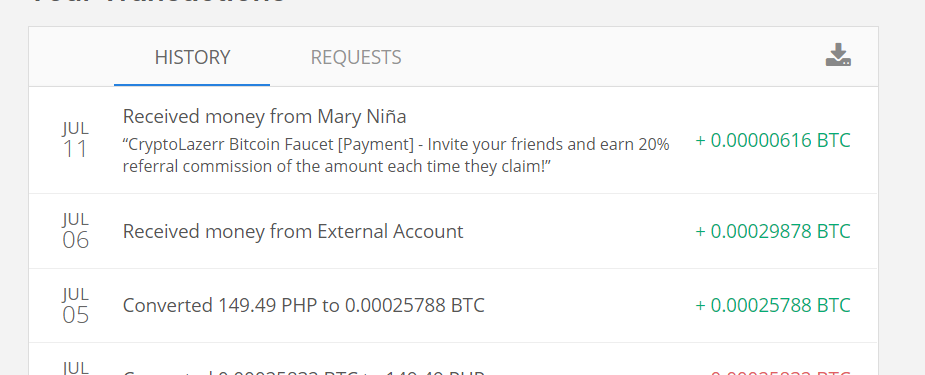
  2. another btc withdrawal
  3. - use brave browser for PC/Mobile para sa Shortlinks to avoid ads
  4. - no minimum withdrawal pla to btw.
  5. legit yung mga ganito
  6. pa silip thanks 4 sharing
  7. pa try mabagal sa honeygain e try ko nmn ung iba
  8. up need ko to ngayon salamats
  9. more good feedback please?
  10. pa silip salamat
  11. pwede akin nlng kasi need na need ko e boring na boring na ko dito sa UAE SALAMAT mine*

Account

Navigation

Search

Search

Configure browser push notifications

Chrome (Android)
  1. Tap the lock icon next to the address bar.
  2. Tap Permissions → Notifications.
  3. Adjust your preference.
Chrome (Desktop)
  1. Click the padlock icon in the address bar.
  2. Select Site settings.
  3. Find Notifications and adjust your preference.