- PicsArt v17.0.1 (PREMIUM) Unlocked
-
Kinemaster Premium
muchh thanks poooo sirrr!! ❤️?
-
Kinemaster Premium
sigee poo sir sorry po sa abala ?
-
Kinemaster Premium
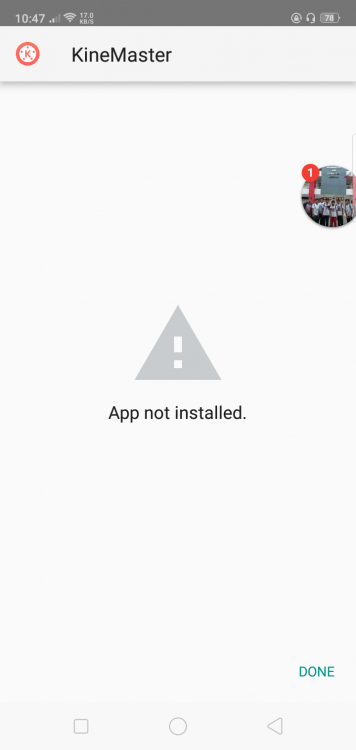
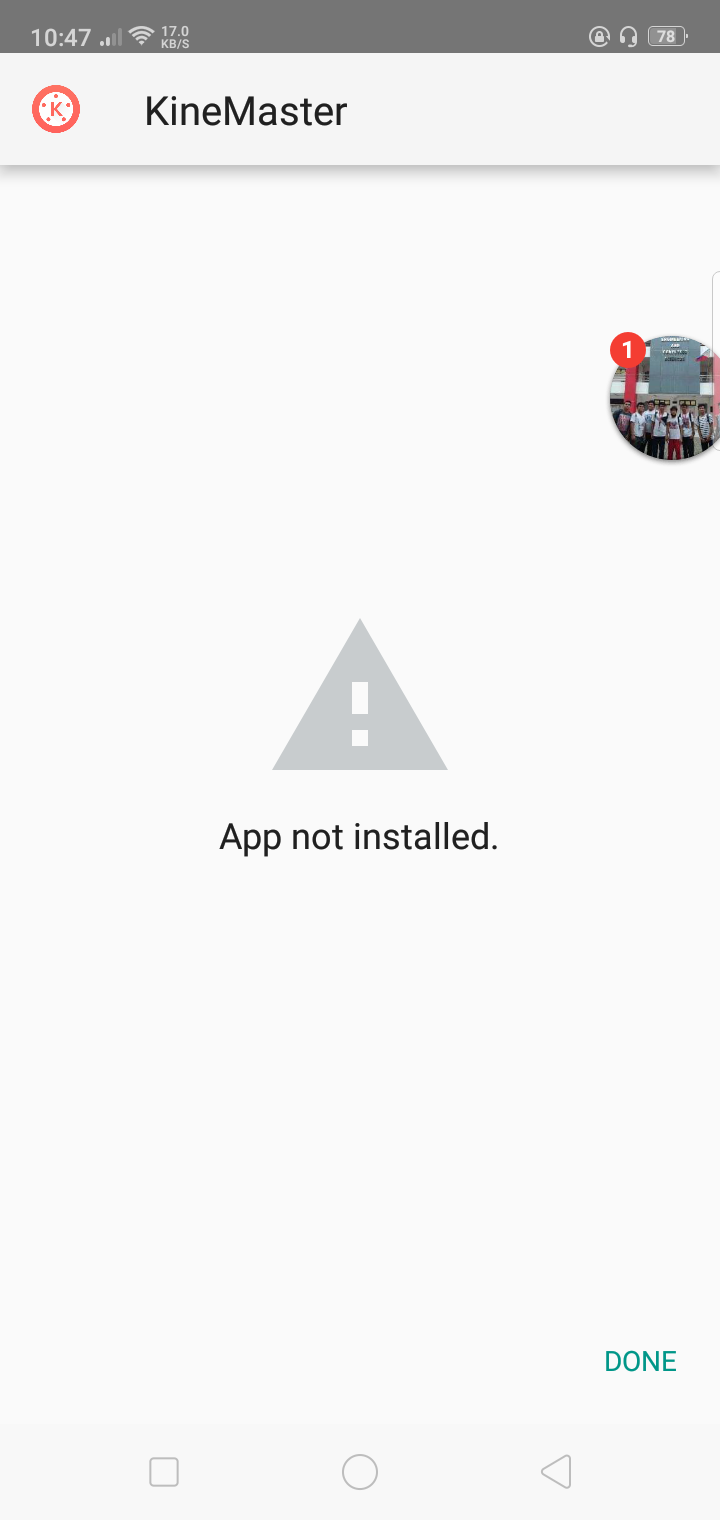
oppo po sir, sayang naman kung 'di po compatible i tried to reinstall it again and again but still that's the thing coming po :((
-
Kinemaster Premium
-
Kinemaster Premium
That will do sir, Thank you very much po again. ?
-
KineMaster - Video Editor v5.0.5.21390.HK (Pro All in One)
thanks fo sharing pooo!! ❤️?
-
Kinemaster Premium
thank you very much po sir @Oranek ❤️?? badly needed ko lang po
-
Kinemaster Premium
- NETFLIX AMEX METHOD (USING YOUR GCASH)
thanks for sharing poo !!- SPOTIFY AMEX METHOD
thanks for sharing poo!!- WiFi Hacking using Evil Twin Attacks and Captive Portals Limited Time only
thanks for sharing poo!kanayamahime started following Reginakanayamahime started following JonSnowkanayamahime changed their profile photo- New Bee Here penge po netflix
- NETFLIX AMEX METHOD (USING YOUR GCASH)
Account
Navigation
Search
Configure browser push notifications
Chrome (Android)
- Tap the lock icon next to the address bar.
- Tap Permissions → Notifications.
- Adjust your preference.
Chrome (Desktop)
- Click the padlock icon in the address bar.
- Select Site settings.
- Find Notifications and adjust your preference.
Safari (iOS 16.4+)
- Ensure the site is installed via Add to Home Screen.
- Open Settings App → Notifications.
- Find your app name and adjust your preference.
Safari (macOS)
- Go to Safari → Preferences.
- Click the Websites tab.
- Select Notifications in the sidebar.
- Find this website and adjust your preference.
Edge (Android)
- Tap the lock icon next to the address bar.
- Tap Permissions.
- Find Notifications and adjust your preference.
Edge (Desktop)
- Click the padlock icon in the address bar.
- Click Permissions for this site.
- Find Notifications and adjust your preference.
Firefox (Android)
- Go to Settings → Site permissions.
- Tap Notifications.
- Find this site in the list and adjust your preference.
Firefox (Desktop)
- Open Firefox Settings.
- Search for Notifications.
- Find this site in the list and adjust your preference.