Everything posted by MADGamer
-
4Divinity to release S.T.A.L.K.E.R. 2 Heart of Chornobyl in Southeast Asia
- ENDLESS™ DUNGEON’S PC CLOSED BETA STARTS NOW UNTIL 18TH
- Snowbreak: Containment Zone Introduces Eastern Sci-Fi Styled New Version "Mingdeng Ritual"
- Snowbreak: Containment Zone Officially Launches with Thrilling New Gameplay, 5-Star Characters, and Launch Rewards
- Survival-Shooter ‘Mission EVO’ Launches on Google Play Store in TH/PH/MY/ID
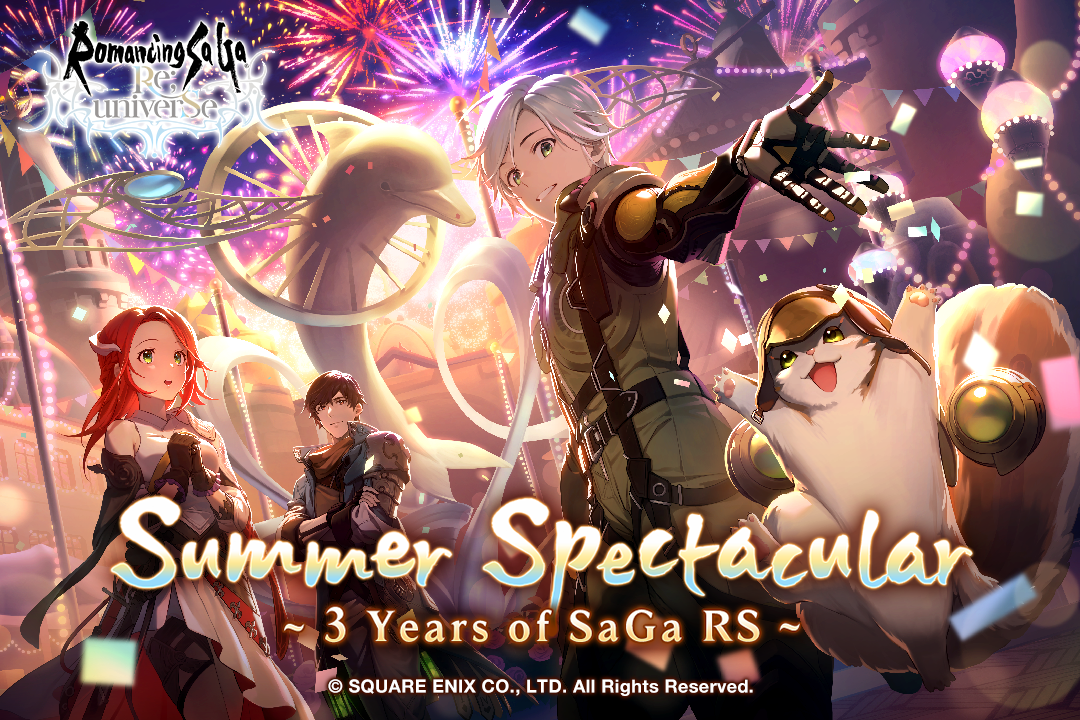
- SQUARE ENIX’S “Romancing SaGa Re;univerSe” 3rd Global Anniversary and Spectacular Events!
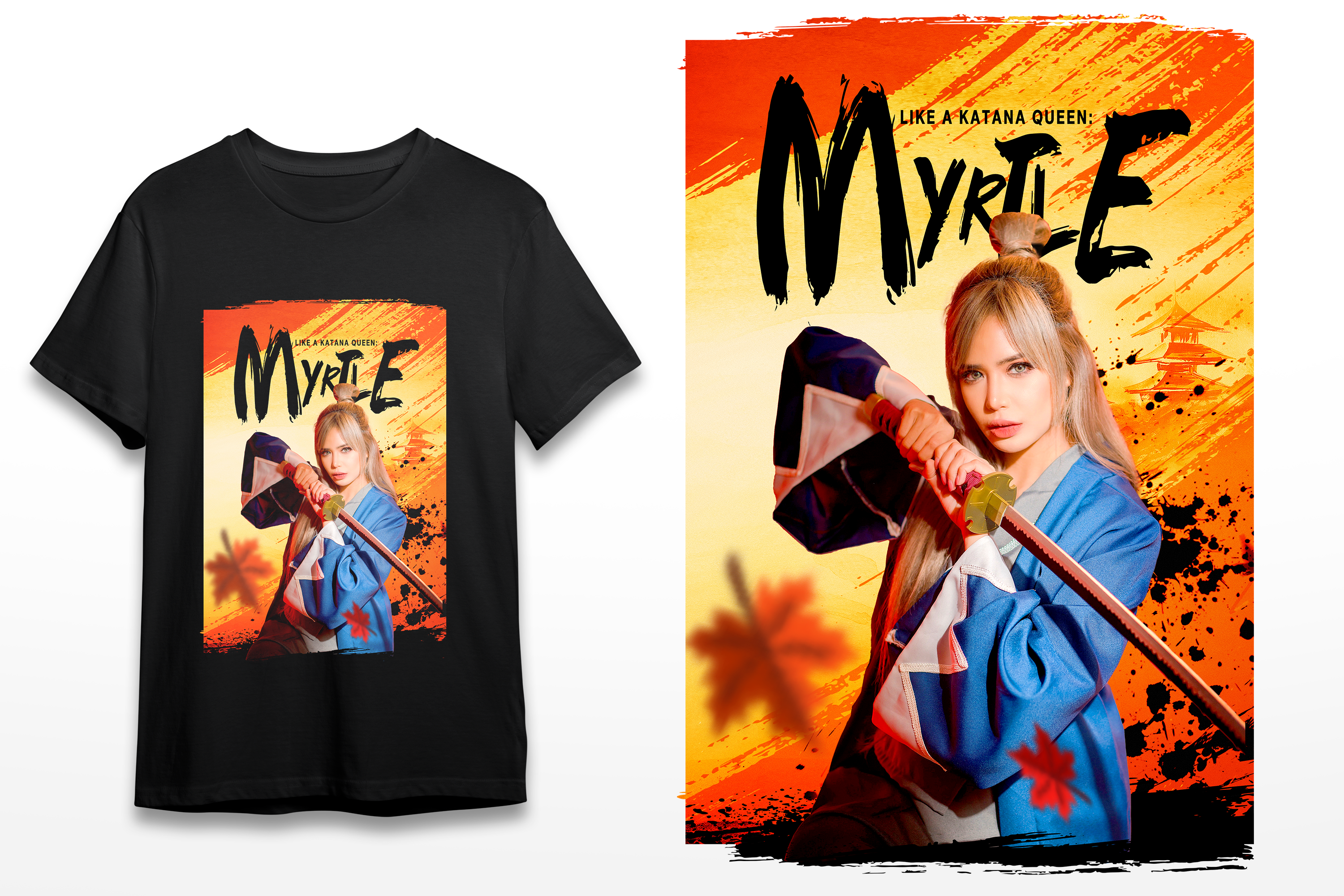
- SEGA Announces Limited Edition ‘Like A Dragon x Myrtle’ T-Shirt Giveaway Exclusively for Philippine Gamers!
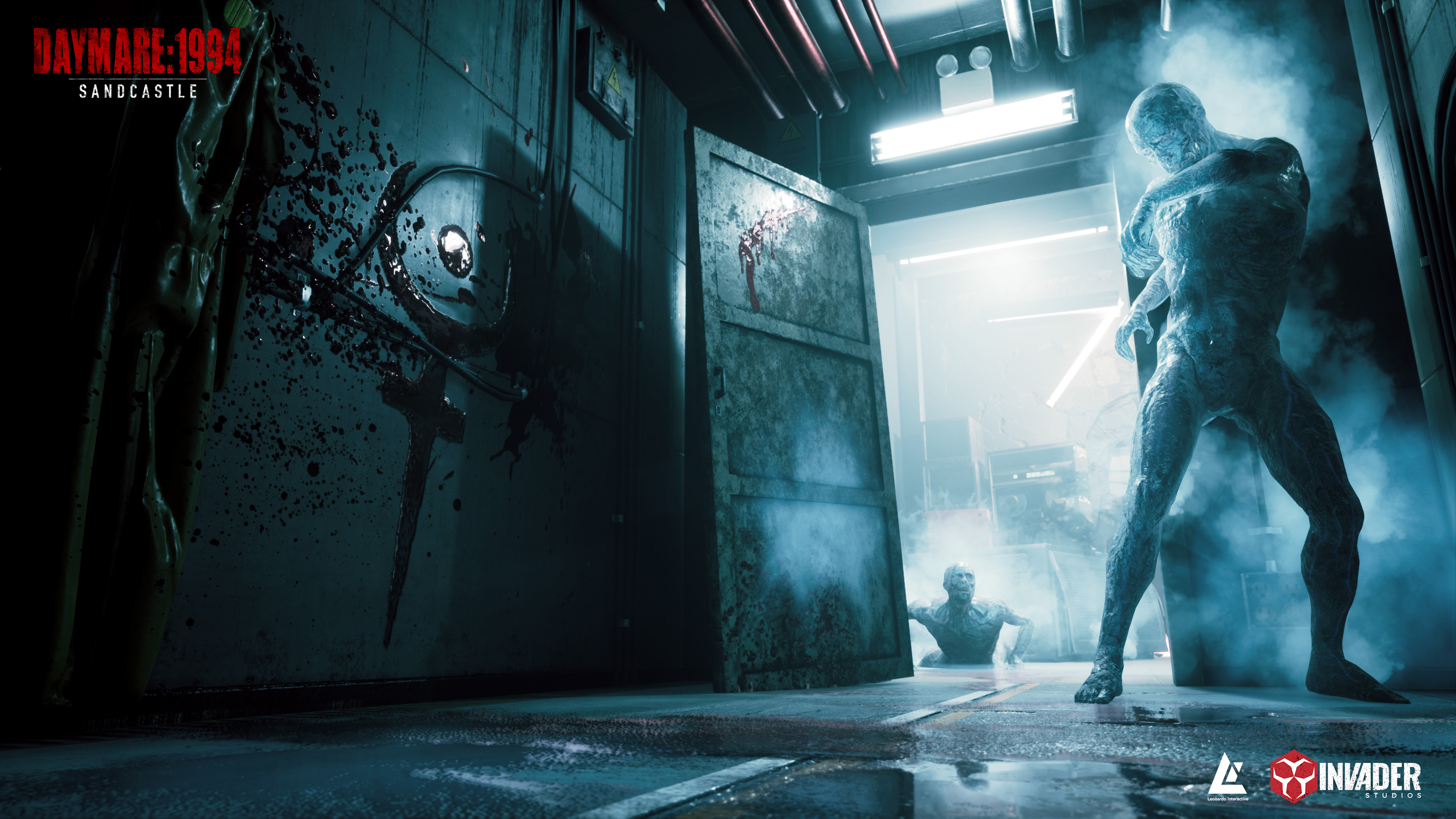
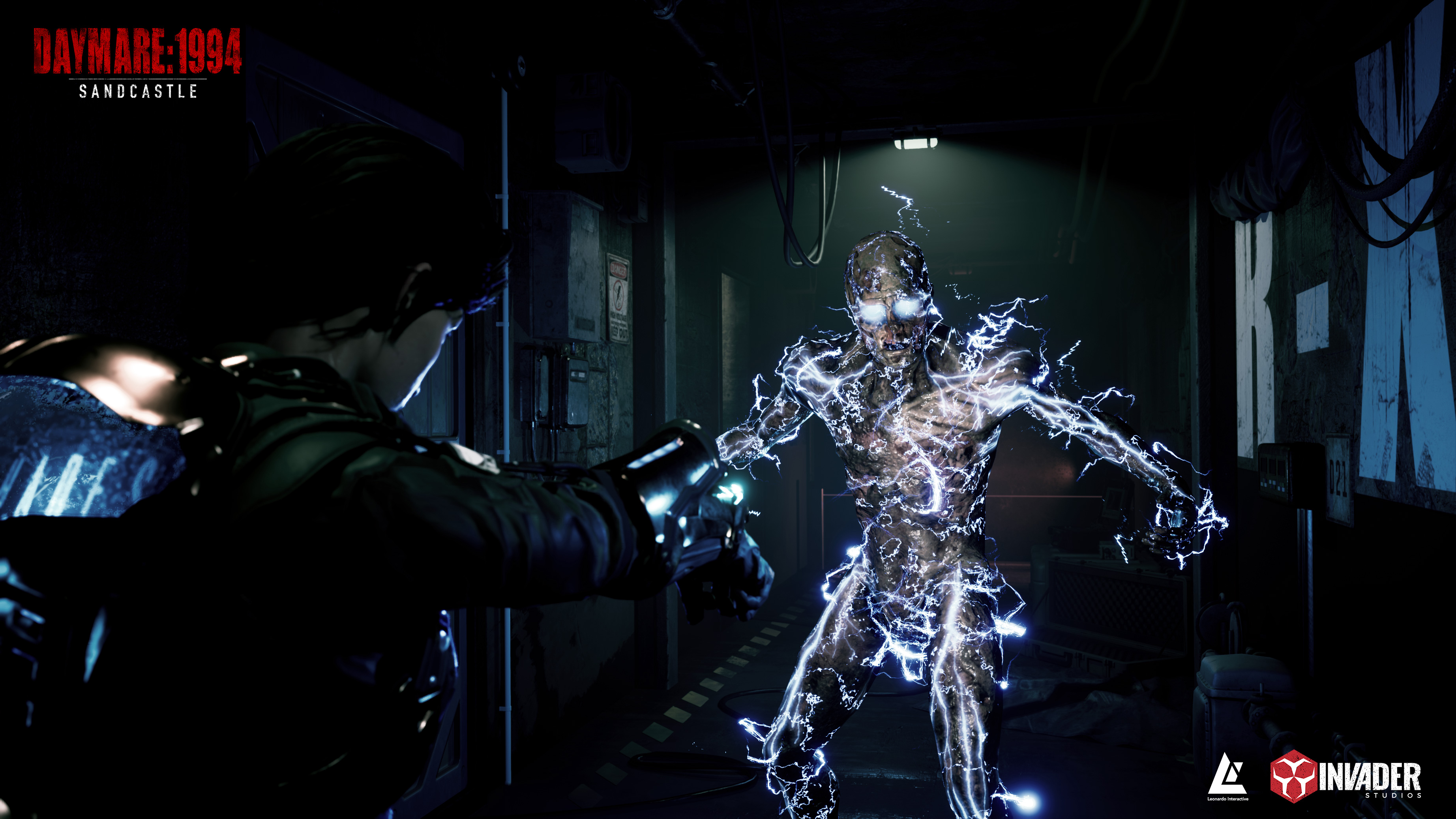
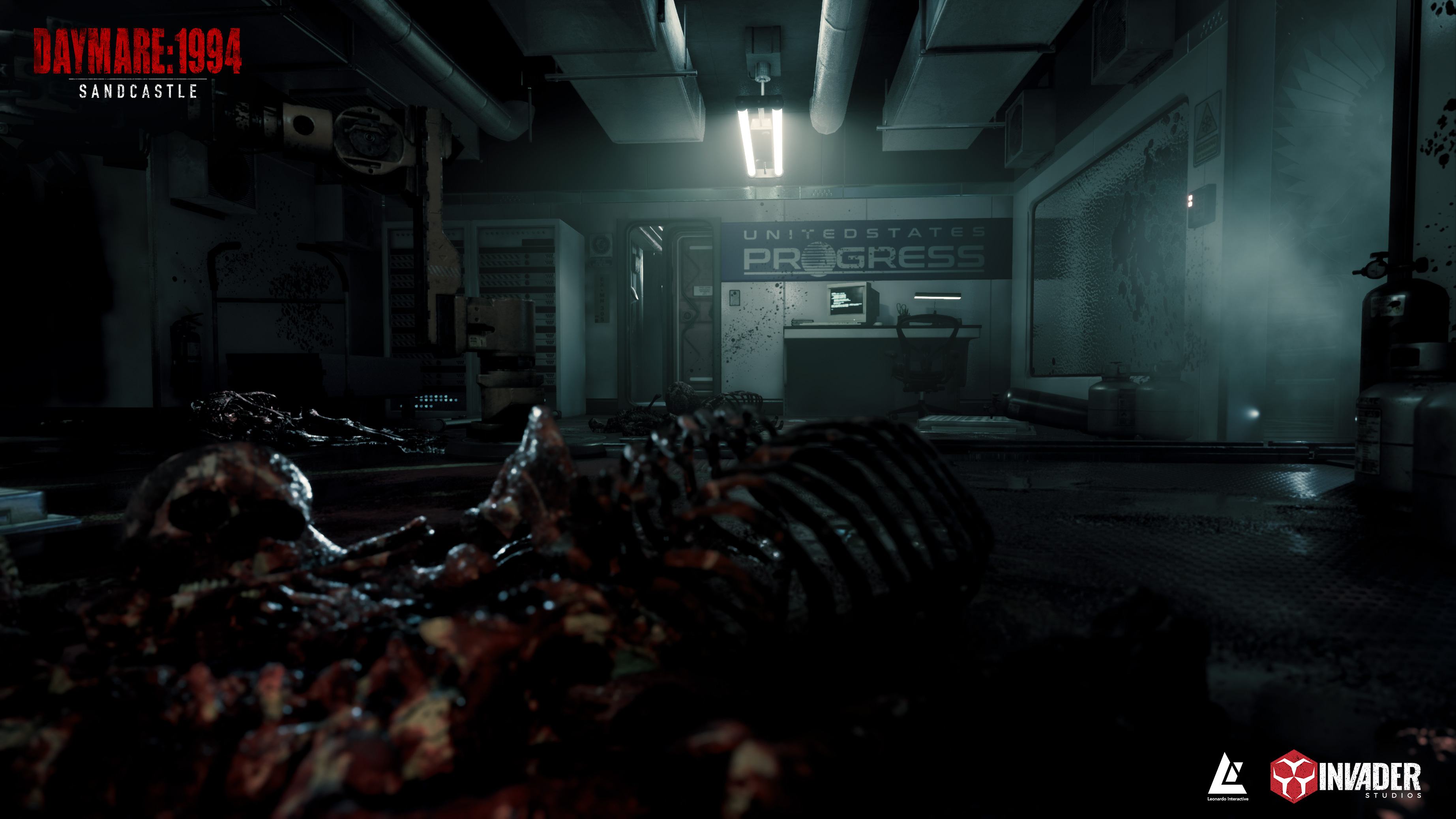
- Daymare 1994: Sandcastle Debuts New PC Gameplay Demo May 11
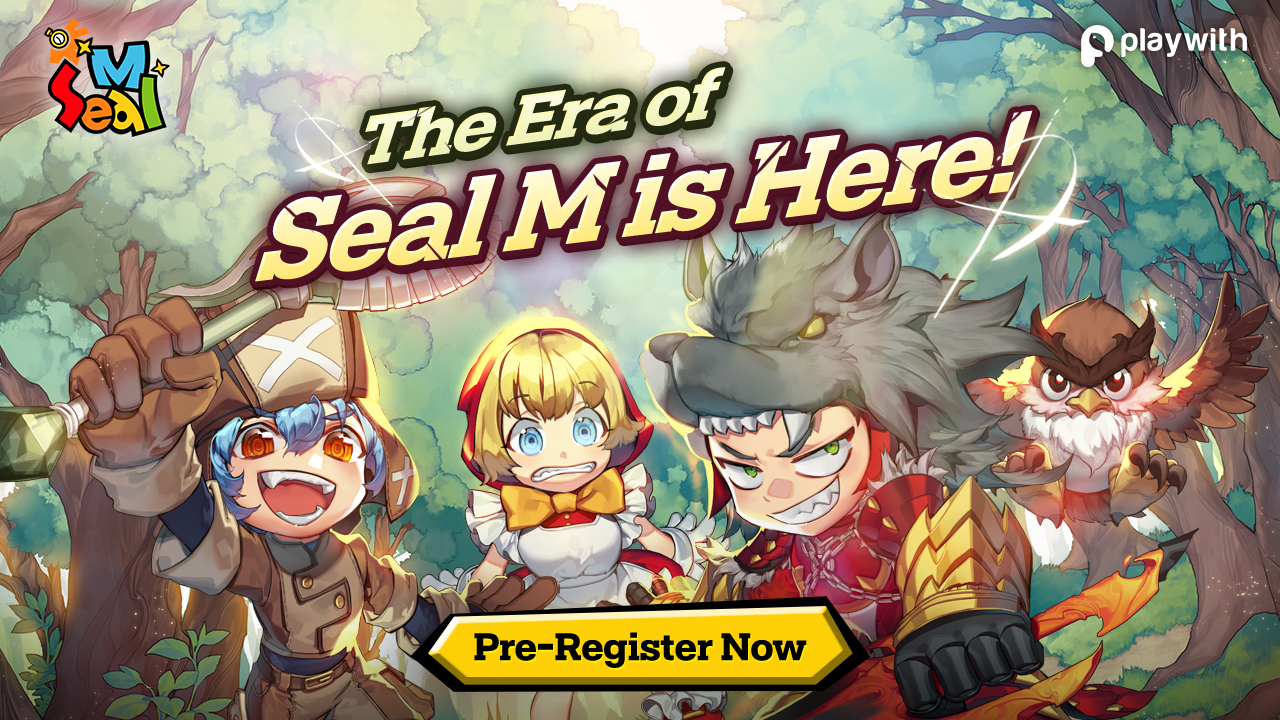
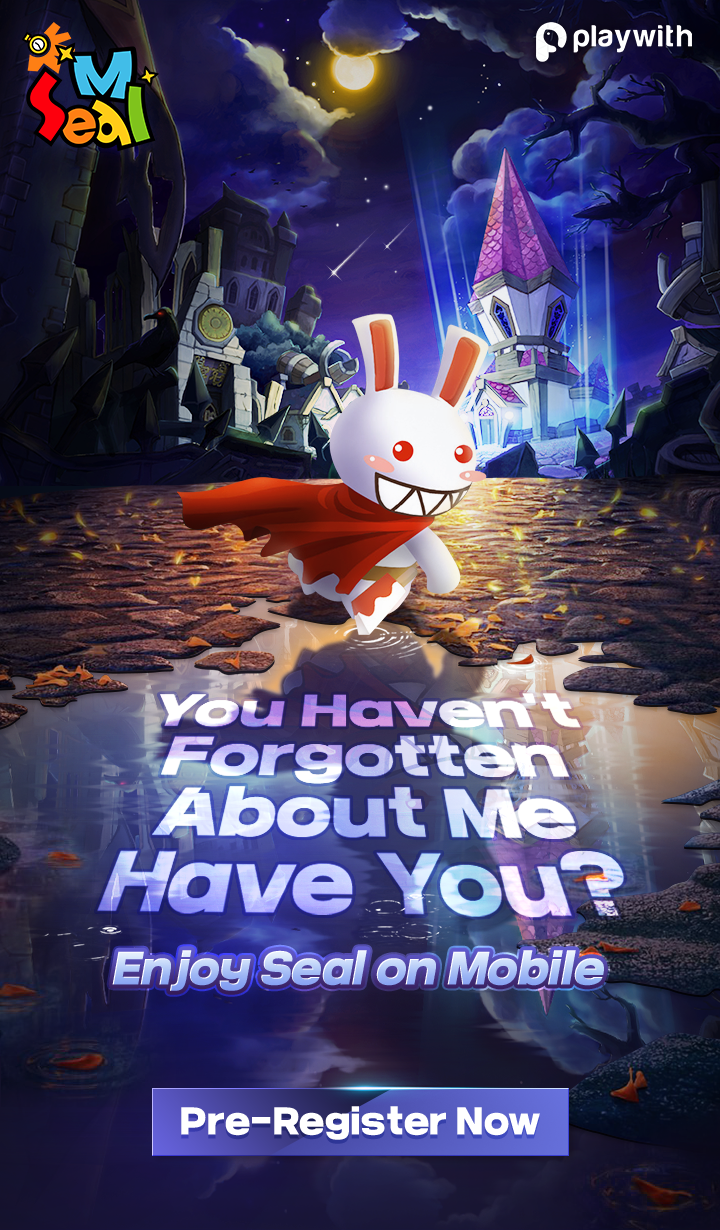
- Ready, Set, Launch! SEAL-M to be Released with an Upgraded Gameplay Experience!
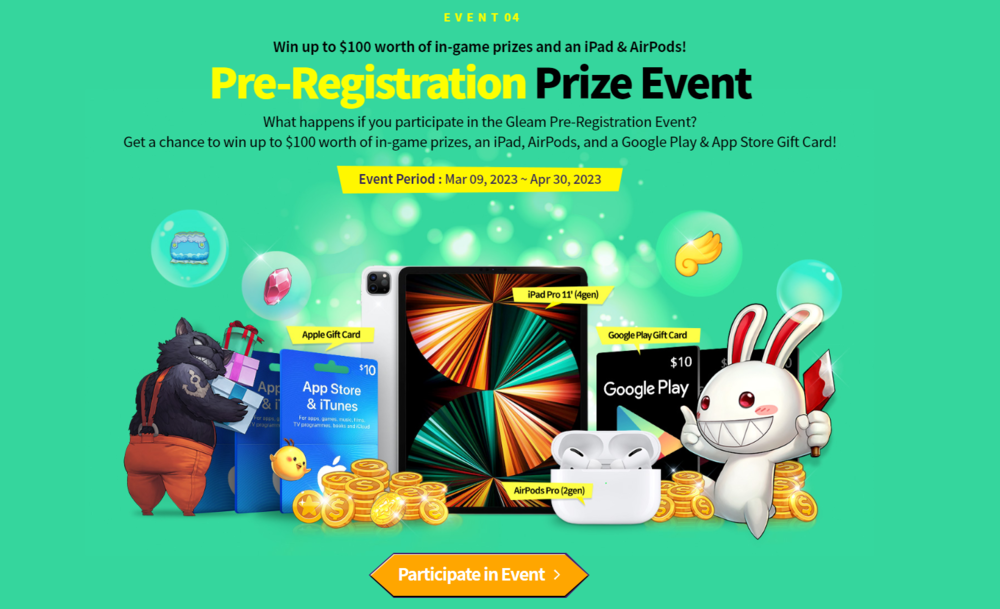
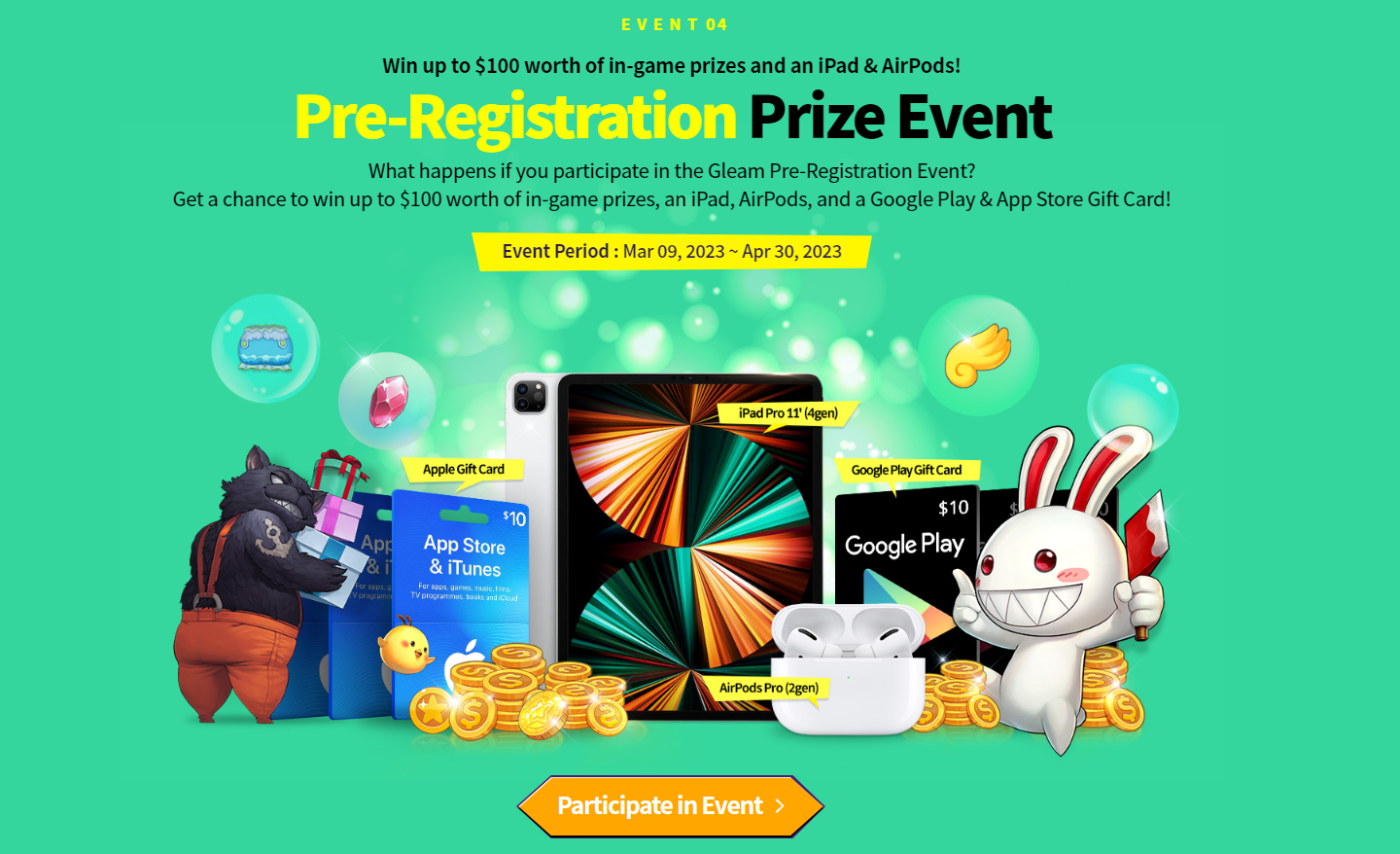
- Join & Win: Pre-Register to the SEAL-M SEA Launch Event for a Chance to Win Amazing Prizes
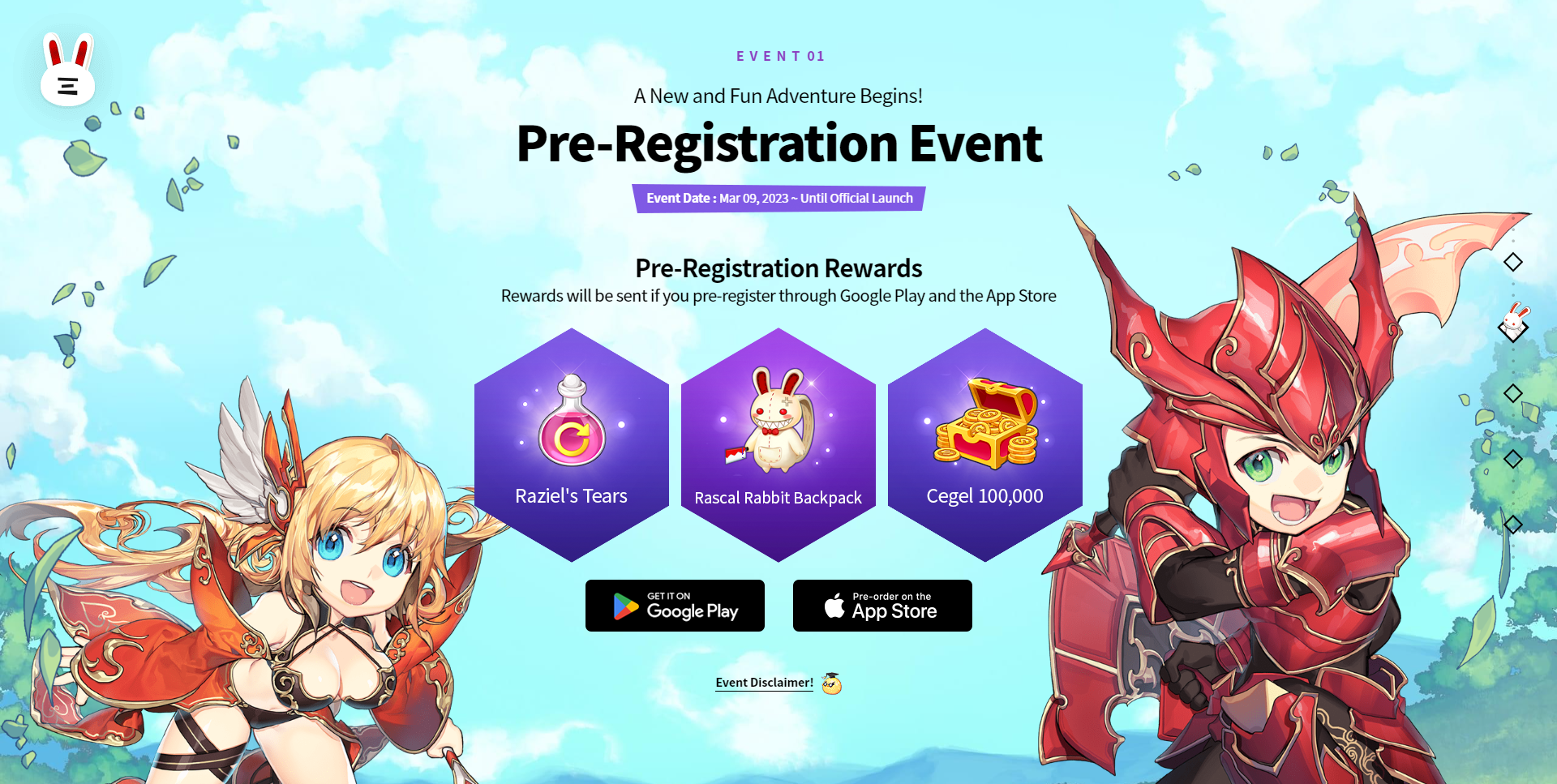
- The Rascal Rabbit Is Back: SEAL-M Pre-Registration Opens Today!
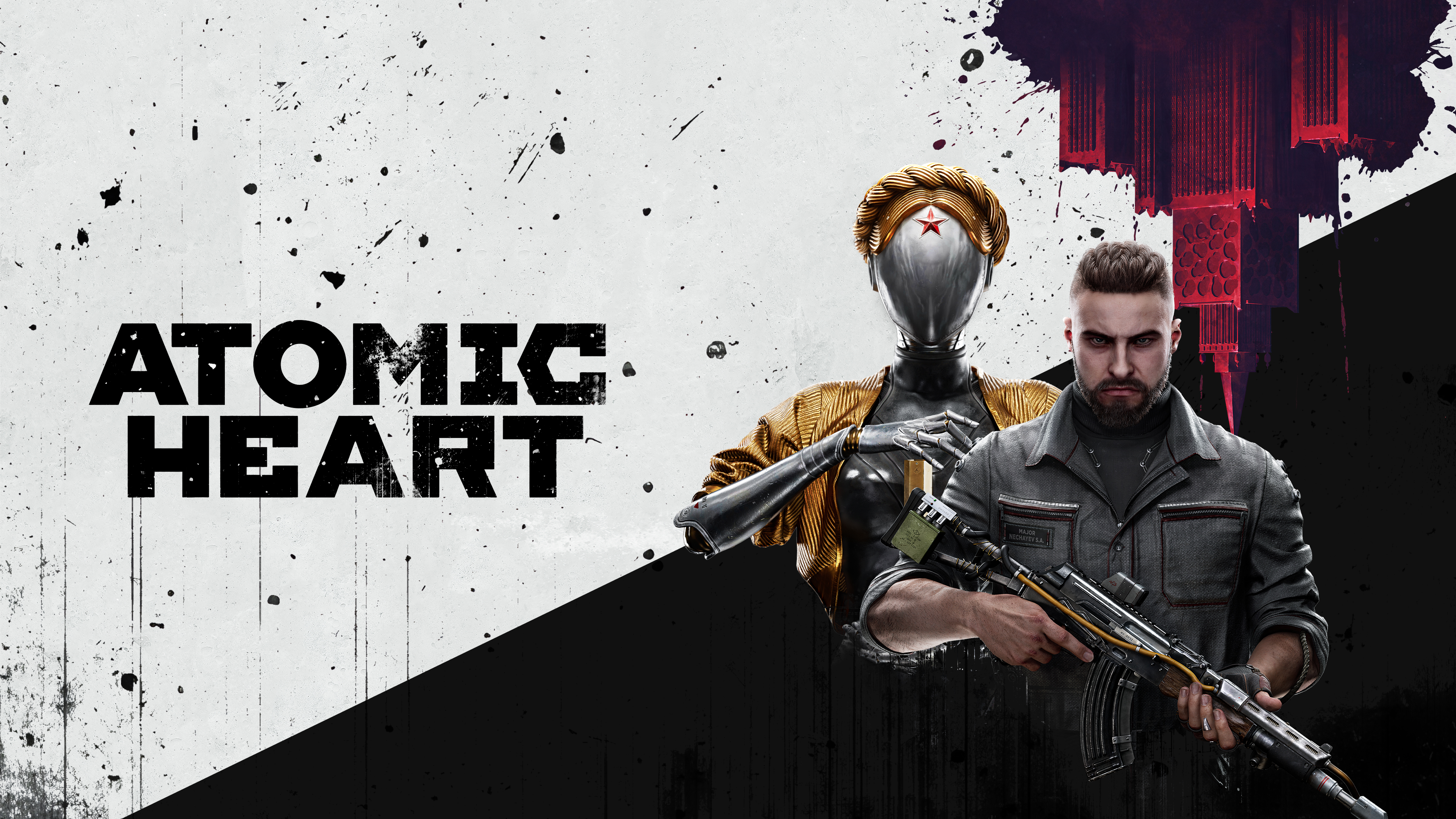
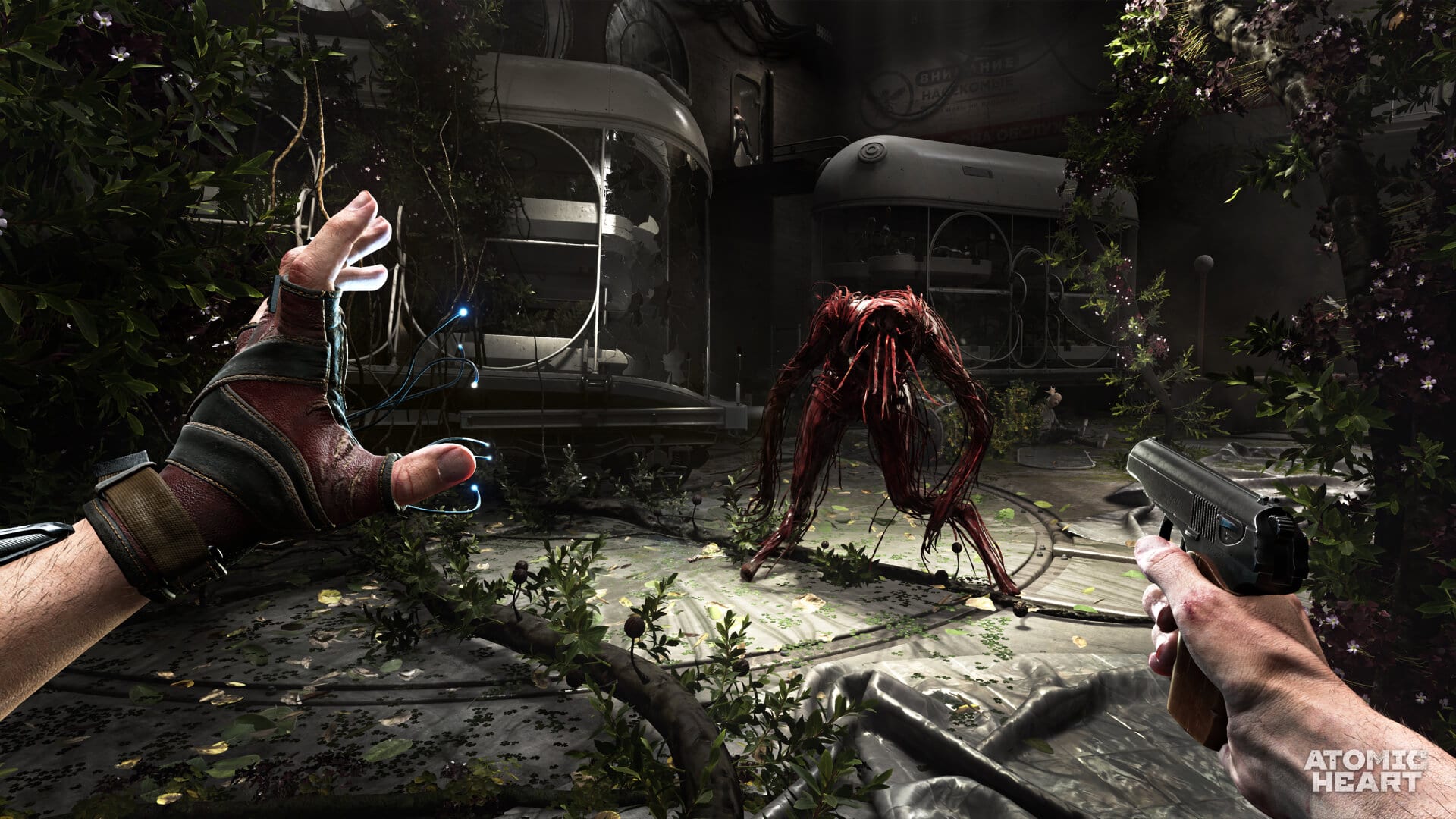
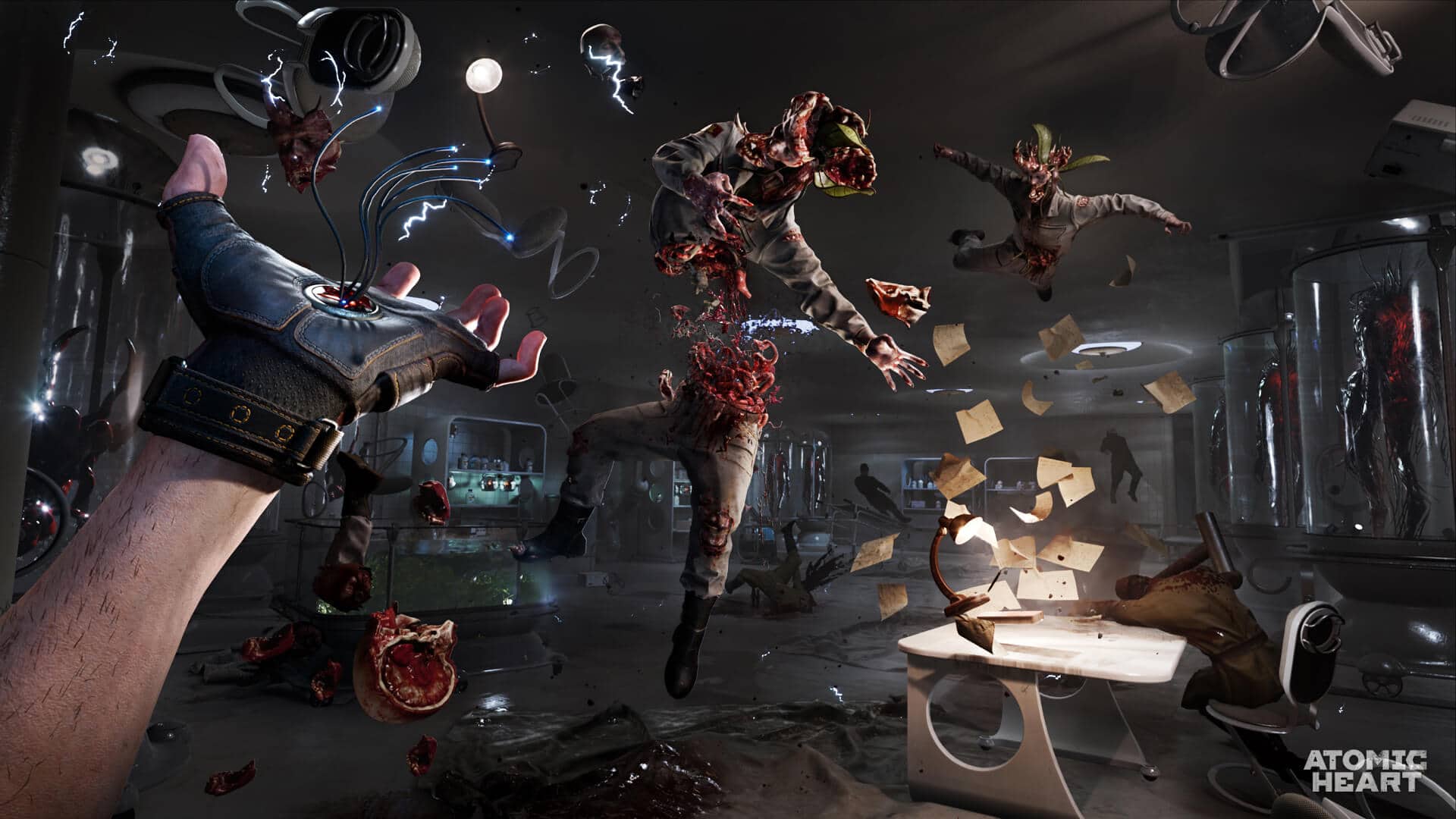
- Atomic Heart is set to come this Feb 2023!
-
- atomicheart
- fps
- game
- new release
-
Tagged with:
- 4Divinity to bring Mundfish-developed action-RPG Atomic Heart to Asia
- Apex Legends Mobile New Underworld Event Launches Today on iOS and Android
- BATTLEFIELD™ MOBILE’S OPEN BETA #1 IS NOW AVAILABLE IN THE PHILIPPINES, MALAYSIA, SINGAPORE, INDONESIA AND THAILAND
- Atomic Heart to be released on Feb 2023
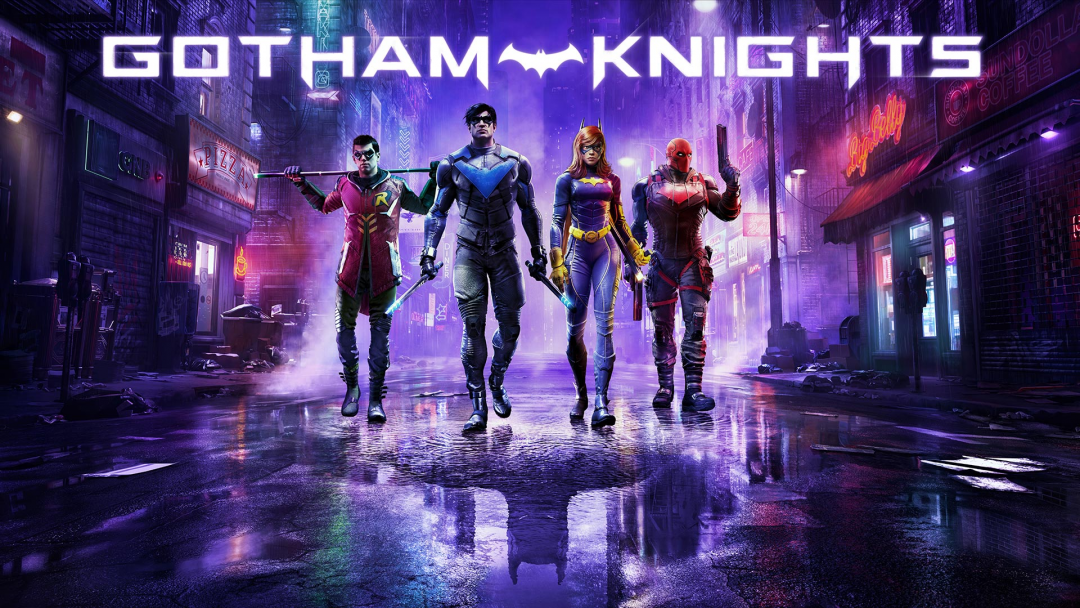
- Warner Bros. Games Debuts New Batman Family Behind-The-Scenes Trailer for Gotham Knights
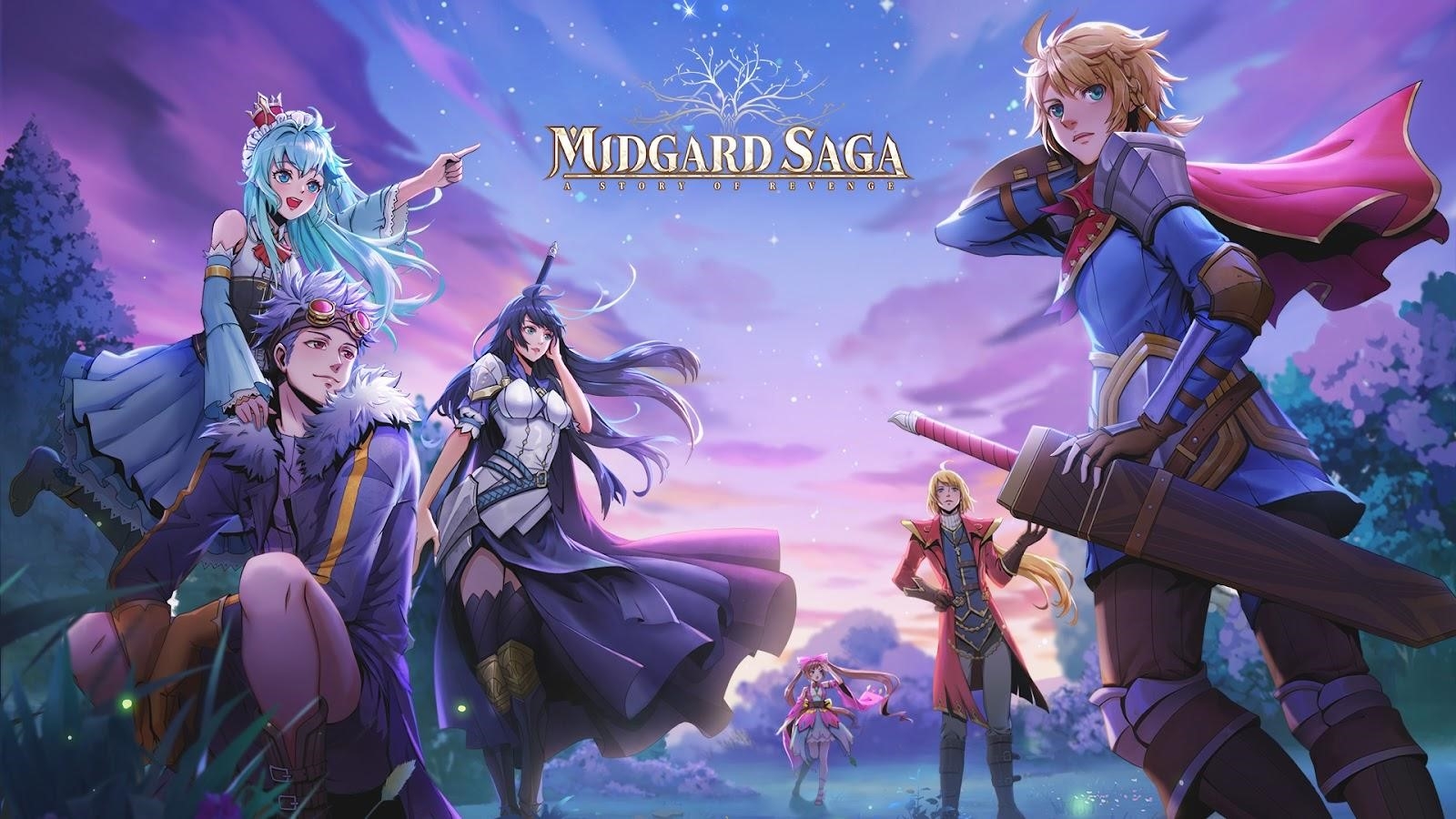
- Your Journey Through Midgard Begins Here
- Apex Legends Mobile New Hyperbeat Event Arrives In Game August 23
- Level Up: Yeeha Games Seeks Breakthrough in the Gaming Industry
- Mobile Strategy RPG The Lord of the Rings: Heroes of Middle-earth™ launches in the Philippines TODAY
- Apex Legends Mobile Season 2: DISTORTION Launches Today, Debuts New Mobile-first Legend
Account
Navigation
Search
Configure browser push notifications
Chrome (Android)
- Tap the lock icon next to the address bar.
- Tap Permissions → Notifications.
- Adjust your preference.
Chrome (Desktop)
- Click the padlock icon in the address bar.
- Select Site settings.
- Find Notifications and adjust your preference.
Safari (iOS 16.4+)
- Ensure the site is installed via Add to Home Screen.
- Open Settings App → Notifications.
- Find your app name and adjust your preference.
Safari (macOS)
- Go to Safari → Preferences.
- Click the Websites tab.
- Select Notifications in the sidebar.
- Find this website and adjust your preference.
Edge (Android)
- Tap the lock icon next to the address bar.
- Tap Permissions.
- Find Notifications and adjust your preference.
Edge (Desktop)
- Click the padlock icon in the address bar.
- Click Permissions for this site.
- Find Notifications and adjust your preference.
Firefox (Android)
- Go to Settings → Site permissions.
- Tap Notifications.
- Find this site in the list and adjust your preference.
Firefox (Desktop)
- Open Firefox Settings.
- Search for Notifications.
- Find this site in the list and adjust your preference.
- ENDLESS™ DUNGEON’S PC CLOSED BETA STARTS NOW UNTIL 18TH