
Tet
BenLotus Member
-
Joined
-
Last visited
-
Kelan po next boss hero?
-
Tet changed their profile photo
-
Meron ako neto boss sobrang solid to parang netflix haha
-
Clue naman po dyan hahhah
-
Congrats!
-
Wala po bang clue dyan hahahha pero may tama po ba kahit isang word hahahha
-
I'll rephrase. "Even If Im broken I'll take the chance with you. That's how I love you
-
Wow
-
Sige po Sir. 300 is more than enough
-
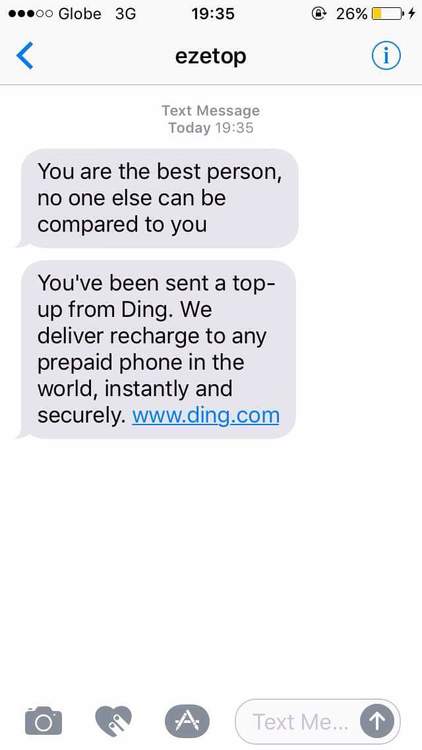
Ding! Ang bato! Ding.com hahahah Thank you Sir nareceive ko na po

-
Wow seriously? Maraming salamat po dito Sir. Sige po I'll pm more to come pa TS! Hahaha
-
You are the best person, no one else can be compared to you. Hahaha
-
You are the best person, no one else can be close to you. More chances of winning hahahah
-
You are the best partner, no one else can be close to you. Hahaha
-
You are the best person, no one else can be compare to you. Hahaha
-
You are the best person, no one else can be close to you. Hahaha