


TYRANT
Special Member
-
Joined
-
Last visited
Everything posted by TYRANT
-
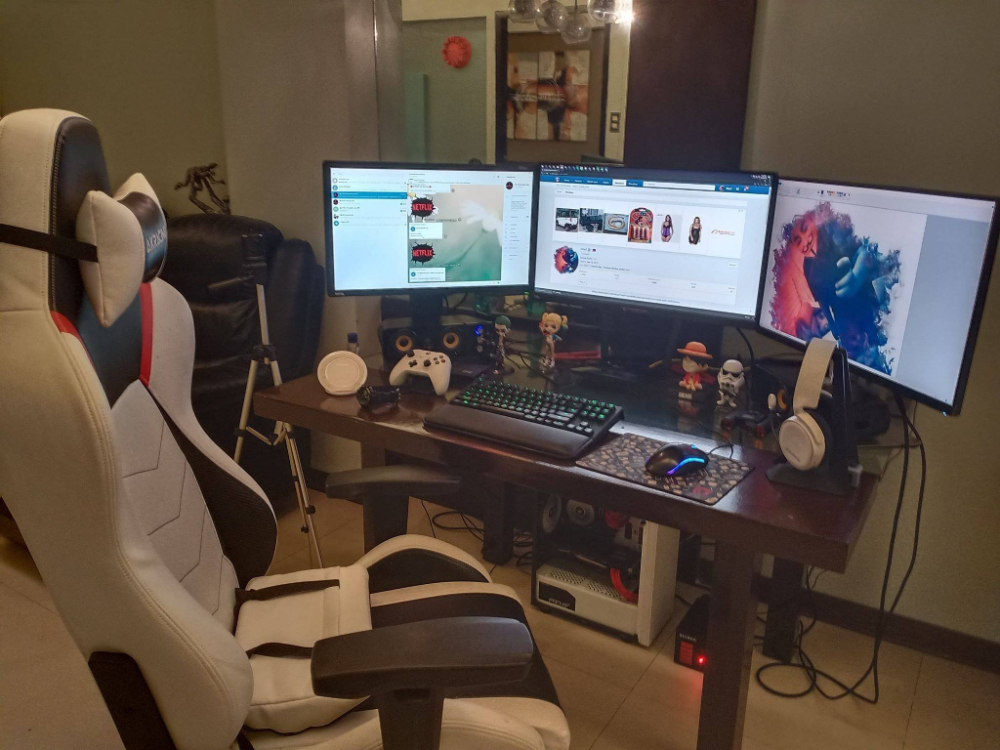
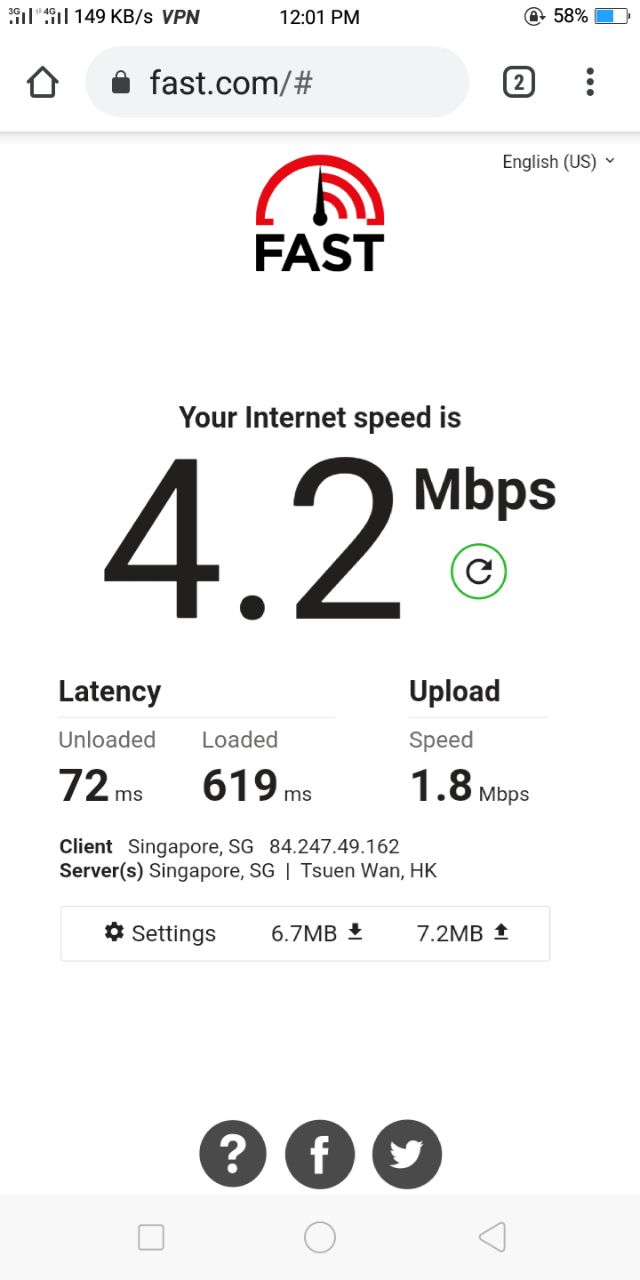
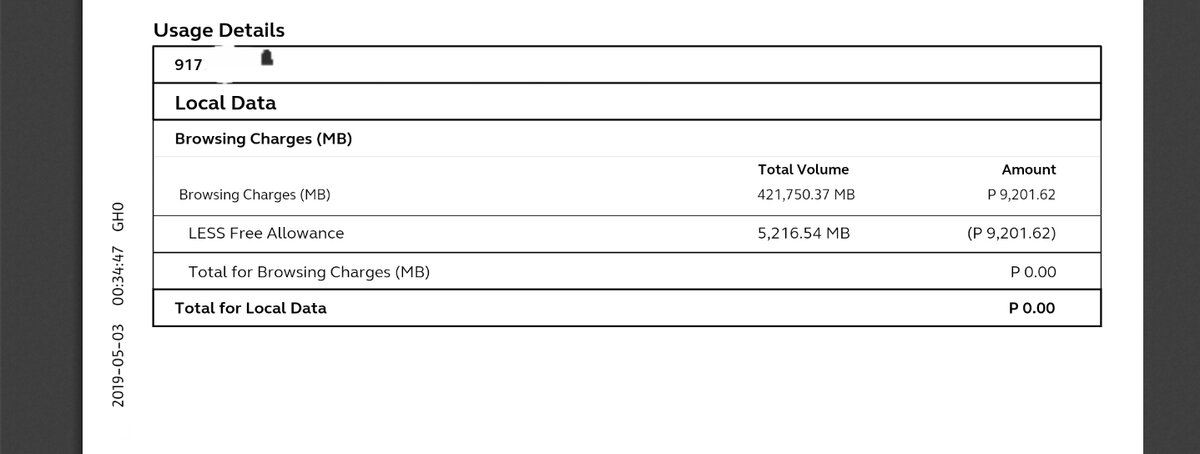
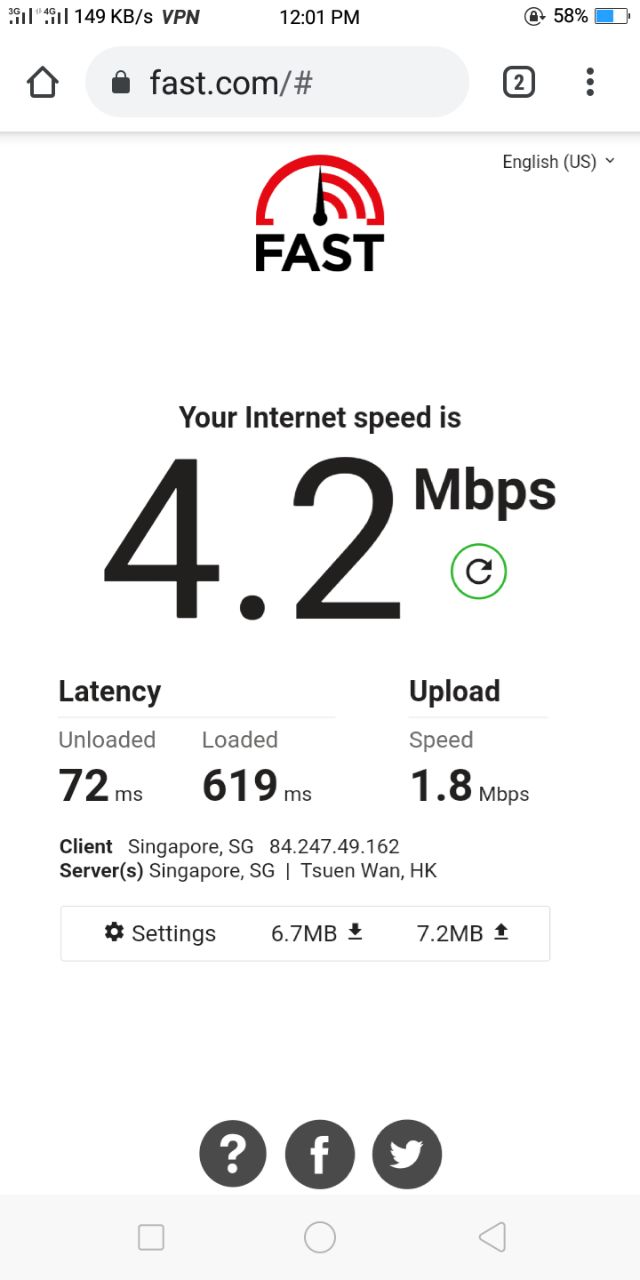
Baka juneParang vanced din pero iba siya. try mo nlngMalamang pag mura dito lipat ako. HahaPa check akoKahit psiphon pwde na or purevpn sa browser add on lang. Mga ovpn iset up mo pa gamit vpnjantit udp.Purevpn gamit ko
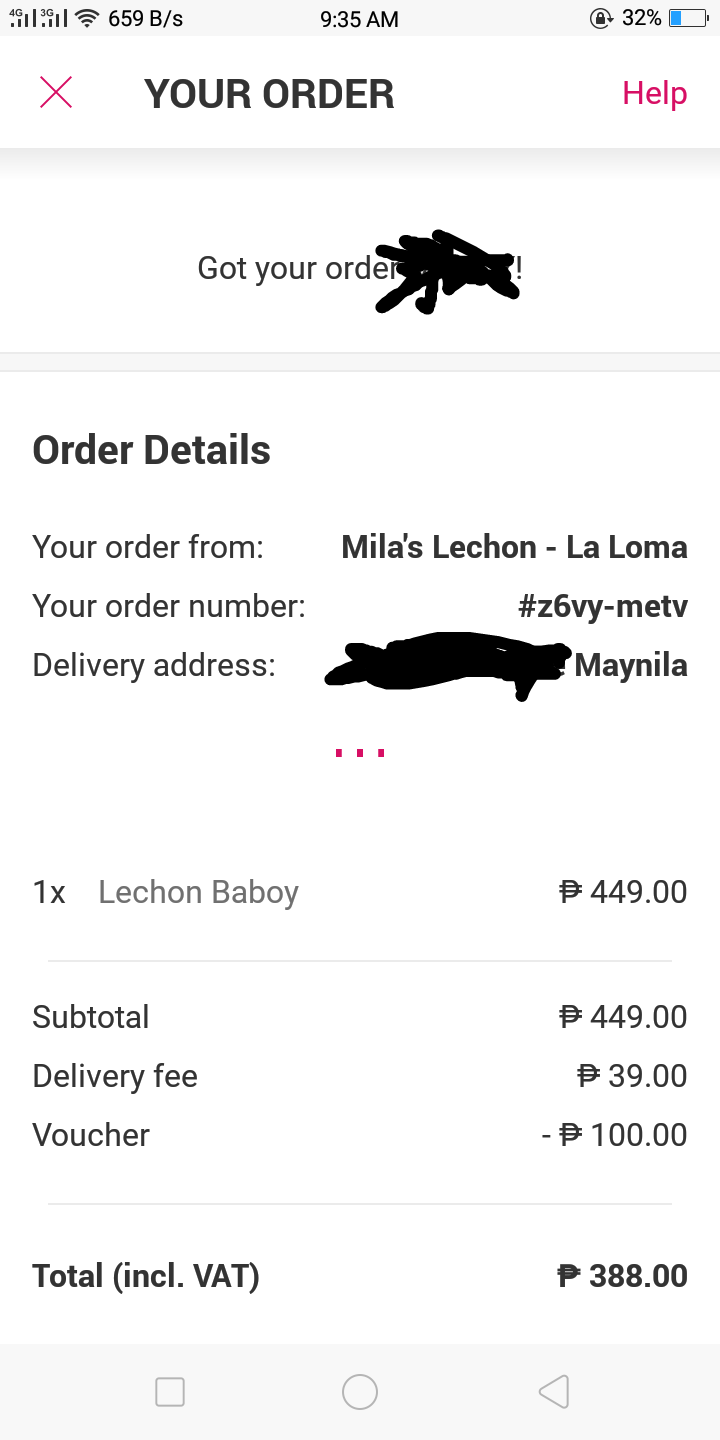
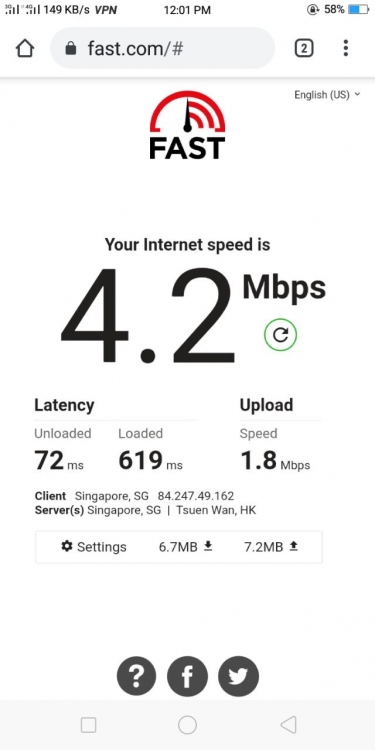 Thanks try koNagutom ako kalokohan ko, voucher nlng. Hahaha
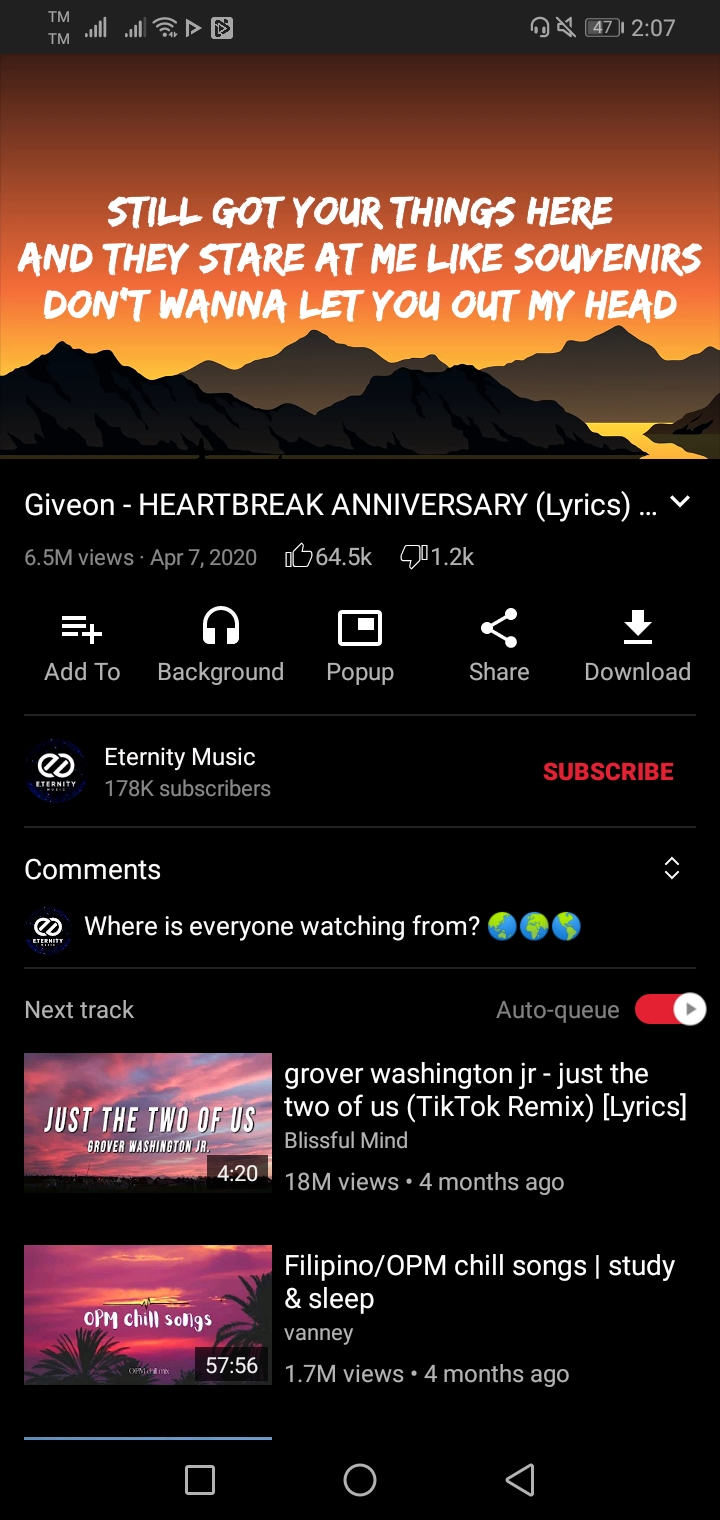
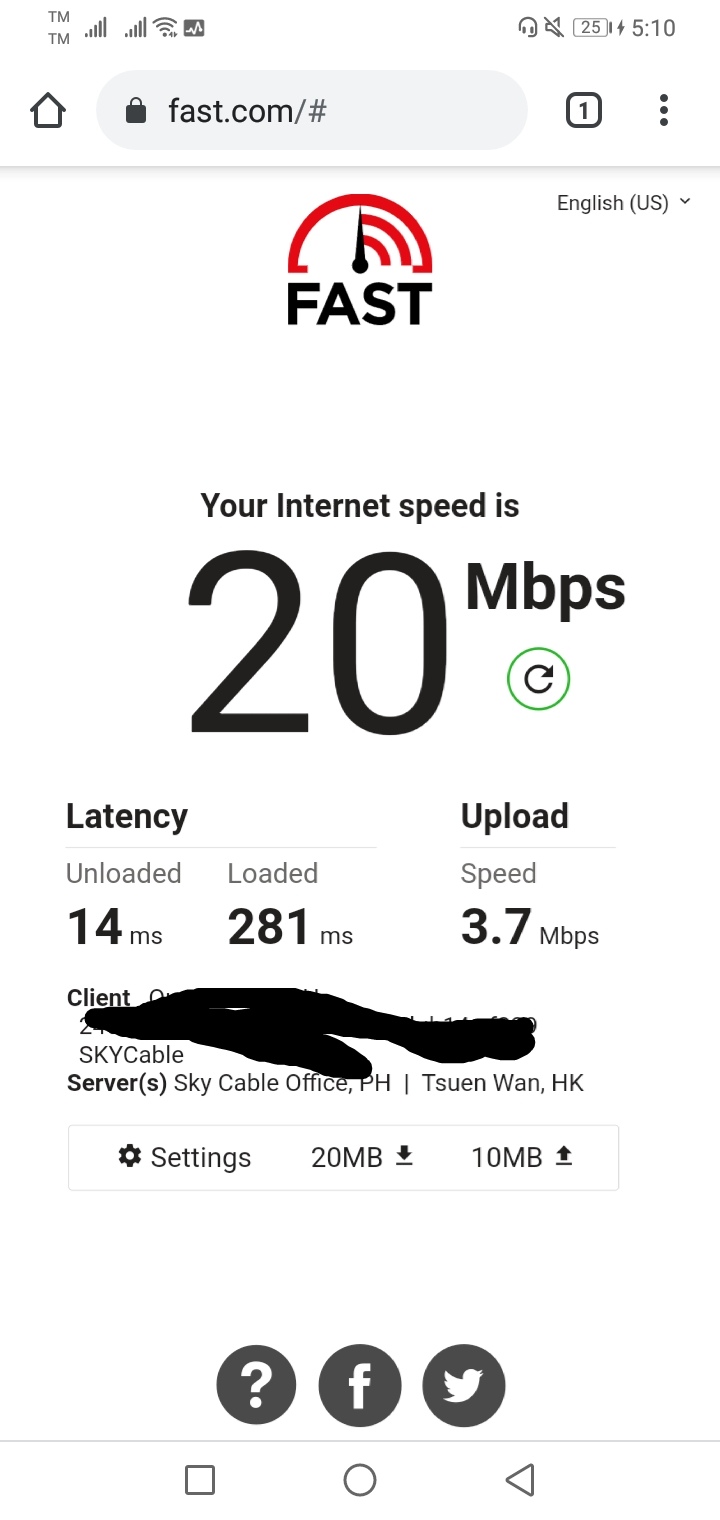
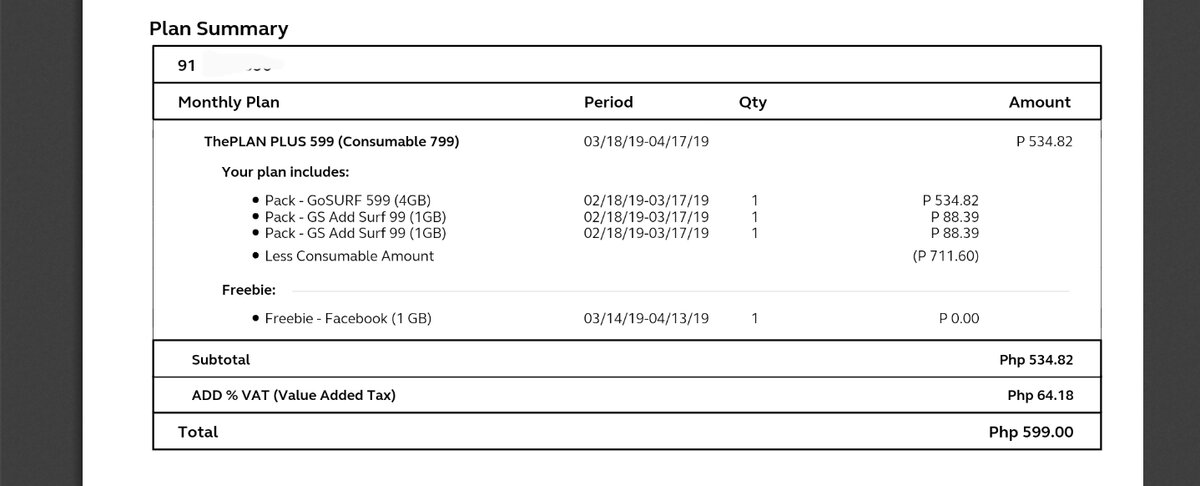
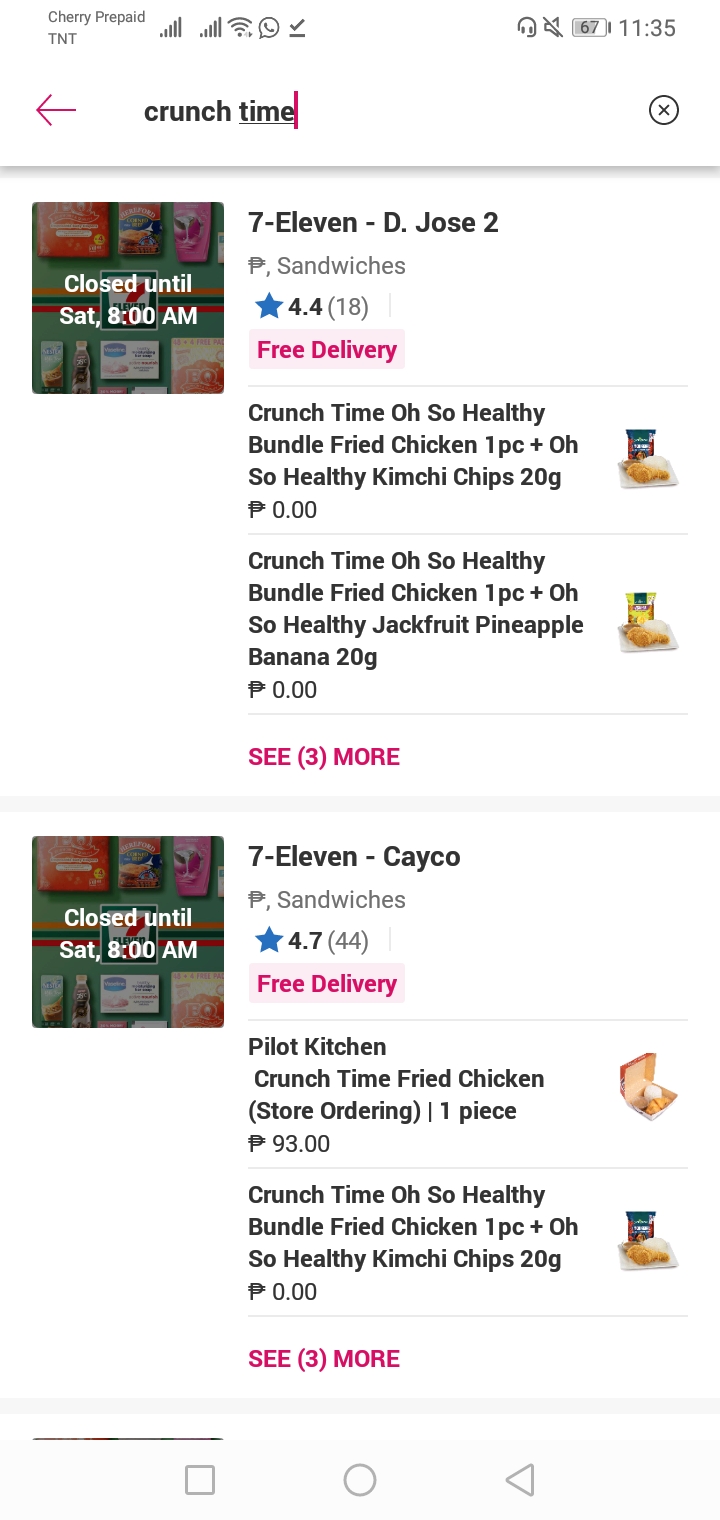
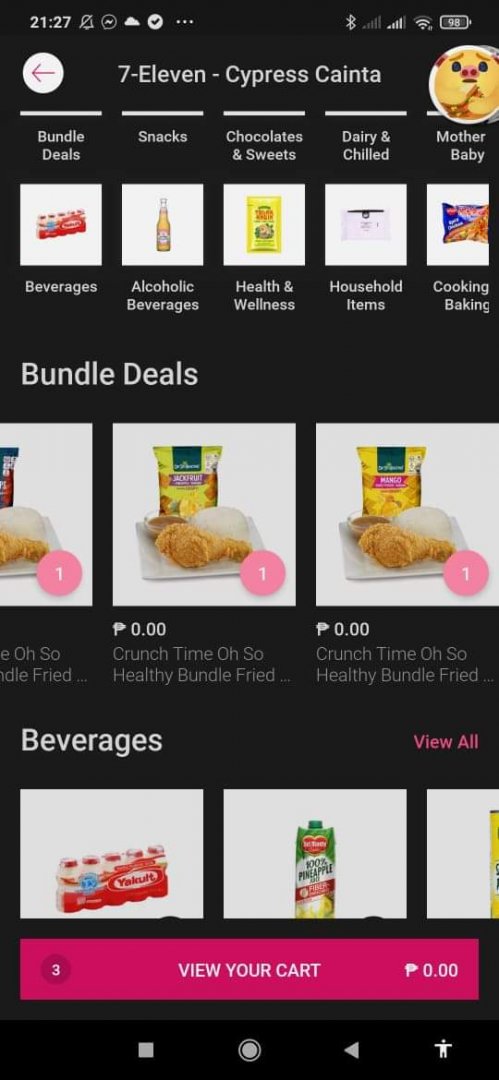
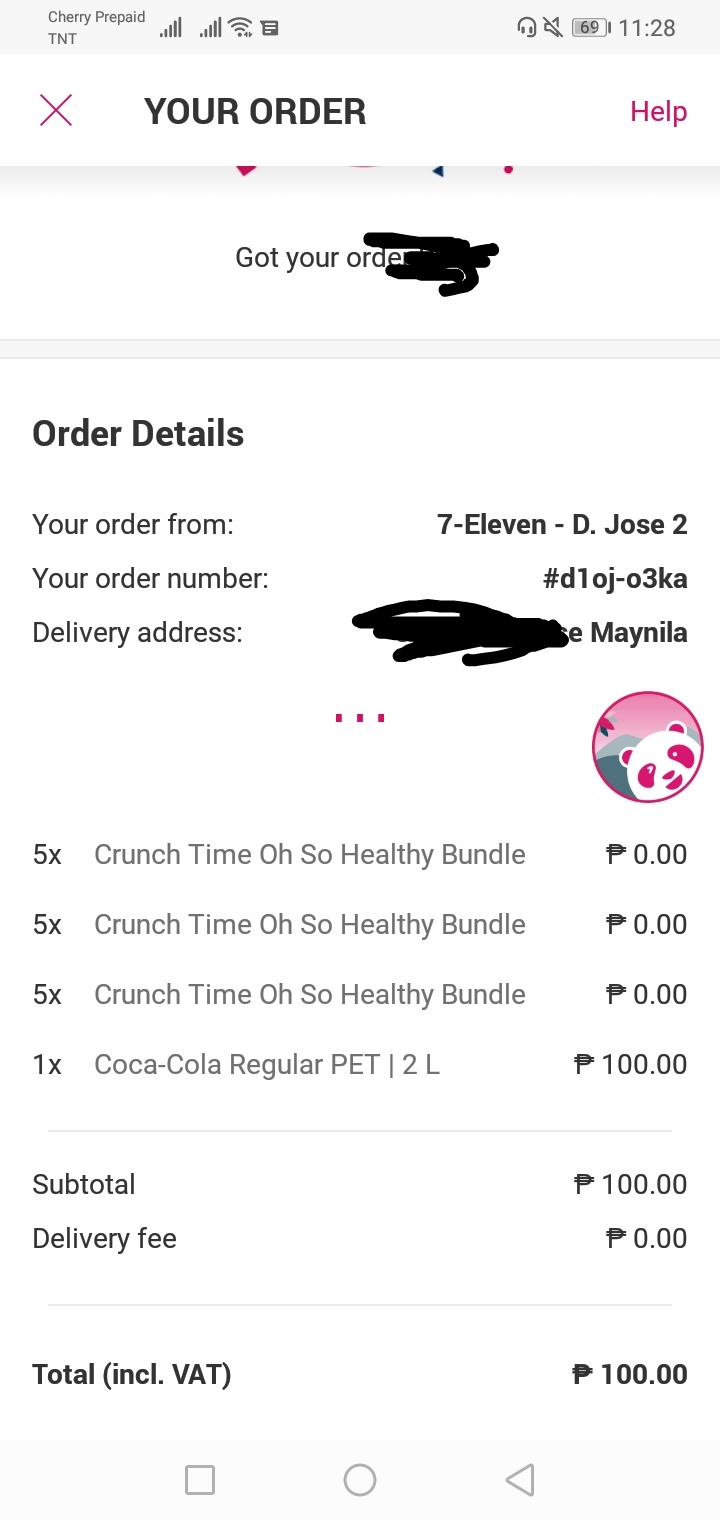
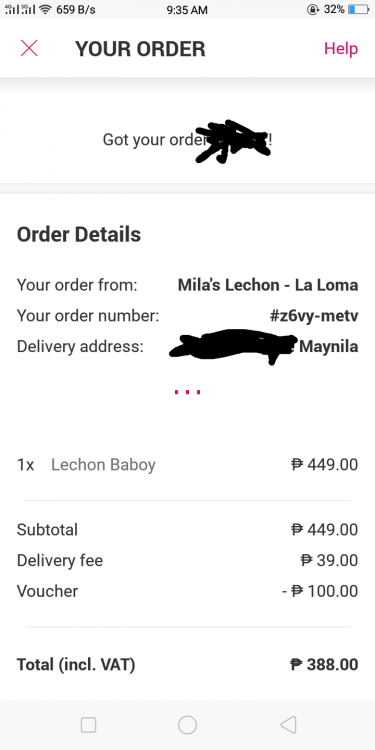 Cancel sayang hahahahahaSayang haha Haha sayang dami dito Manila Bukas ko malalaman update ko umaga pag nakain ko na100 buy ako coke para maprocess yung order. Bukas update ako pag totoo. Try nyo sa inyo if my ganyan offer 711.Napanood ko na Warrior Nun 65/100 Love, Death & Robots 78/100 Kingdom 76/100 The Witcher 68/100 The Umbrella Acadamy 82/100 Blacklist 83/100 Bodyguard 83/100 The 100 87/100 You 85/100 Black Mirror 96/100 Breaking Bad 89/100 Lucifer 100/100 The Walking Dead 93/100 One Punch Man 83/100 The Big Boss Baby 86/100 Try ko yung iba salamatKeep on sharing thanks










Account
Navigation
Search
Configure browser push notifications
Chrome (Android)
- Tap the lock icon next to the address bar.
- Tap Permissions → Notifications.
- Adjust your preference.
Chrome (Desktop)
- Click the padlock icon in the address bar.
- Select Site settings.
- Find Notifications and adjust your preference.
Safari (iOS 16.4+)
- Ensure the site is installed via Add to Home Screen.
- Open Settings App → Notifications.
- Find your app name and adjust your preference.
Safari (macOS)
- Go to Safari → Preferences.
- Click the Websites tab.
- Select Notifications in the sidebar.
- Find this website and adjust your preference.
Edge (Android)
- Tap the lock icon next to the address bar.
- Tap Permissions.
- Find Notifications and adjust your preference.
Edge (Desktop)
- Click the padlock icon in the address bar.
- Click Permissions for this site.
- Find Notifications and adjust your preference.
Firefox (Android)
- Go to Settings → Site permissions.
- Tap Notifications.
- Find this site in the list and adjust your preference.
Firefox (Desktop)
- Open Firefox Settings.
- Search for Notifications.
- Find this site in the list and adjust your preference.