




Booh
BenLotus Member
-
Joined
-
Last visited
Everything posted by Booh
-
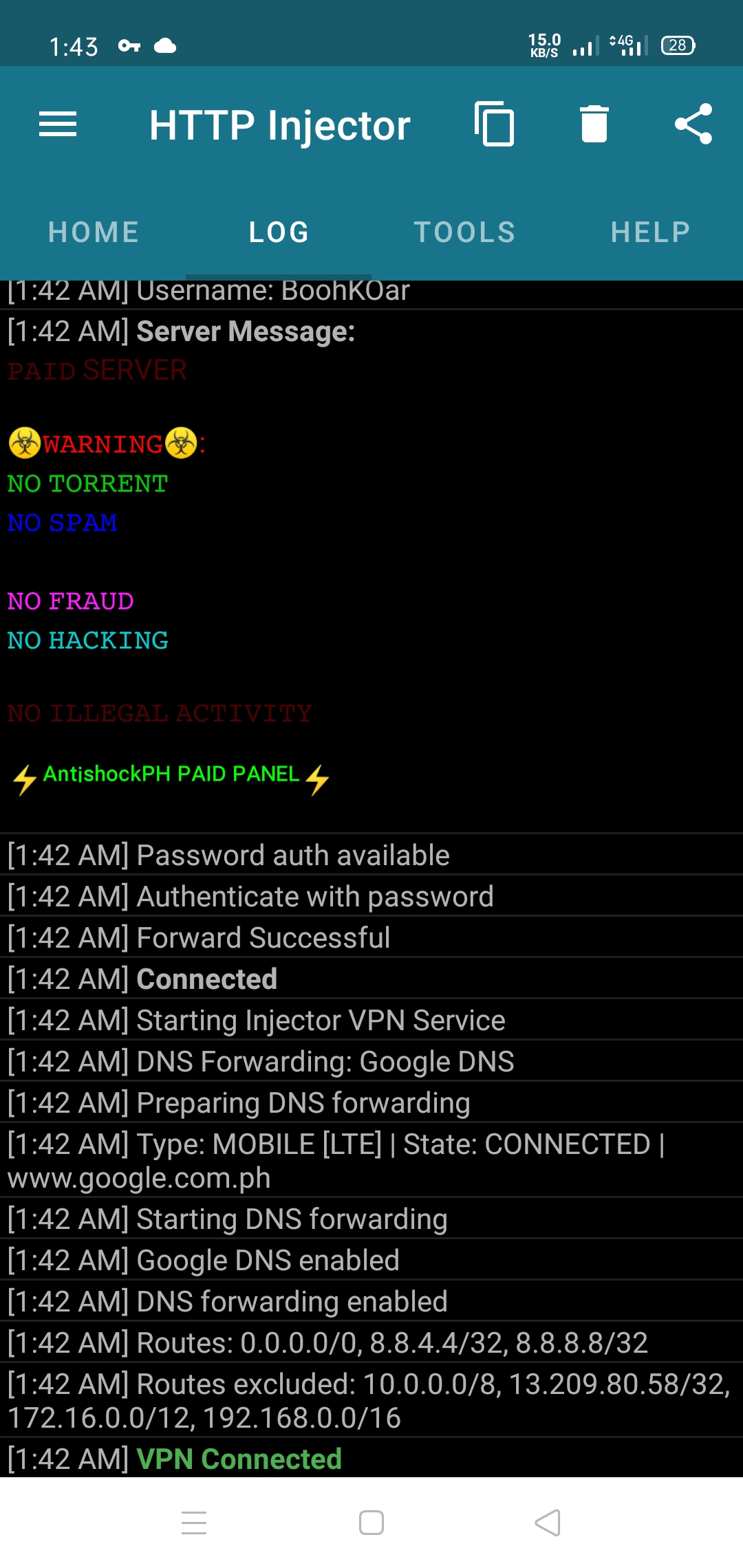
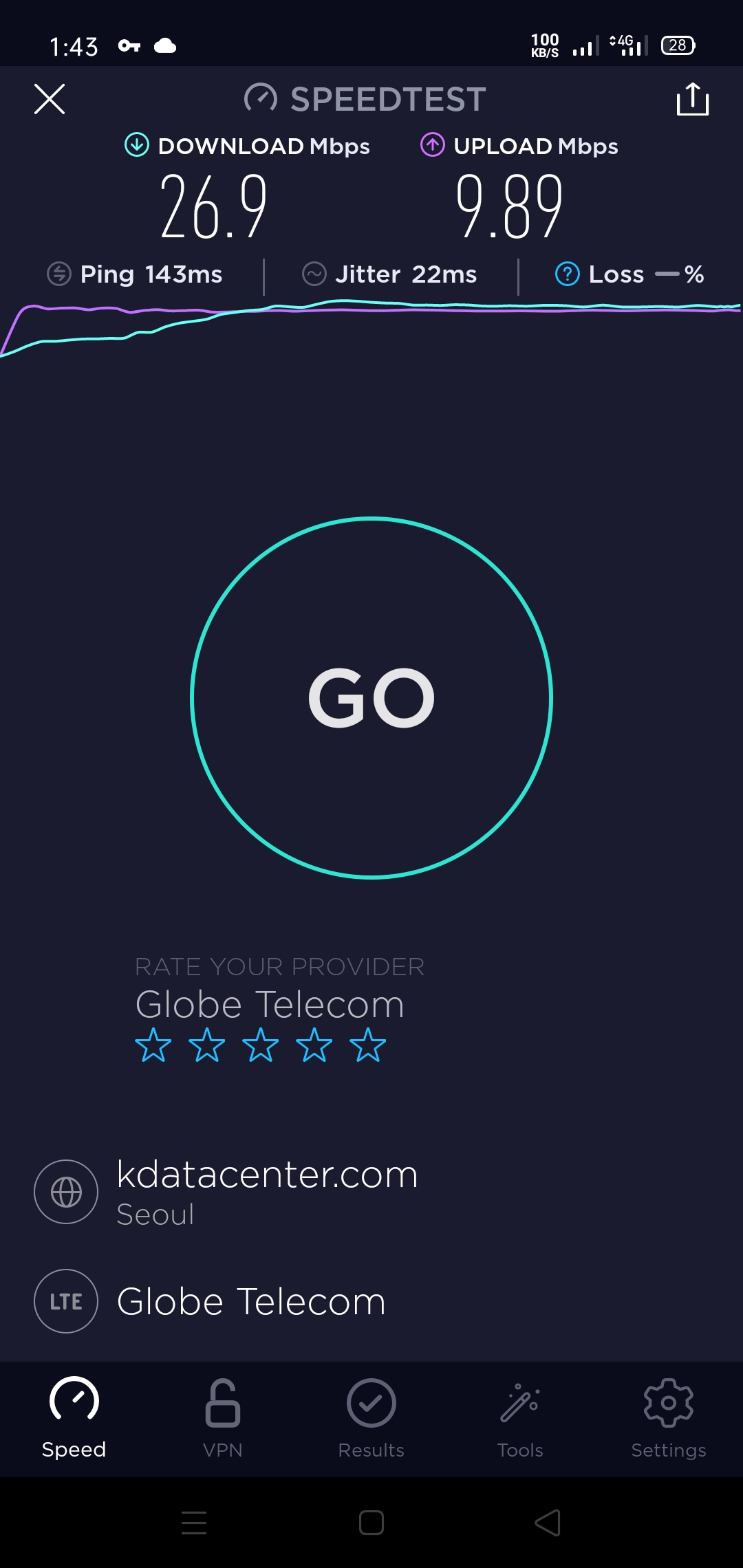
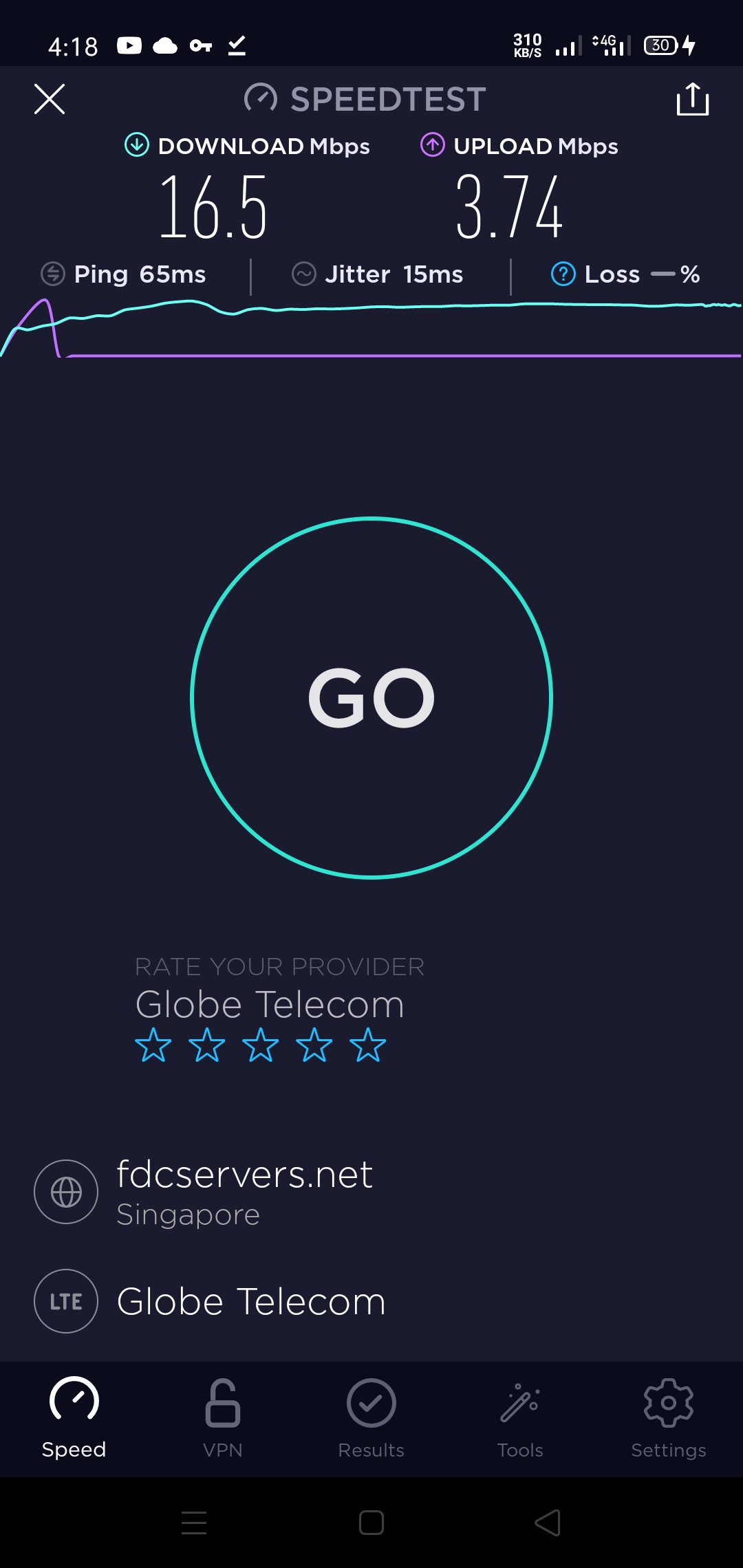
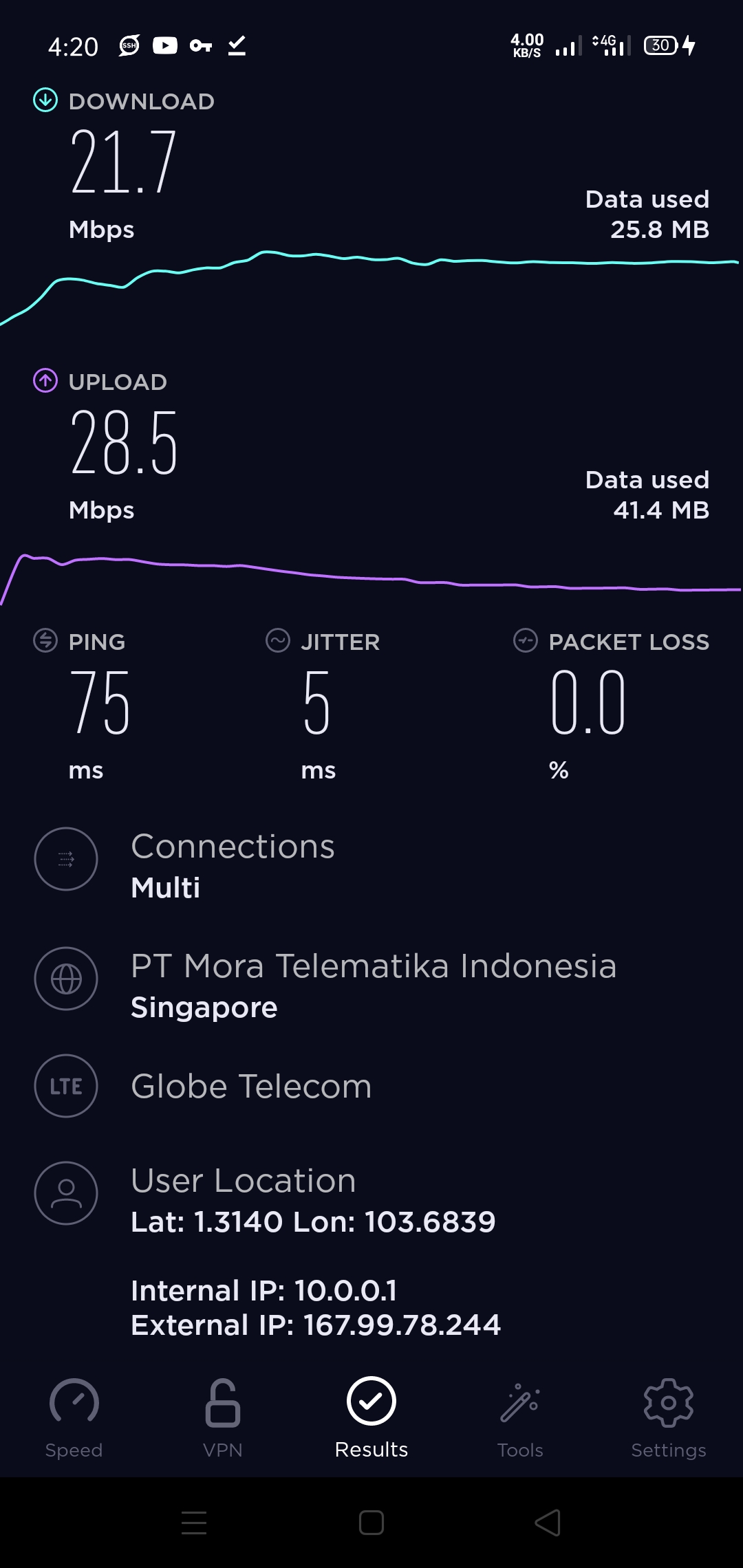
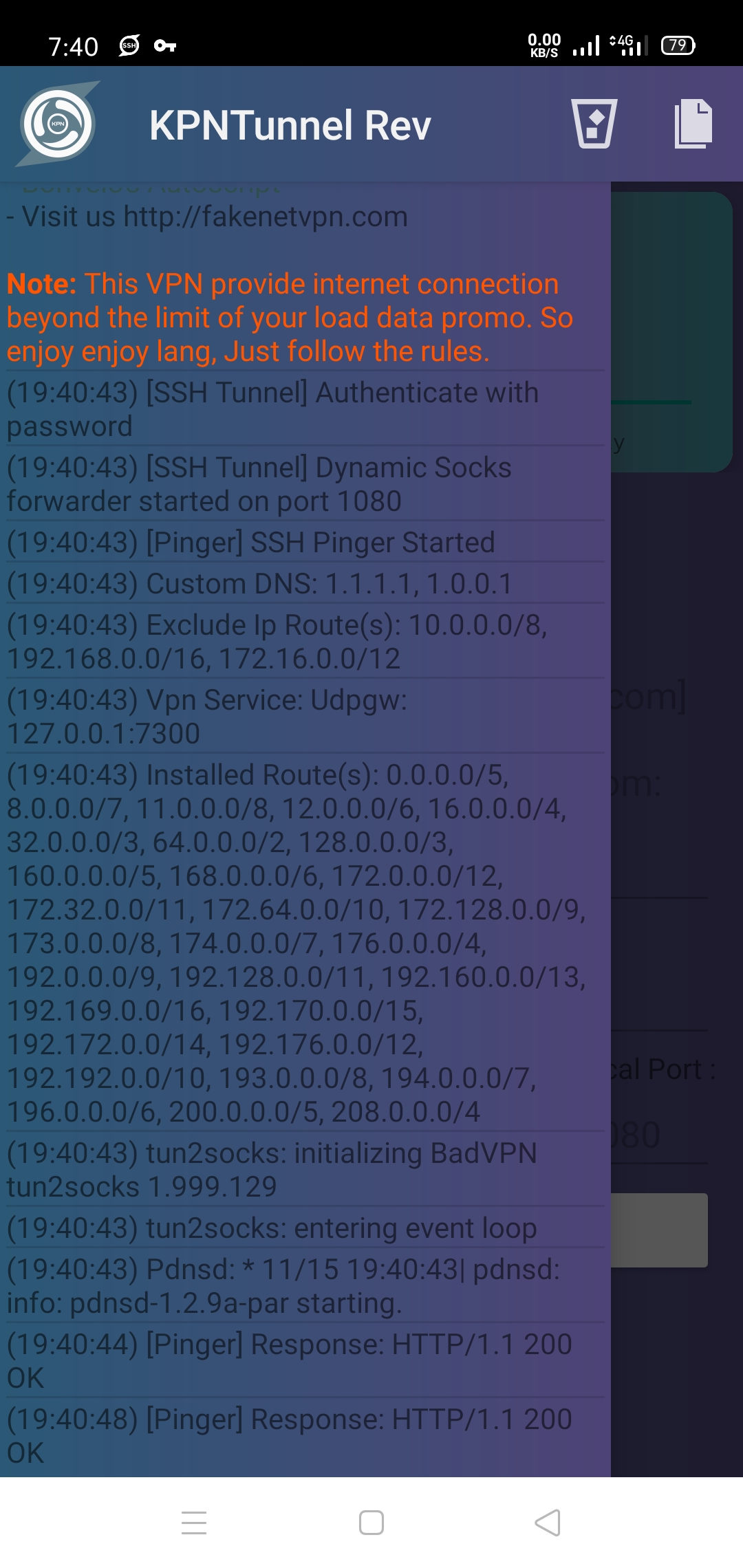
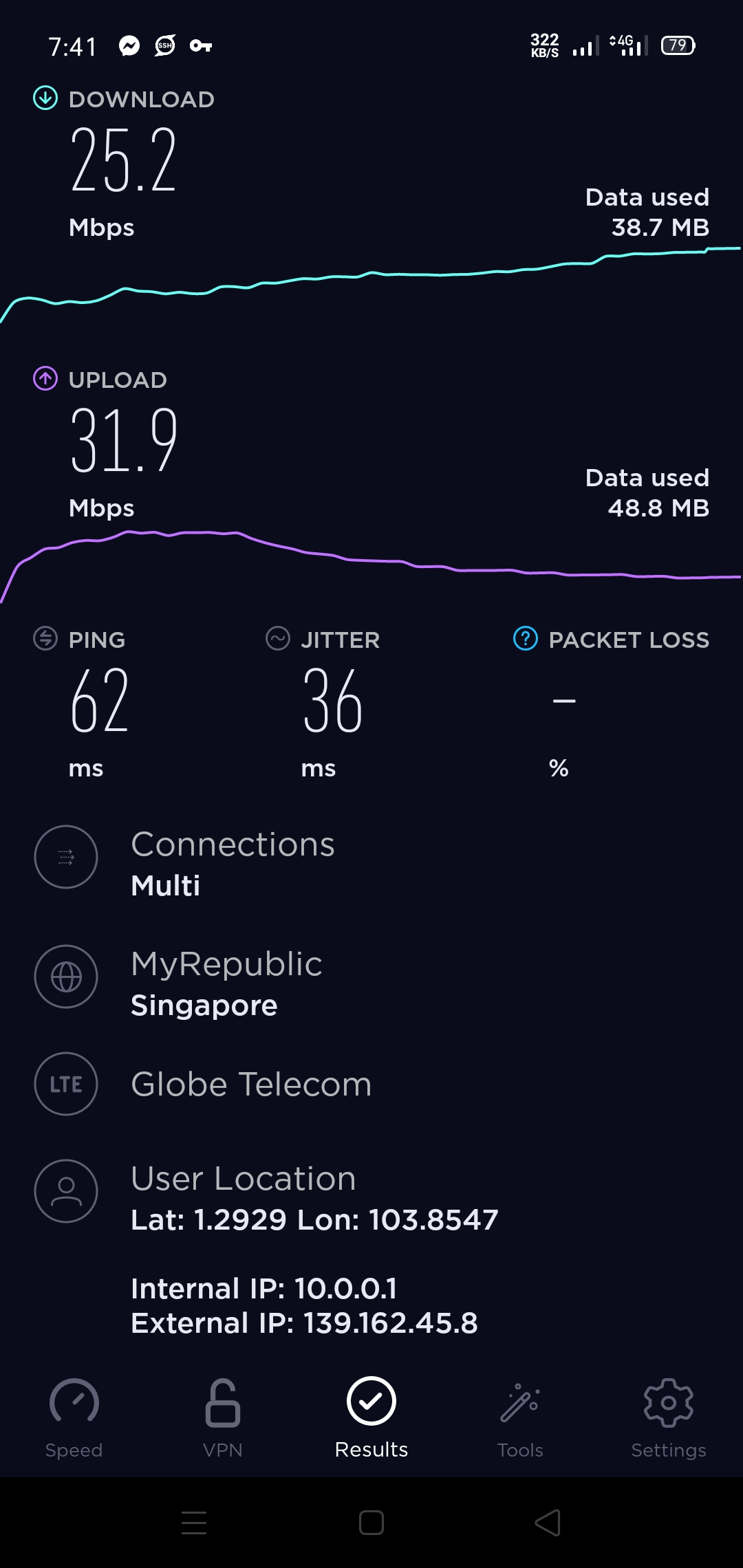
Maraming salamat po mga master?? Sana makatulong to sa mga walang panload ngayon. Hehe
-
Salamat po.??Wala pong anuman mga bossing.? Maraming salamat din puuu.??Configs po para sa SockHttp modded tska sa KPN tunnel Rev app po.? Thank youuu.??Salamat po dito.?Maraming salamat po sa feedback sir!?? Much appreciated po! Thank youuu! Sure thing po.? Salamat po sa feedback.?Maraming salamat pooo sir.?? Nalilito pa po talaga ko sa layout. Hahaha salamat po sa pagaayos ng thread ko.?Welcomeee poo.? Salamat po sa feedback.? Sana makatulong to sa mga walang panload, lalo na sa mga nagoonline class.?Welcome po.? Salamat pooo sa feedback!??Welcome poo.? Salamat po sa tip niyo sir. Helpful po.?? Nalilito pa po kasi ako kanina kung anong pipindutin ko. Hahaha salamat po sa pagtuturo.?Thank you prof! I will.?





Account
Navigation
Search
Configure browser push notifications
Chrome (Android)
- Tap the lock icon next to the address bar.
- Tap Permissions → Notifications.
- Adjust your preference.
Chrome (Desktop)
- Click the padlock icon in the address bar.
- Select Site settings.
- Find Notifications and adjust your preference.
Safari (iOS 16.4+)
- Ensure the site is installed via Add to Home Screen.
- Open Settings App → Notifications.
- Find your app name and adjust your preference.
Safari (macOS)
- Go to Safari → Preferences.
- Click the Websites tab.
- Select Notifications in the sidebar.
- Find this website and adjust your preference.
Edge (Android)
- Tap the lock icon next to the address bar.
- Tap Permissions.
- Find Notifications and adjust your preference.
Edge (Desktop)
- Click the padlock icon in the address bar.
- Click Permissions for this site.
- Find Notifications and adjust your preference.
Firefox (Android)
- Go to Settings → Site permissions.
- Tap Notifications.
- Find this site in the list and adjust your preference.
Firefox (Desktop)
- Open Firefox Settings.
- Search for Notifications.
- Find this site in the list and adjust your preference.