




navi
Special Member
-
Joined
-
Last visited
Everything posted by navi
-
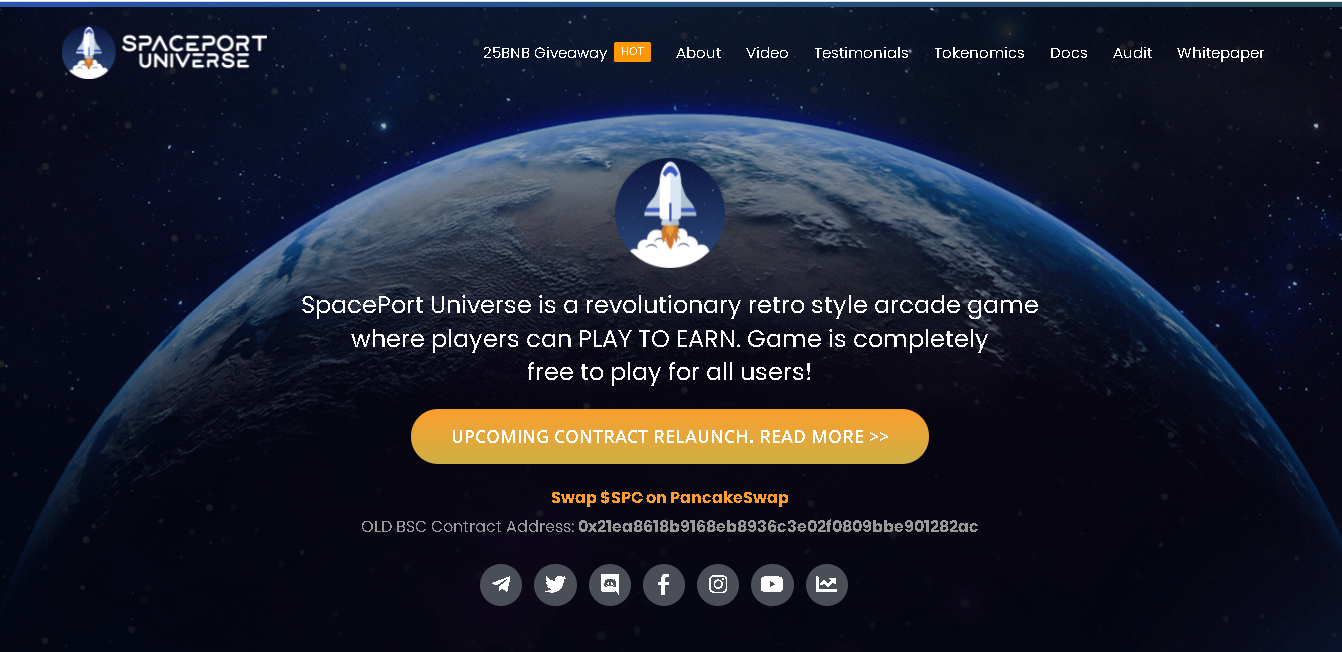
Introducing SPACEPORT RELAUNCH! You can earn 2% of your total $SPU holdings daily. That is approximately 730% APY without compounding your rewards. Lets break down some examples on what you can earn. $1,000 worth of SPU tokens = $20 / day maximum earnings $100 worth of SPU tokens = $2 / day maximum earnings If you are interested sa project game na ito, you can check the official web address: https://spaceport.to/ at para malamin ninyu ang kabuuang project na ito, basahin ninyu ang whitepaper nila: https://whitepaper.spaceport.to/ https://docs.spaceport.to/ Open at madali i communicate ang founder at mga admins sa game na ito! Legit na legit! And for the latest information, please follow the official social accounts ng game below: Discord: https://discord.gg/spaceportarcade Telegram: https://t.me/OfficialSpacePort Twitter: https://twitter.com/SpacePortCoin FB: https://www.facebook.com/Playspaceport-102833875406207 Instagram: https://www.instagram.com/spaceportcoin/ Y⊕ùTùbé: https://www.Y⊕ùTùbé.com/channel/UCjWSh3AoFJUSY7ntLk7ZZ9Q Dextools: https://www.dextools.io/app/pancakeswap/pair-explorer/0xd2fa16a8324018ab09d151a0b6ed8b2ef3815aa0 This October 2, 2021 magsisimula na ang public presale ng SpacePort P2E Game! Kaya para maka benefit ka sa pag pump or pagtaas ng value ng token, avail na sa buying of SPU tokens on public presale! And para mas masaya tayong lahat, you can use below link to join : https://play.spaceport.to/?ref=6130c845618a42a546558c5f



Account
Navigation
Search
Configure browser push notifications
Chrome (Android)
- Tap the lock icon next to the address bar.
- Tap Permissions → Notifications.
- Adjust your preference.
Chrome (Desktop)
- Click the padlock icon in the address bar.
- Select Site settings.
- Find Notifications and adjust your preference.
Safari (iOS 16.4+)
- Ensure the site is installed via Add to Home Screen.
- Open Settings App → Notifications.
- Find your app name and adjust your preference.
Safari (macOS)
- Go to Safari → Preferences.
- Click the Websites tab.
- Select Notifications in the sidebar.
- Find this website and adjust your preference.
Edge (Android)
- Tap the lock icon next to the address bar.
- Tap Permissions.
- Find Notifications and adjust your preference.
Edge (Desktop)
- Click the padlock icon in the address bar.
- Click Permissions for this site.
- Find Notifications and adjust your preference.
Firefox (Android)
- Go to Settings → Site permissions.
- Tap Notifications.
- Find this site in the list and adjust your preference.
Firefox (Desktop)
- Open Firefox Settings.
- Search for Notifications.
- Find this site in the list and adjust your preference.