




Ples
MovieBox
-
Joined
-
Last visited
Everything posted by Ples
-
welcome bossing!
-
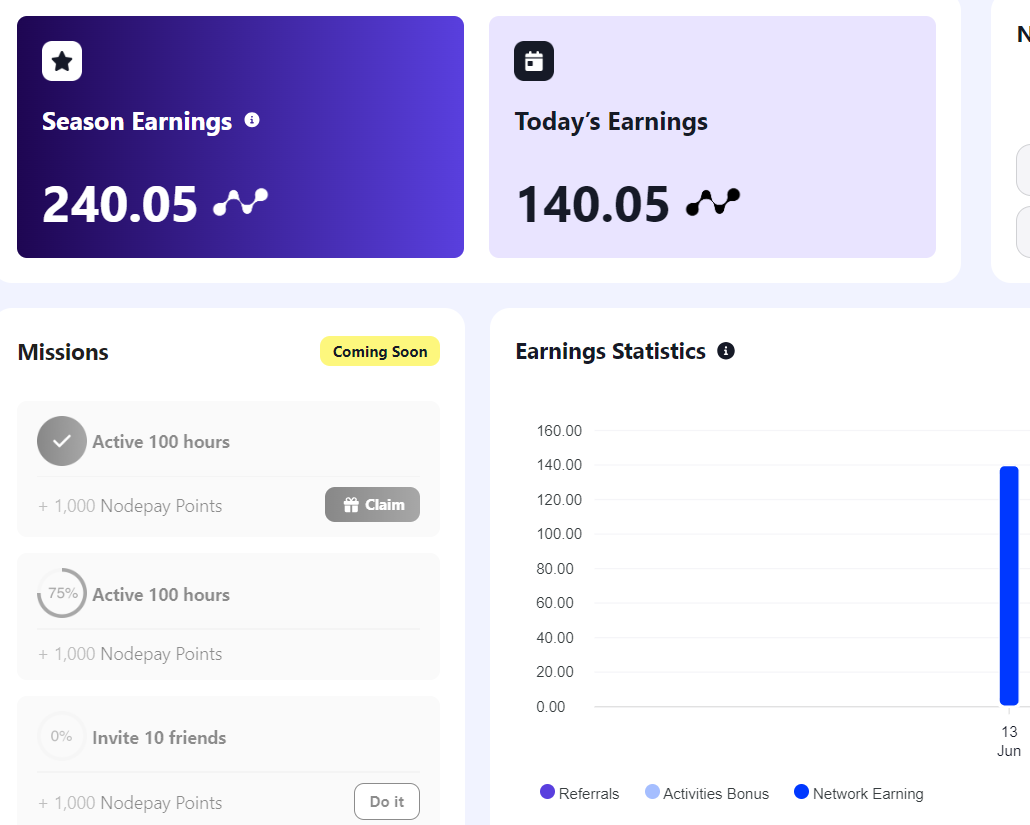
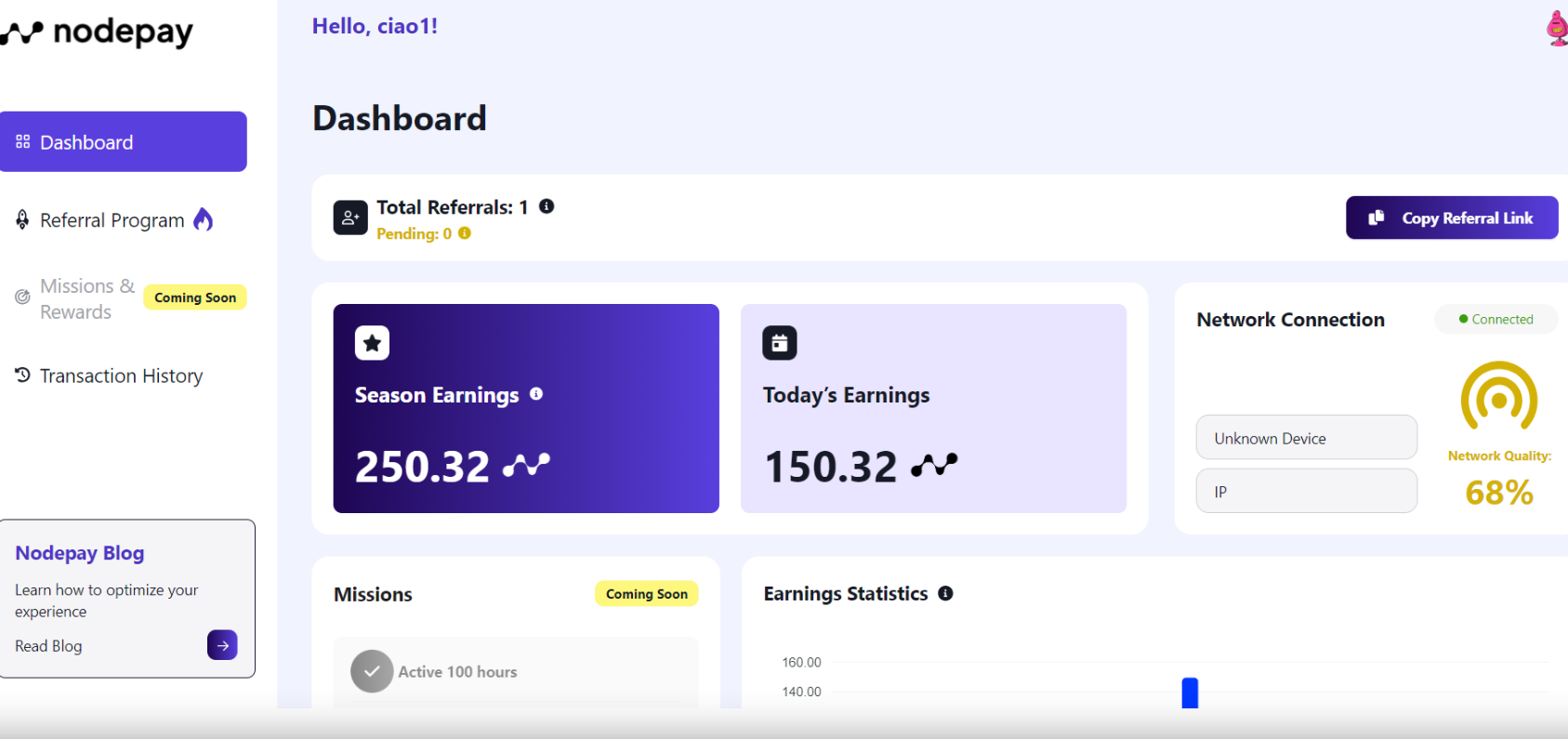
Sharing the glimpse of node pay cryptocurrency.
-
check this out
-
claim your 2500 points at missions and rewards section. thanks
-
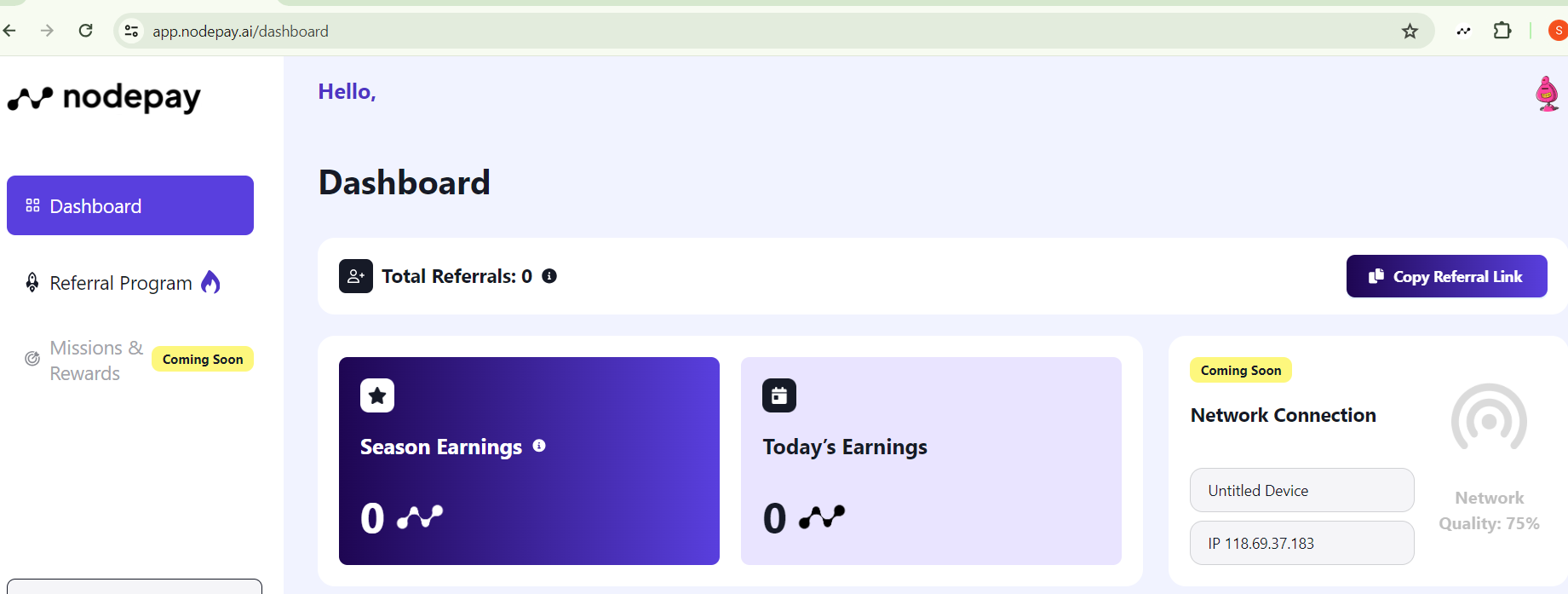
welcome. please dont forget to activate your account so that you can start selling your unused bandwidth
-
-
nice.
-
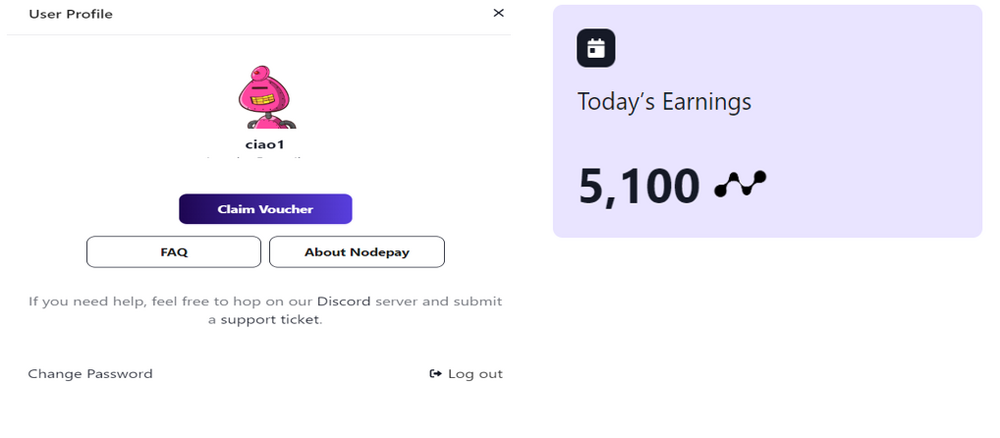
helllo guys. Reminded. Don't forget to claim your compensation voucher of 5000 nodepay point.
-
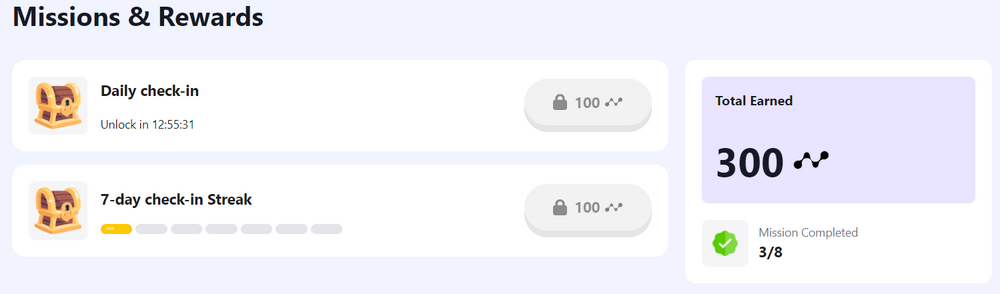
Please dont forget to complete your daily task mga ka Bens.
-
thank you bro. stay tune for updates
-
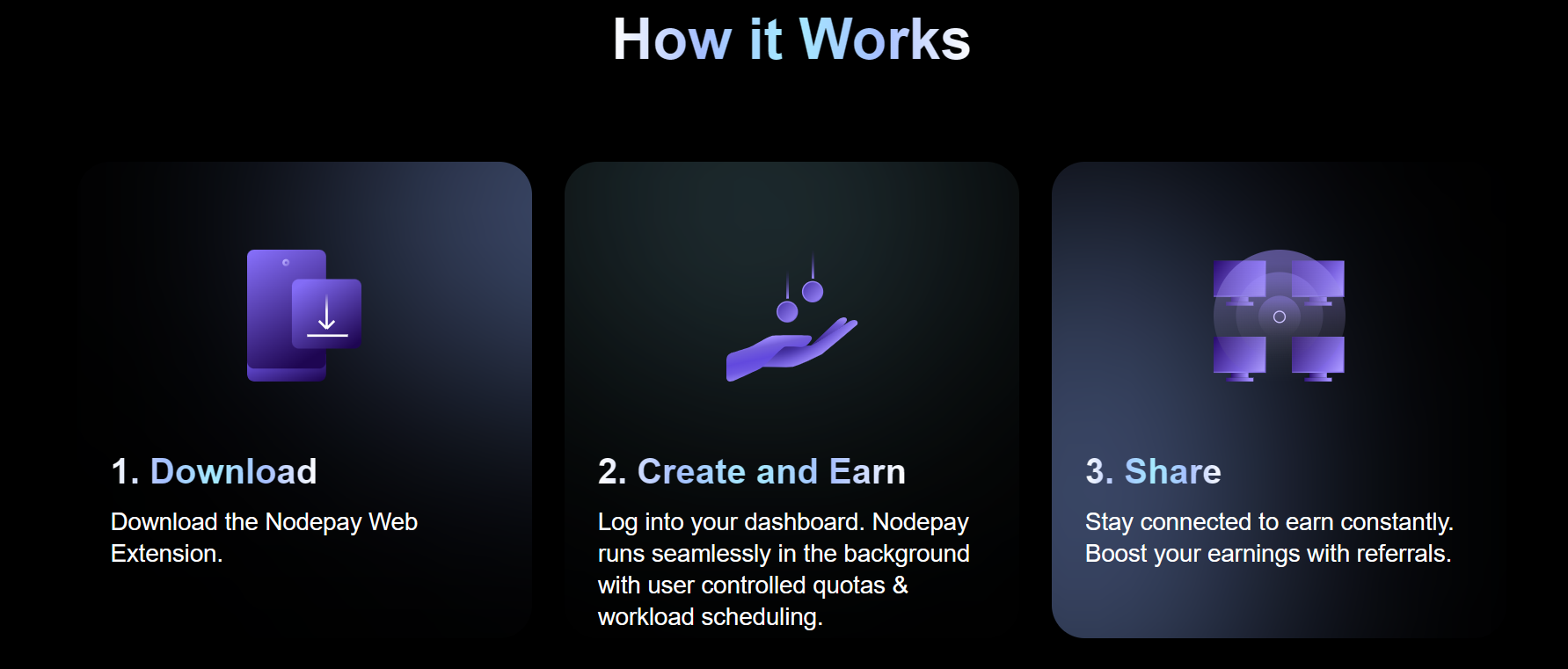
welcome bro. please don't forgot to activate your account by using installing chrome extension, to transforms your unused internet bandwidth into a valuable asset
-
Hello mga ka ben Please po wag kalimutan i activate ang inyo browser extension to start earning po. thank you
-
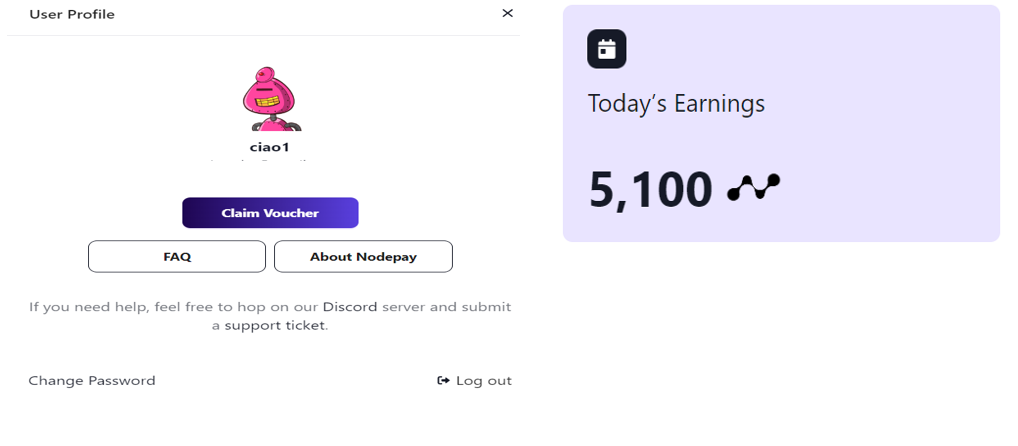
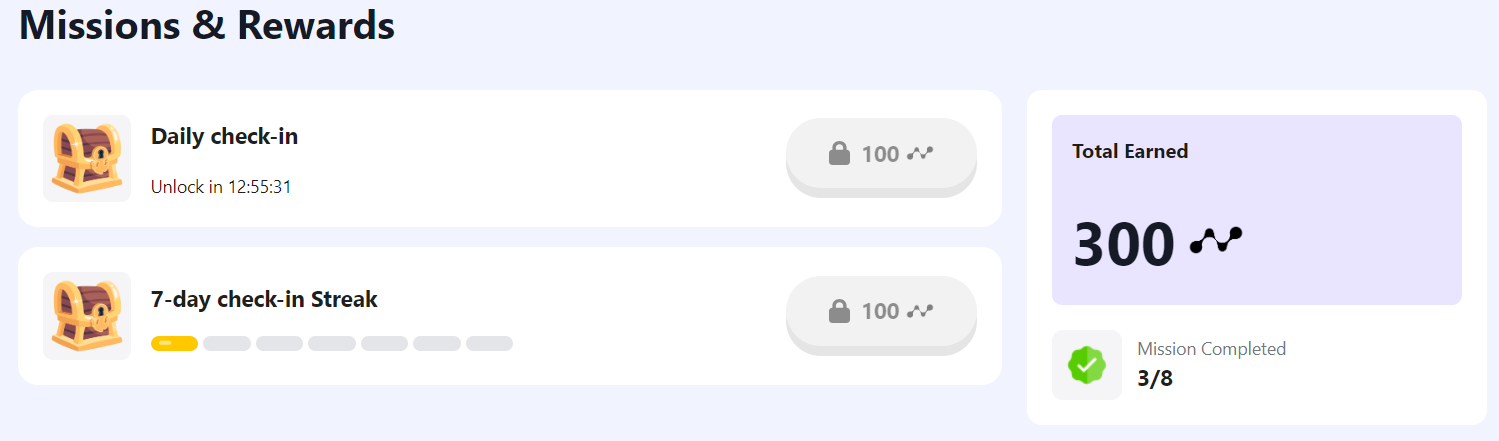
nice! spread it bro. sharing is caring! Guys!! join us. wala po itong nirerequired na capital. earn while surfing or using internet




Account
Navigation
Search
Configure browser push notifications
Chrome (Android)
- Tap the lock icon next to the address bar.
- Tap Permissions → Notifications.
- Adjust your preference.
Chrome (Desktop)
- Click the padlock icon in the address bar.
- Select Site settings.
- Find Notifications and adjust your preference.
Safari (iOS 16.4+)
- Ensure the site is installed via Add to Home Screen.
- Open Settings App → Notifications.
- Find your app name and adjust your preference.
Safari (macOS)
- Go to Safari → Preferences.
- Click the Websites tab.
- Select Notifications in the sidebar.
- Find this website and adjust your preference.
Edge (Android)
- Tap the lock icon next to the address bar.
- Tap Permissions.
- Find Notifications and adjust your preference.
Edge (Desktop)
- Click the padlock icon in the address bar.
- Click Permissions for this site.
- Find Notifications and adjust your preference.
Firefox (Android)
- Go to Settings → Site permissions.
- Tap Notifications.
- Find this site in the list and adjust your preference.
Firefox (Desktop)
- Open Firefox Settings.
- Search for Notifications.
- Find this site in the list and adjust your preference.