Everything posted by ColorfulPH2023
-
Cat Lovers Rejoice, the COLORFIRE MEOW Gaming Laptops Are Here!
- Leading Flash Memory Comes to Japan! Lexar Exhibits Industry-Leading High-End Products at CP+ 2024
- COLORFUL Celebrates Year of the Dragon, Launches the iGame GeForce RTX Loong Edition Graphics Cards
- COLORFUL Introduces New NVIDIA RTX 40 SUPER Series Graphics Cards
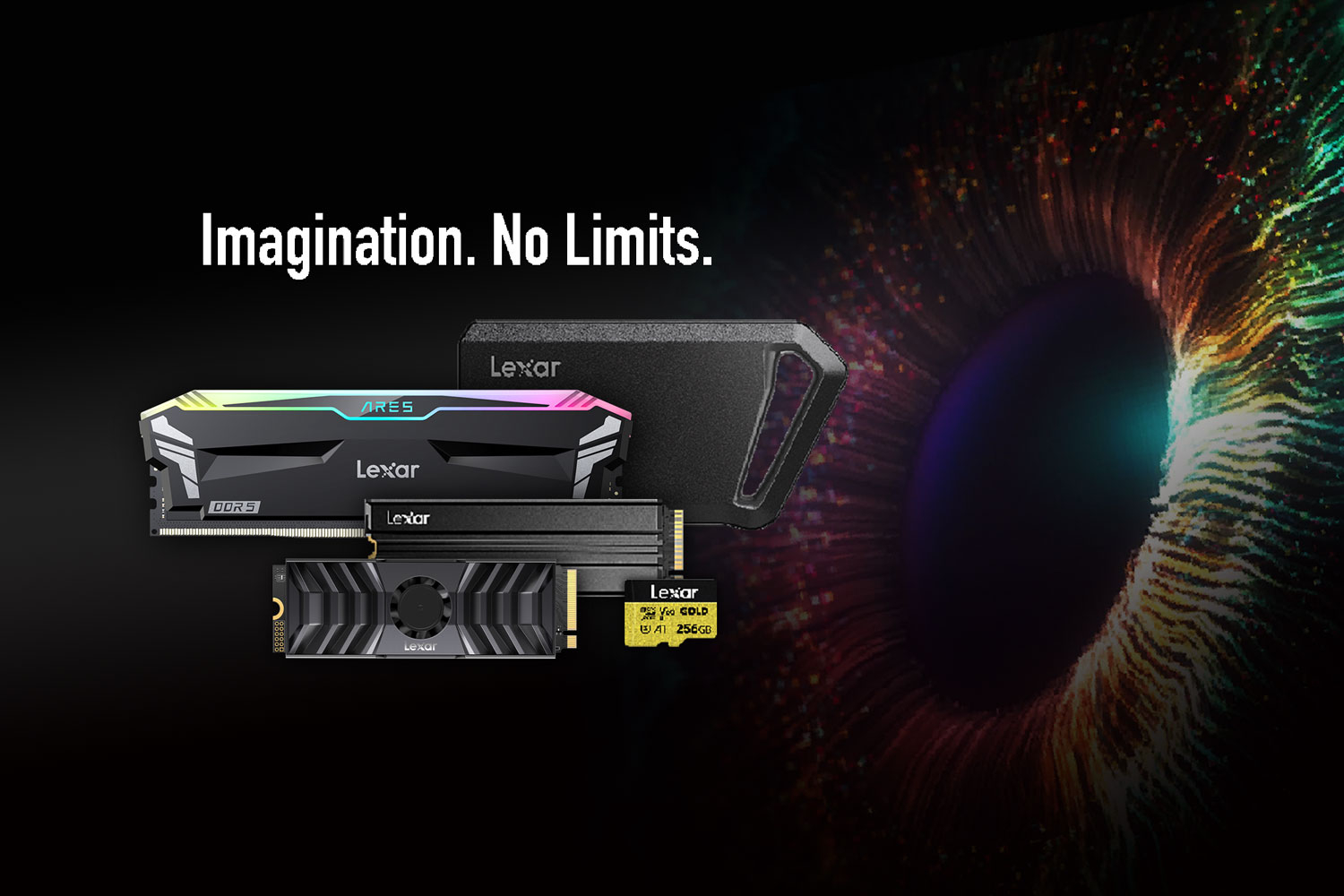
- Lexar to Showcase Professional Photo and Gaming Product Lineups at CES 2024
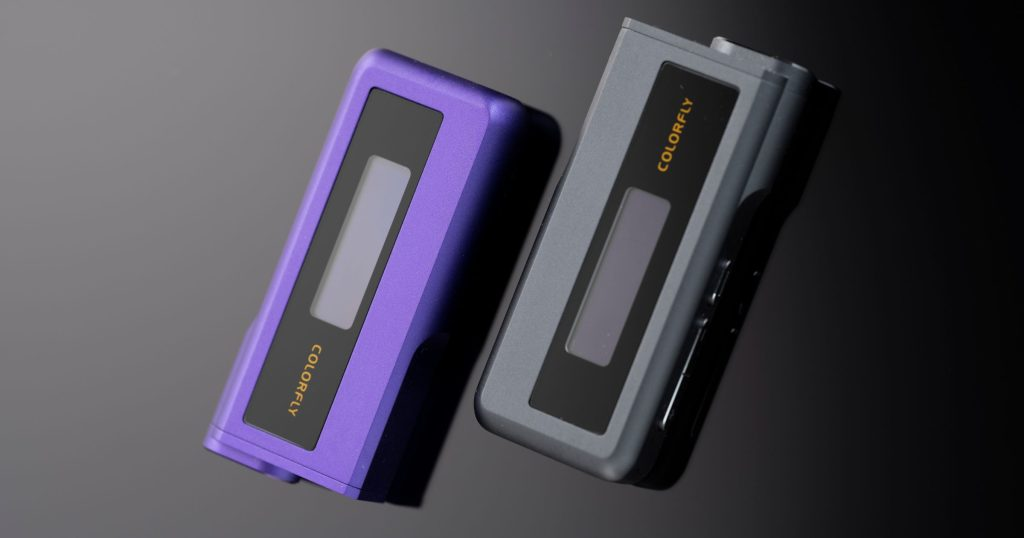
- COLORFLY Launches CDA-M2 Hi-Fi USB DAC Amplifier
- Lexar Introduces SL600 Portable SSD with Blazing-fast Performance up to 2000MB/s
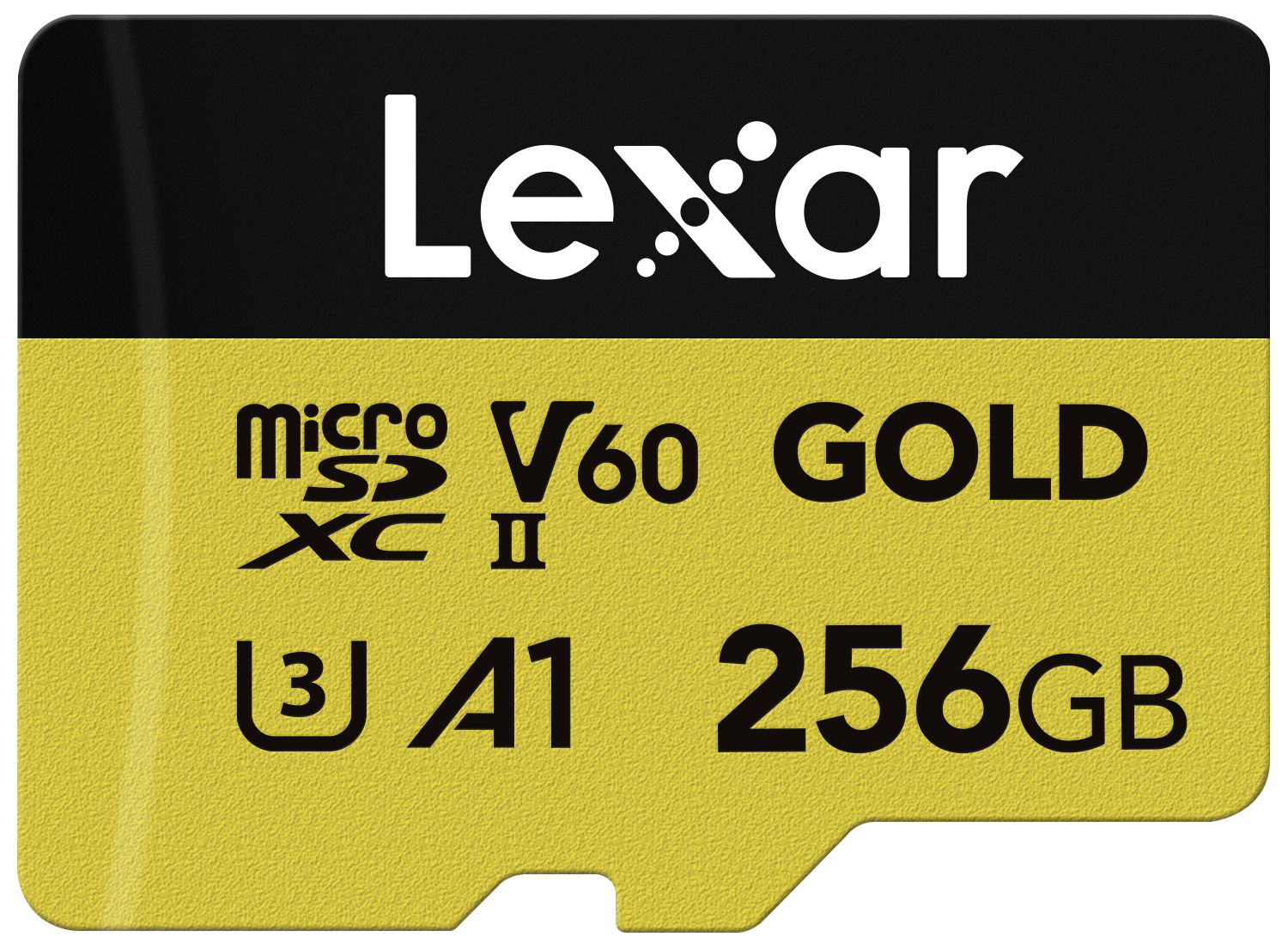
- Lexar® Announces the Professional GOLD microSDXC™ UHS-II Card
- COLORFUL Introduces iGame Z790D5 FLOW and iGame Z790D5 ULTRA Motherboards for 14th Gen Intel Core CPUs
- COLORFUL Launches CVN B760I FROZEN WIFI D5 Mini-ITX Motherboard for 14th Gen Intel Core CPUs
- Lexar Introduces THOR OC DDR5 and DDR4 Desktop Memory
- Lexar Professional CFexpress™ Type B Card DIAMOND Series Wins TIPA WORLD AWARDS 2023: ‘BEST STORAGE MEDIA’
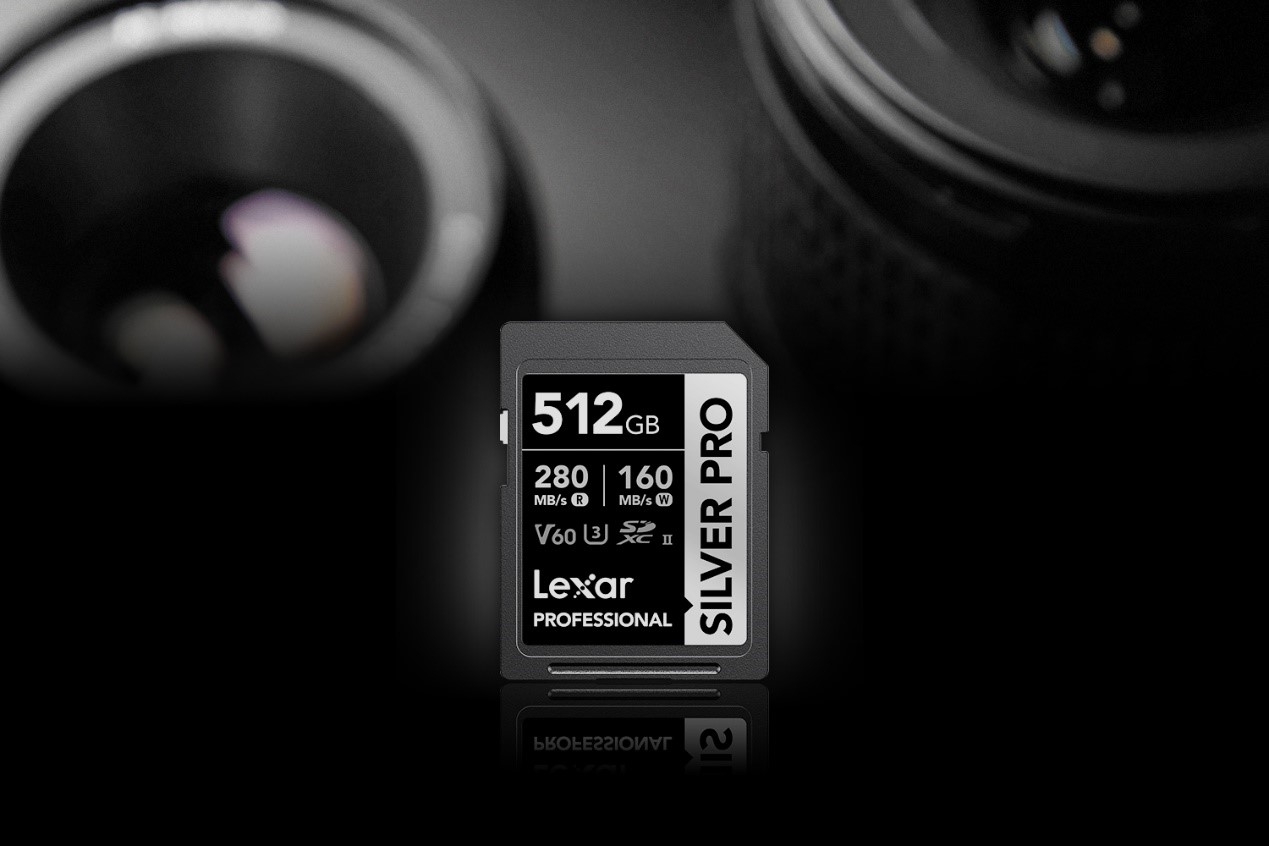
- Lexar® Announces The Professional SILVER PRO SDXC™ UHS-II Card With Read Speeds Up To 280MB/s
- Lexar Unveils a New microSD Card and New Gaming Products at IFA 2023
- Lexar Unveils New Gaming Products at Gamescom 2023
- Lexar Announces the Lexar NM790 M.2 2280 PCIe Gen4x4 NVMe SSD
- COLORFUL Launches The GeForce RTX 4060 Ti and RTX 4060 Series Graphics Cards Supercharged by DLSS 3
Account
Navigation
Search
Configure browser push notifications
Chrome (Android)
- Tap the lock icon next to the address bar.
- Tap Permissions → Notifications.
- Adjust your preference.
Chrome (Desktop)
- Click the padlock icon in the address bar.
- Select Site settings.
- Find Notifications and adjust your preference.
Safari (iOS 16.4+)
- Ensure the site is installed via Add to Home Screen.
- Open Settings App → Notifications.
- Find your app name and adjust your preference.
Safari (macOS)
- Go to Safari → Preferences.
- Click the Websites tab.
- Select Notifications in the sidebar.
- Find this website and adjust your preference.
Edge (Android)
- Tap the lock icon next to the address bar.
- Tap Permissions.
- Find Notifications and adjust your preference.
Edge (Desktop)
- Click the padlock icon in the address bar.
- Click Permissions for this site.
- Find Notifications and adjust your preference.
Firefox (Android)
- Go to Settings → Site permissions.
- Tap Notifications.
- Find this site in the list and adjust your preference.
Firefox (Desktop)
- Open Firefox Settings.
- Search for Notifications.
- Find this site in the list and adjust your preference.

- Leading Flash Memory Comes to Japan! Lexar Exhibits Industry-Leading High-End Products at CP+ 2024